Guides
Practical walkthroughs for training, generating, and managing models with modl.
Latest
Start here
Getting Started 3
Getting Started with modl
Install modl, pull your first model, and generate an image — all in under 5 minutes. Then explore training, the web UI, and what to try next.

Which Model Should I Use?
Understand the six ways modl creates images, compare all 18 supported models by size, speed, quality, and VRAM — with side-by-side generated samples.
Generate, Train & Browse From Your Browser
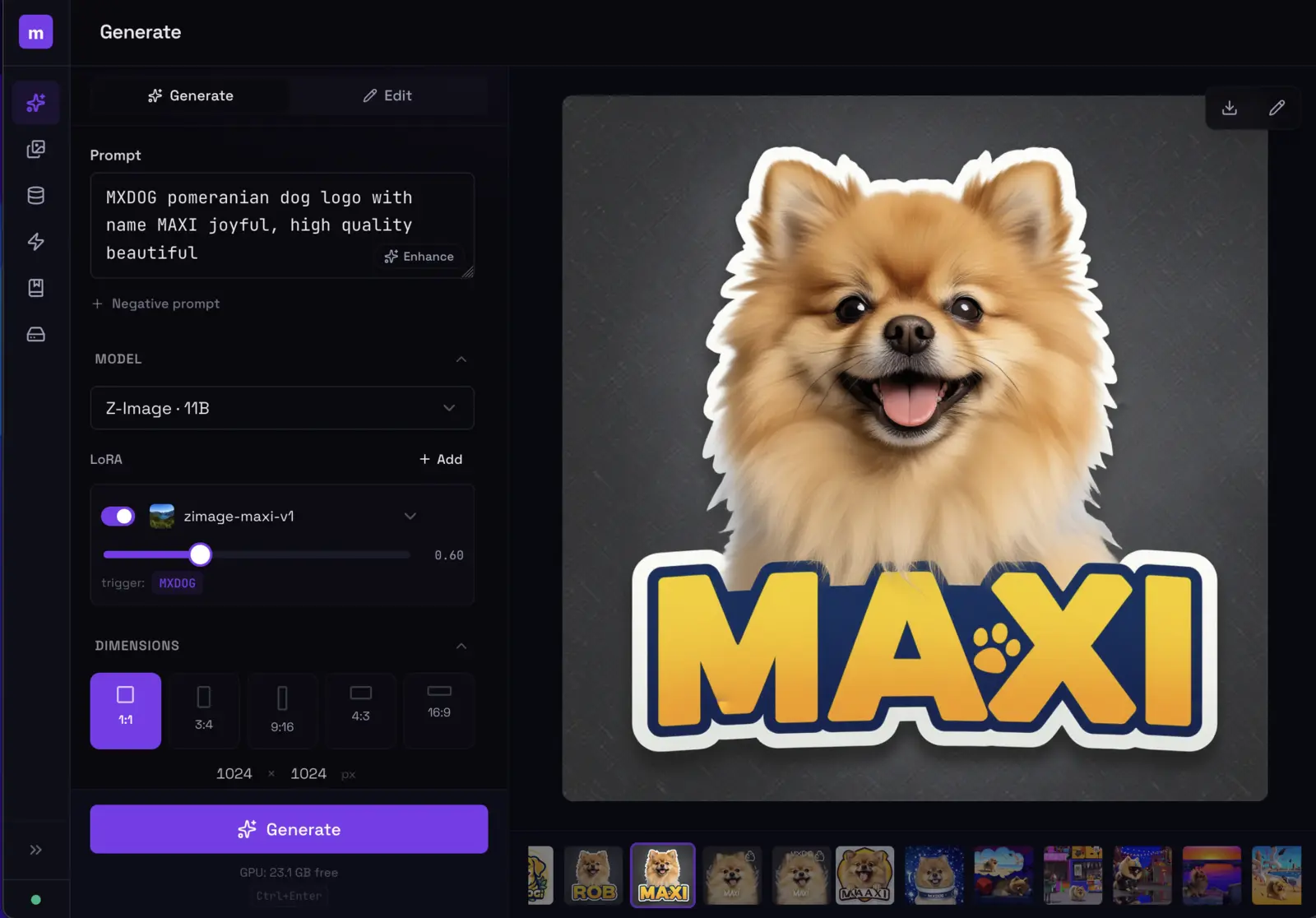
Launch modl's built-in web interface for visual generation, training management, and output browsing — all running locally on your machine.
Agents & Pods 3
Why modl Works with AI Agents
Every modl command outputs JSON, accepts deterministic seeds, and composes into pipelines. Here's what happens when an AI agent chains them together — and catches a missing kitten.
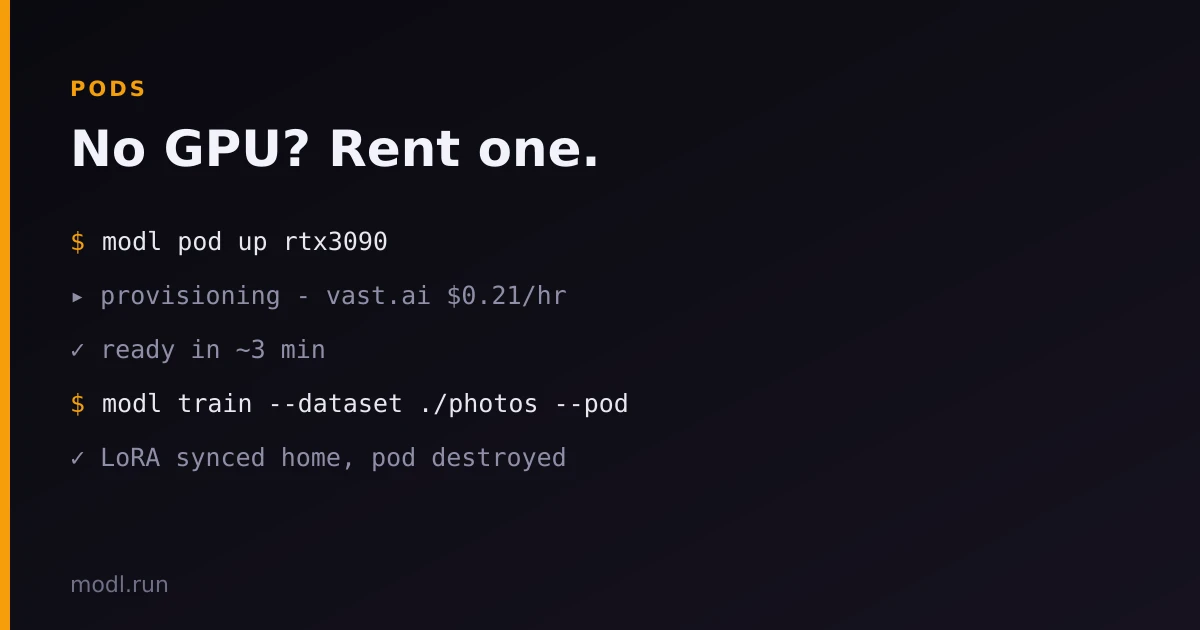
No GPU? Rent One by the Minute
modl pod up rents a Vast.ai GPU with your own API key, installs modl on it, and runs your generate, train, and workflow jobs there — artifacts sync straight back into your local library over SSH.
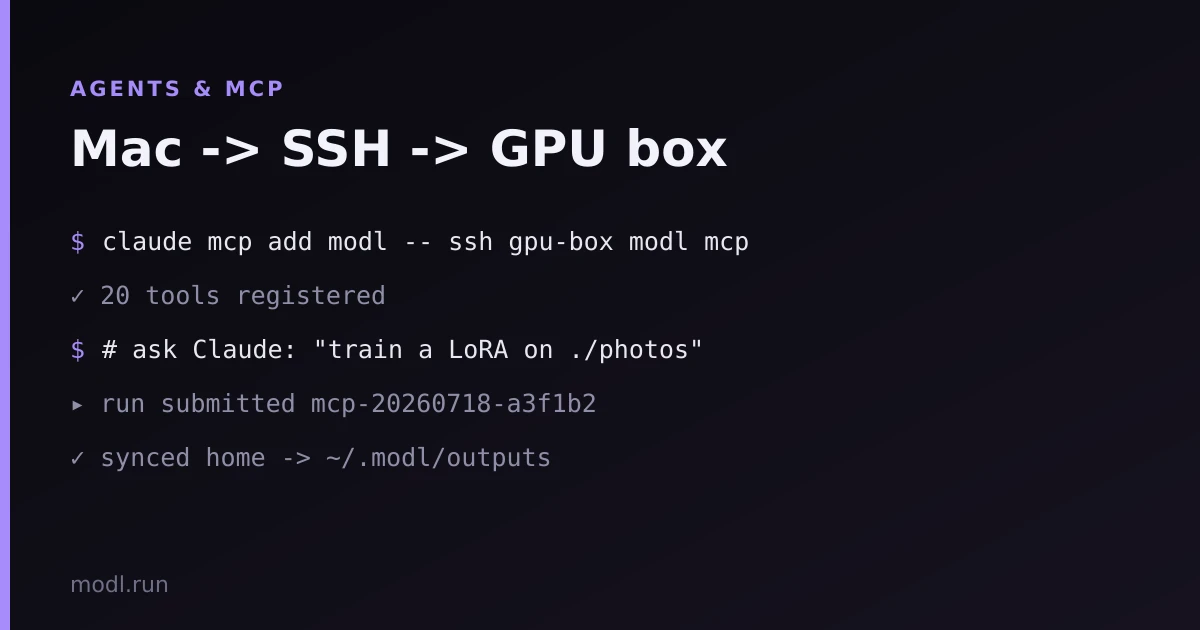
Submit from Your Mac, Wake Up to Finished Assets
Your GPU workstation does the heavy lifting overnight. Your Mac submits workflows, checks status, and downloads results — no port forwarding, no tokens, just SSH.
Generate 11
Fast Inference with Lightning LoRAs
Use --fast to generate images 10x faster with Lightning distillation LoRAs. Side-by-side comparisons of text rendering, editing, and outpainting quality at 4, 8, and 50 steps.
Your Bash Loop Is a Command. Your YAML Is a Recipe.
A bash for-loop runs once. A workflow YAML is a build artifact for an image. Here's what that buys you — and when you should still reach for bash instead.
Multi-Stage Generation: Z-Image to ZIT Refiner
Chain models for better results — generate with Z-Image base for prompt adherence, then refine with Z-Image Turbo for detail. Two commands, one pipeline.
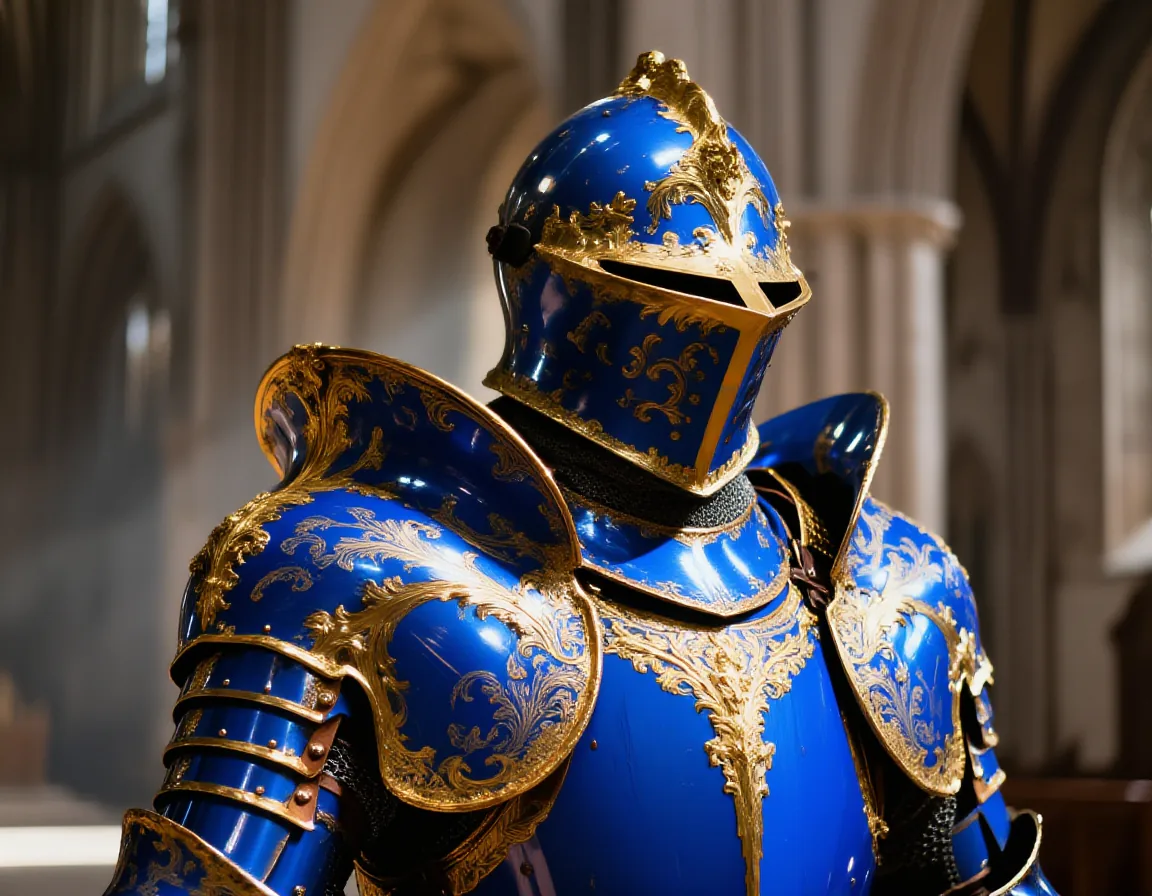
Compose + Edit: Controlled Image Placement
Layer subjects onto backgrounds with modl compose, then use an edit model to integrate lighting and shadows. Klein 9B vs Qwen-Edit-2511 comparison, edit prompt ablation, and honest results across 3 scenarios.
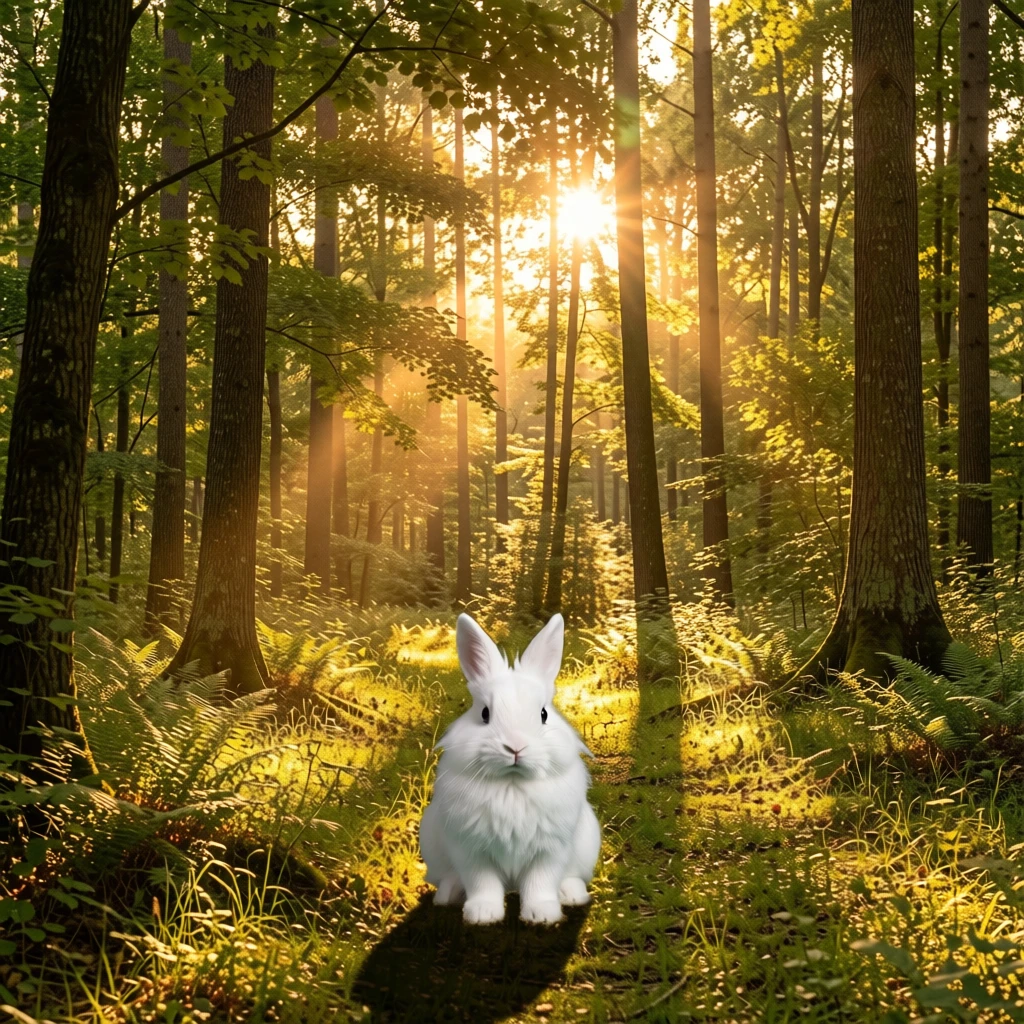
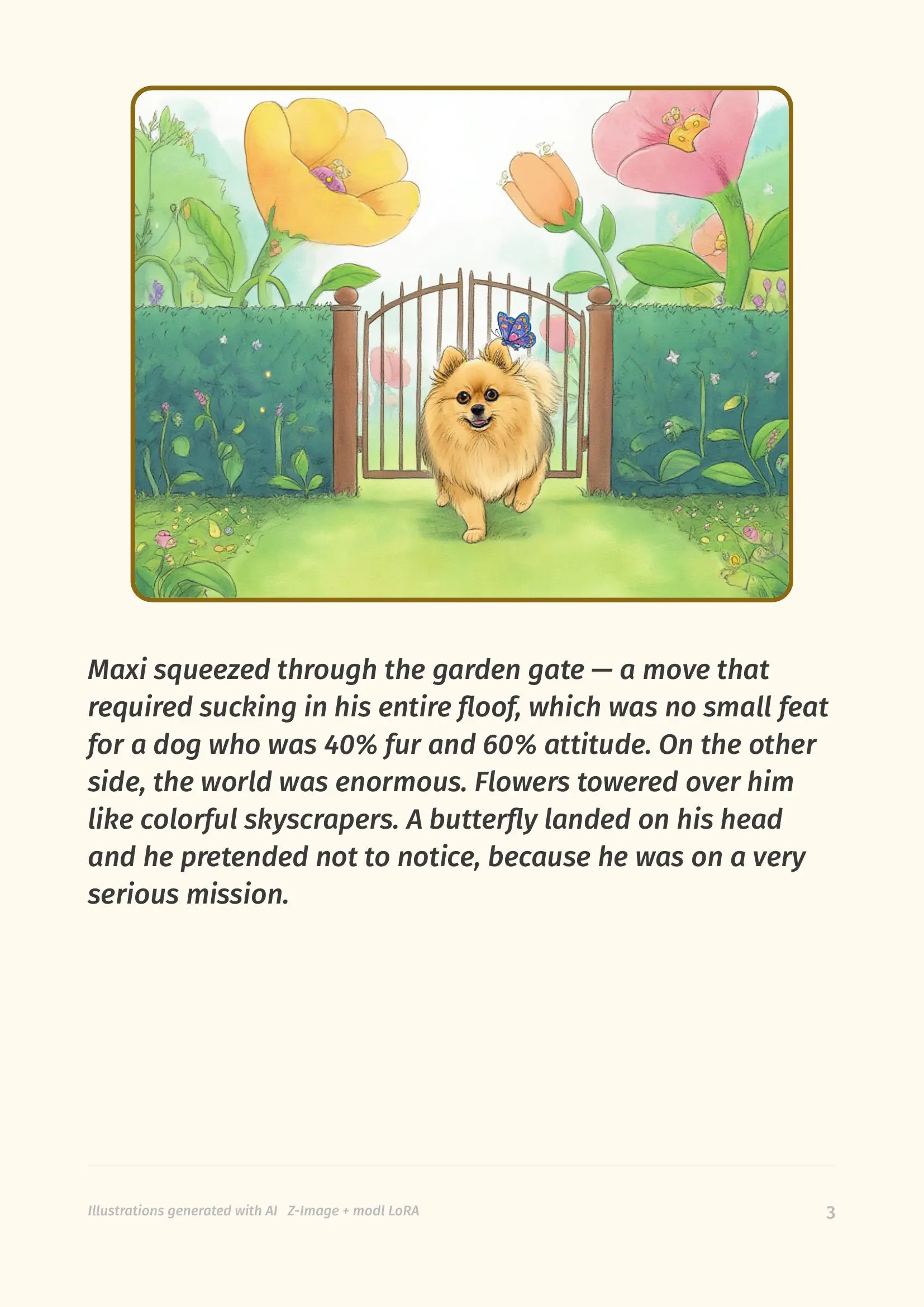
Make a Children's Book of Your Dog with AI
Train a LoRA of your pet, generate consistent illustrations with a quality-checking pipeline, and compile a print-ready PDF storybook.
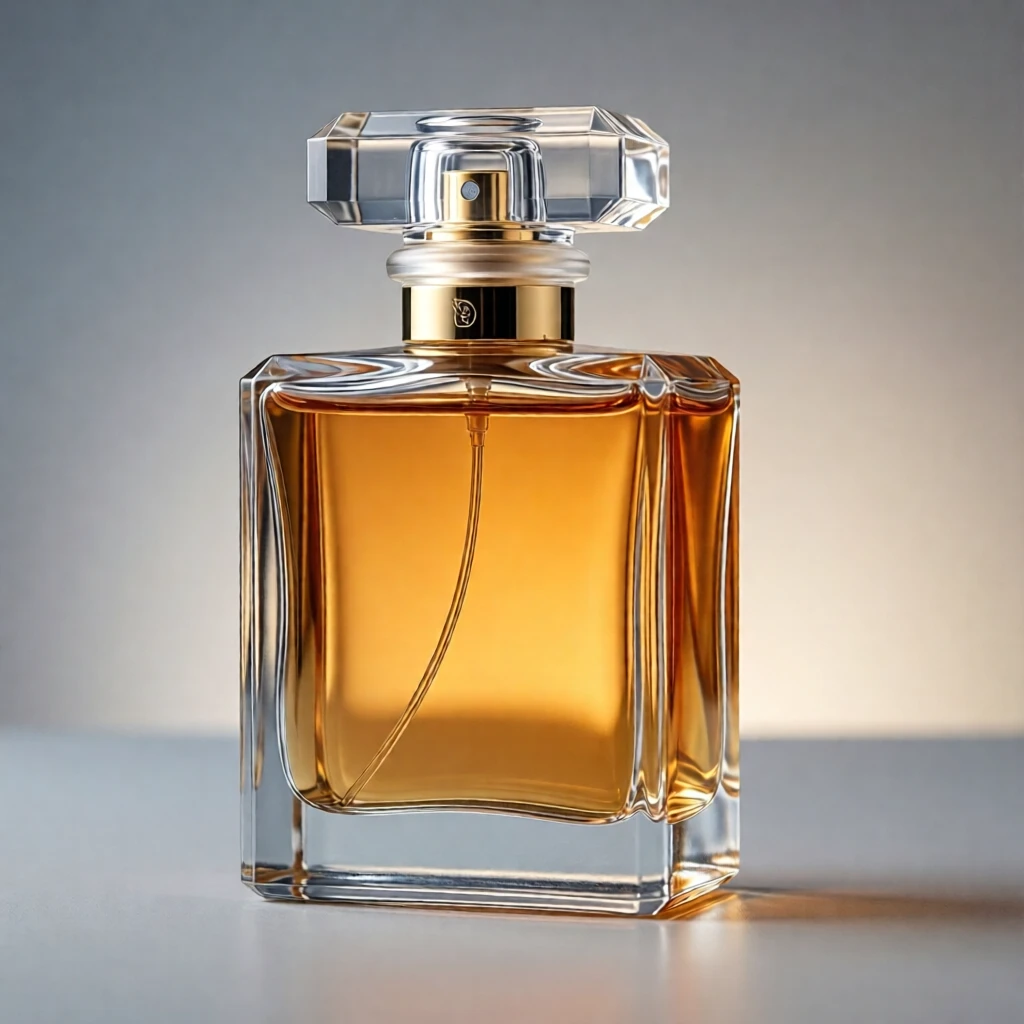
Product Photography Pipeline
Generate, edit, and process product images — from studio shots to lifestyle placements. Compare models, explore background removal, upscaling, outpainting, and the multi-seed pick-the-best workflow.
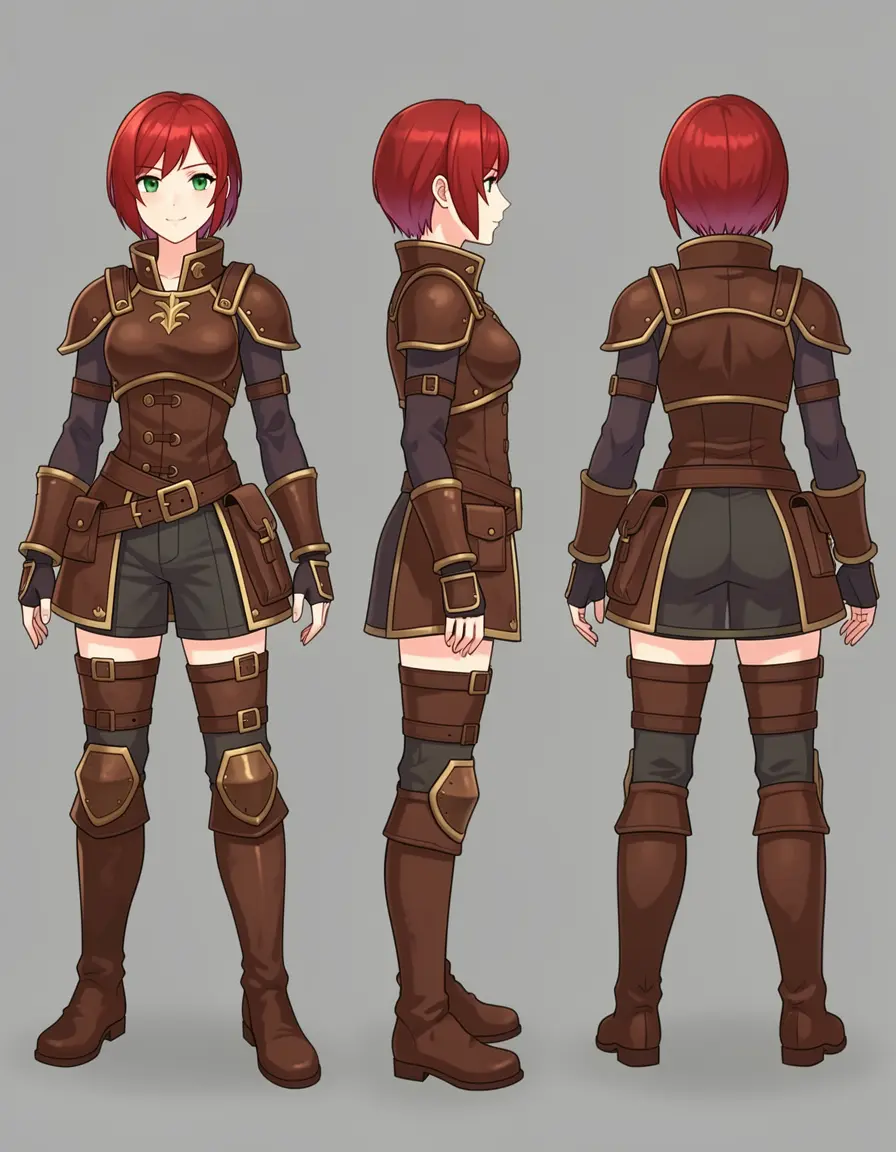
Design a Character Reference Sheet with Klein
Generate a base character, then edit poses, expressions, and outfits — all without retraining. Real results, real failures, and a Klein 4B vs 9B showdown.
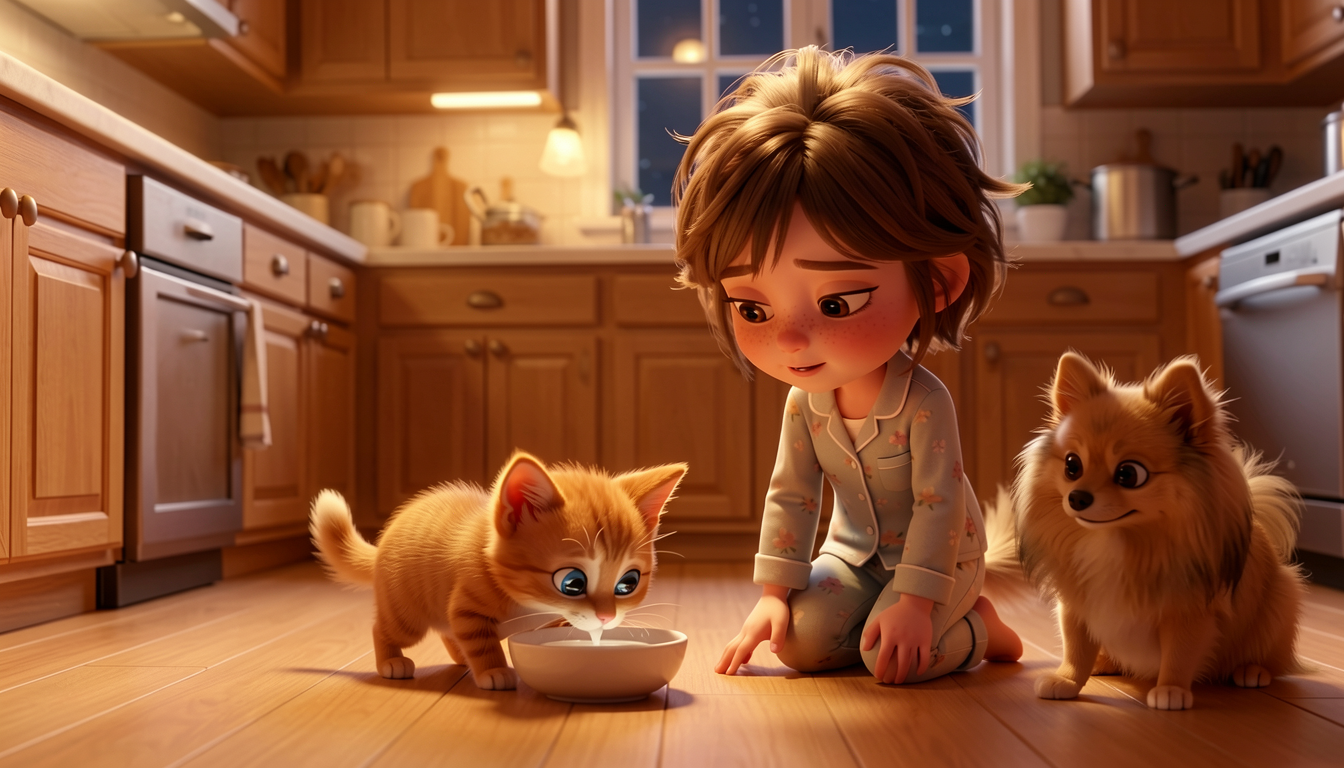
Illustrate a Children's Story with Multiple Characters
Generate a 6-page storybook with 3 characters using Klein 9B + a LoRA. The hard problem: keeping a kitten visible when a LoRA dog dominates every scene.
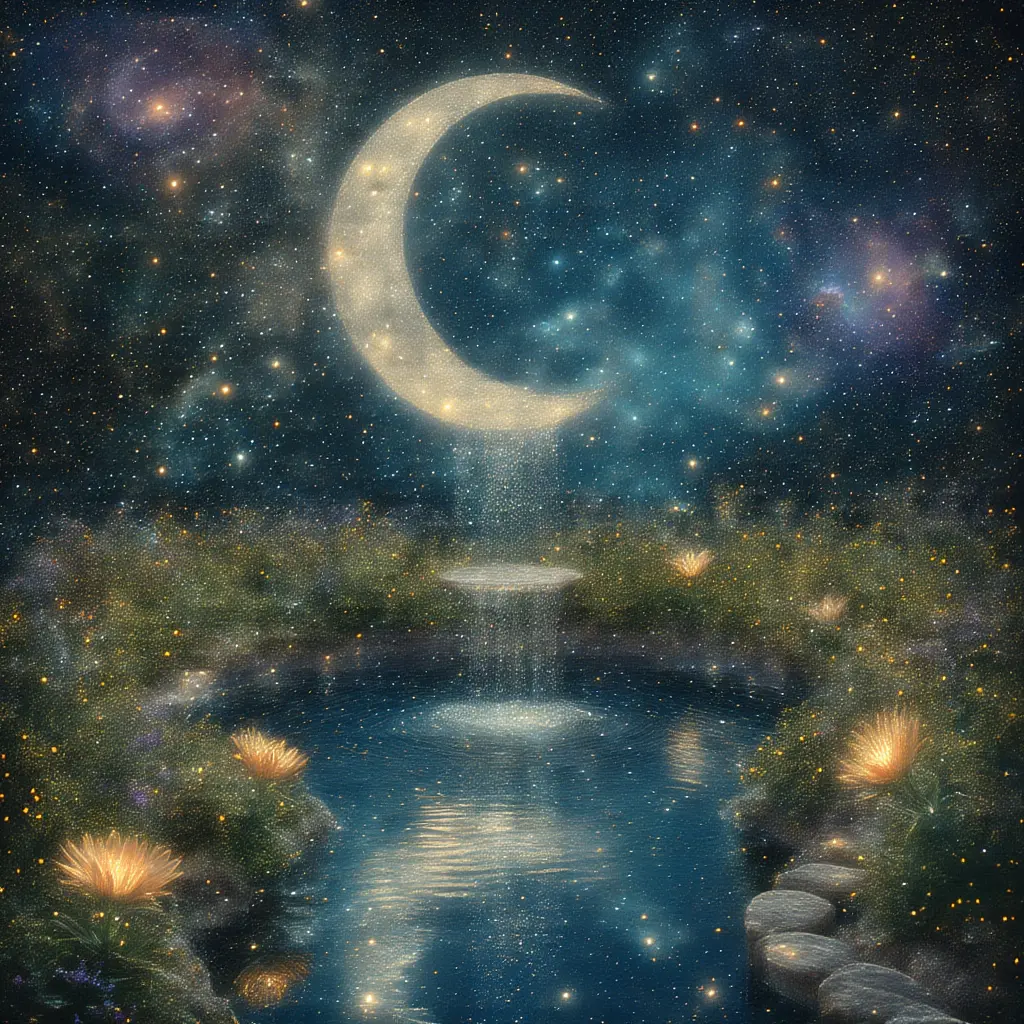
Model Personalities — Same Scene, Six Models
Every model has a visual personality. Same prompts across Chroma, Klein, Z-Image Turbo, Flux Schnell, and SDXL — mythology, dioramas, ink wash, pixel art, Ghibli, and more.
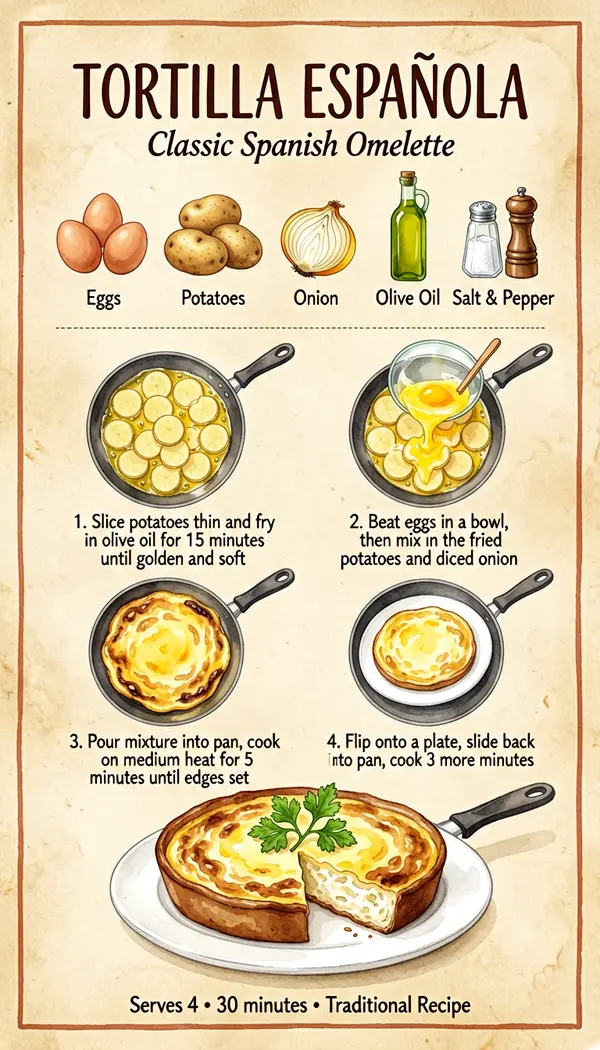
ERNIE Image: Posters, Stickers & Structured Layouts
Master ERNIE-Image's unique prompting style — generate infographics, multi-panel sticker sheets, character reference sheets, recipe cards, comic pages, and images with readable embedded text.
Stuck on Z-Image? What Klein 9B Does Differently
Side-by-side comparison of Z-Image Turbo and Klein 9B across camera angles, editing, complex scenes, and LoRA training — with full prompts and settings to reproduce everything.
Edit & Refine 7
Inpaint Any Image with Any Model
LanPaint brings training-free inpainting to every model in modl. Remove people, change expressions, swap objects — no dedicated inpaint model required.
Shape Control with ControlNet
Turn sketches into photos, swap materials, transfer compositions — use structural control to tell the AI where everything goes while changing everything else.
Shape Control Without ControlNet
Use preprocessor outputs as structural guides for edit models — get ControlNet-like results without ControlNet weights. Klein 4B does it in 4 steps.
Transfer Style From a Reference Image
Transform any photo into oil paintings, anime, comic books, coloring pages, pixel art, and more — 20+ real examples across two subjects using Klein 9b and Z-Image.
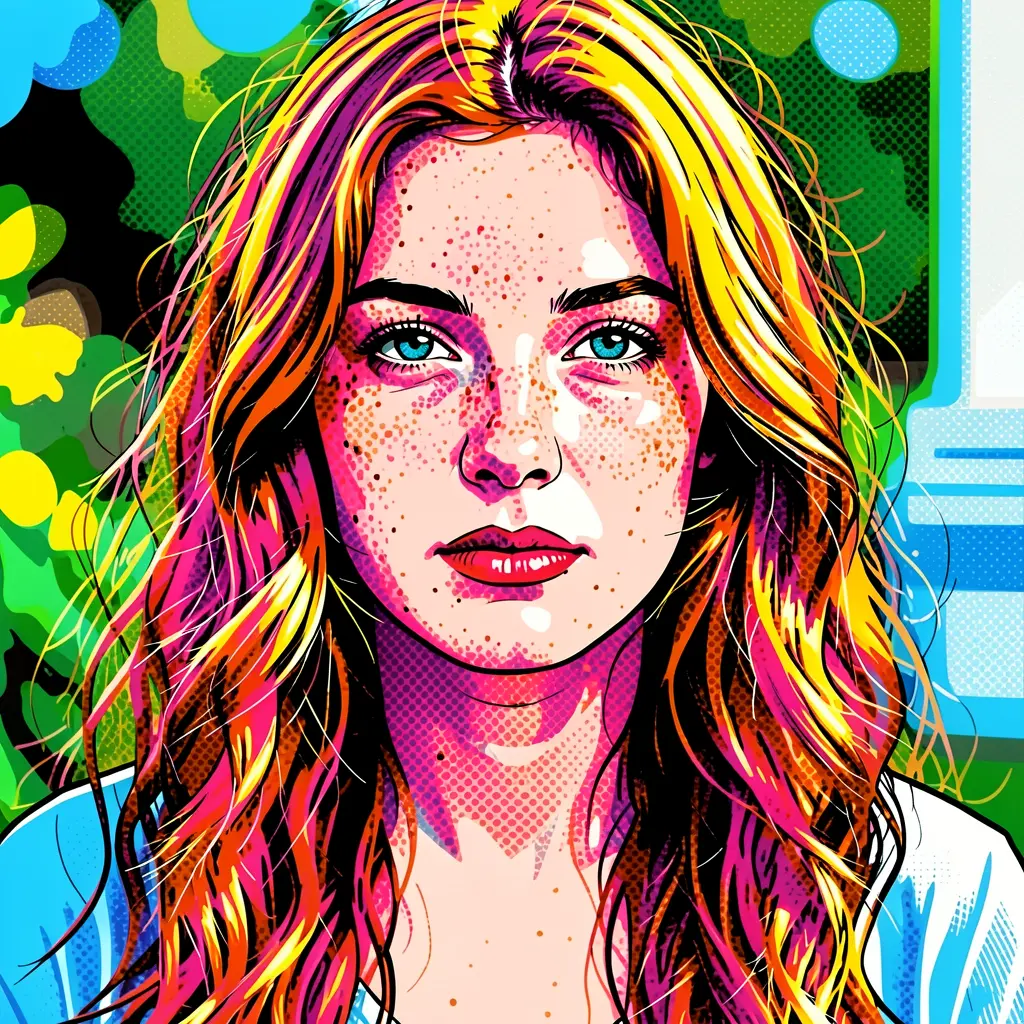
Multi-Reference Editing with Klein 9B
Pass up to 4 reference images to Klein 9B and blend people, places, and styles in a single generation. Real experiments, findings, and tips.
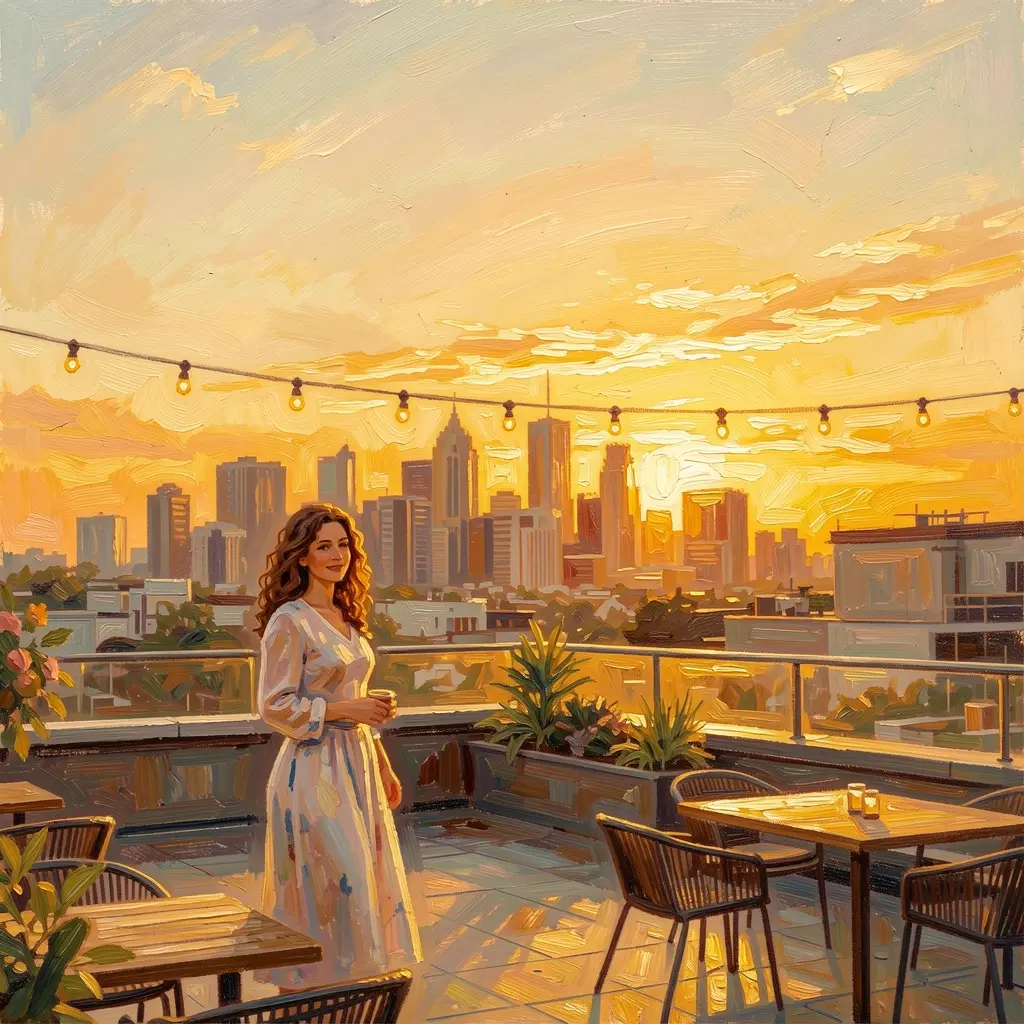
Virtual Try-On Deep Dive
The definitive comparison of every clothing-swap method in modl — text edits, reference images, and inpainting — tested across jackets, dresses, pants, and accessories with real results.
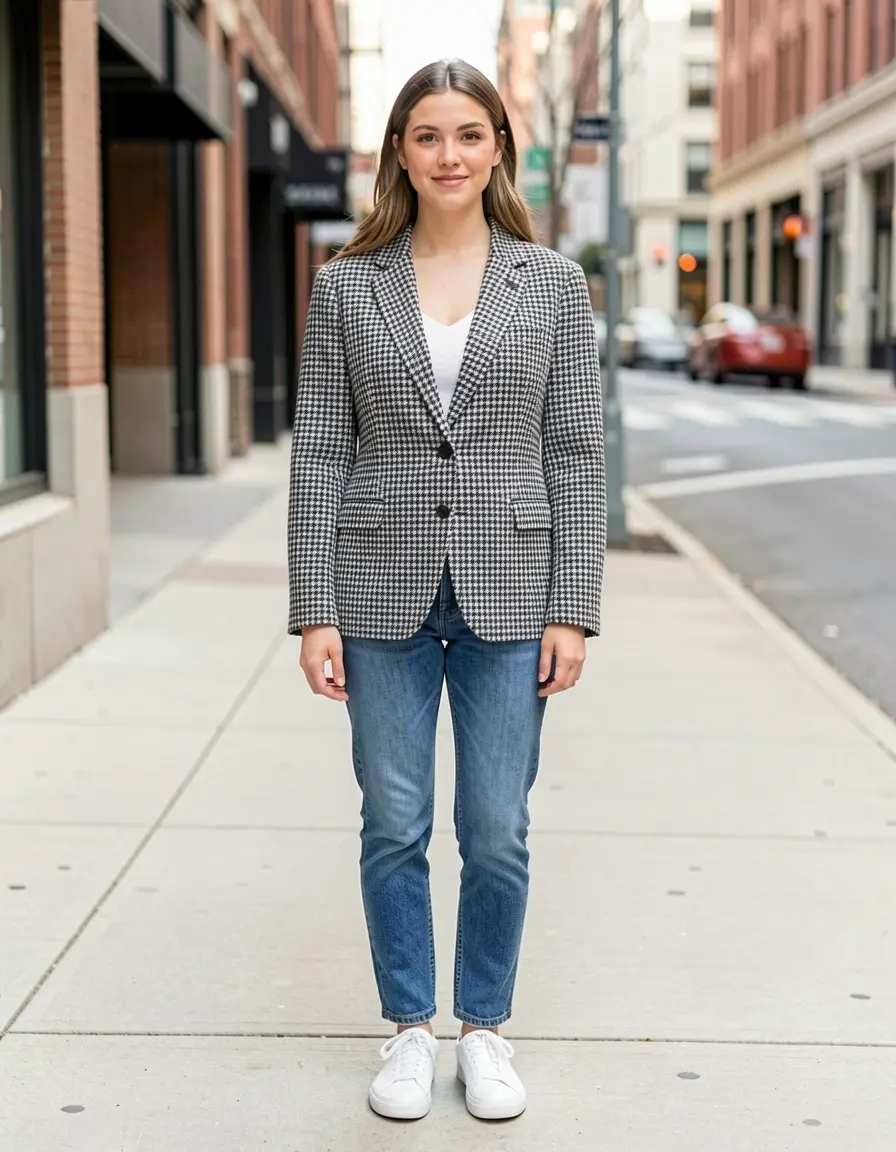
Restore & Revive: Bringing Damaged Photos Back to Life
Colorize, denoise, and repair damaged historical photos with one command. Klein 9B vs Qwen Image Edit 2511 across five public-domain photos, three prompts, and a 4K finish — full commands to reproduce everything.

Train 5
Train Your First Style LoRA
Go from a folder of kids' drawings to a working SDXL style LoRA — dataset creation, captioning strategy, training, and testing.
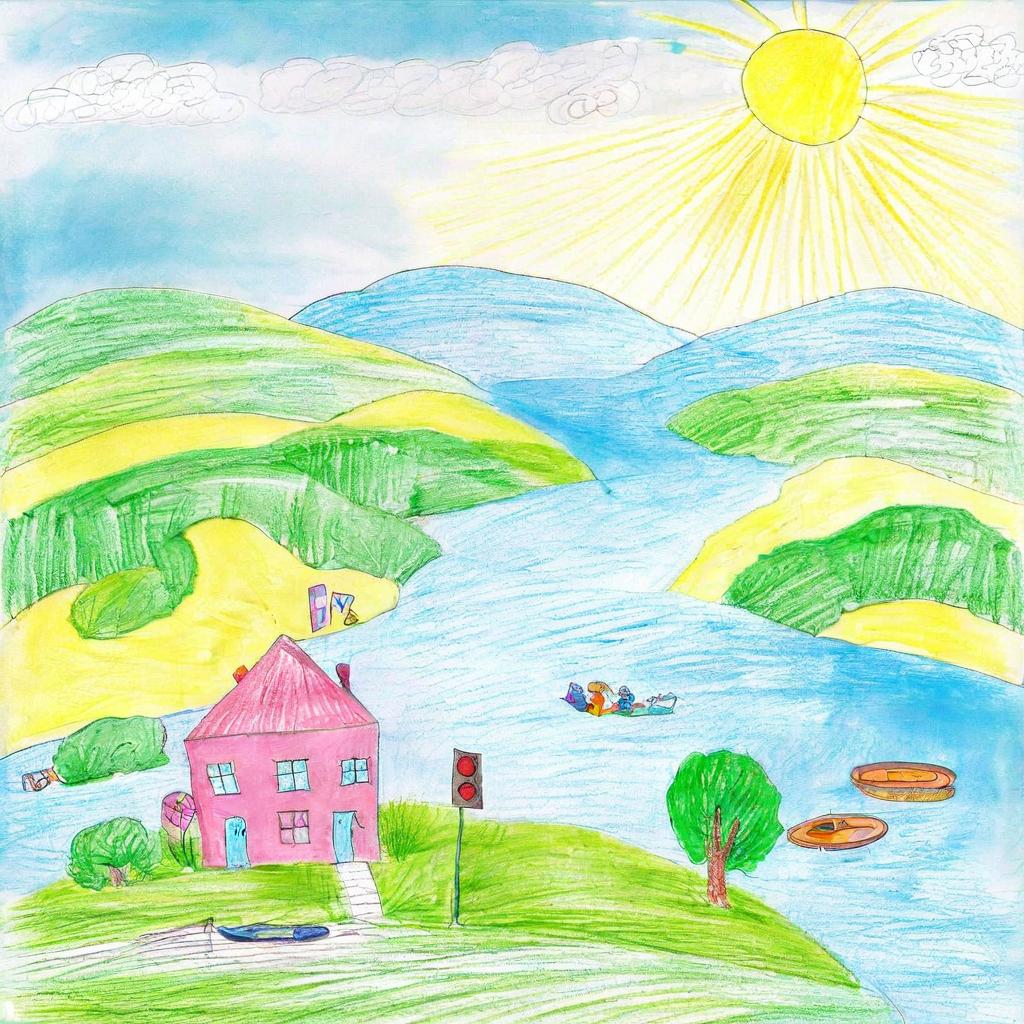
Train a Character LoRA — From 24 Photos to Infinite Scenes
I trained my Pomeranian on 5 models in one day. Real benchmarks, real failures, and the one setting that fixed Z-Image.
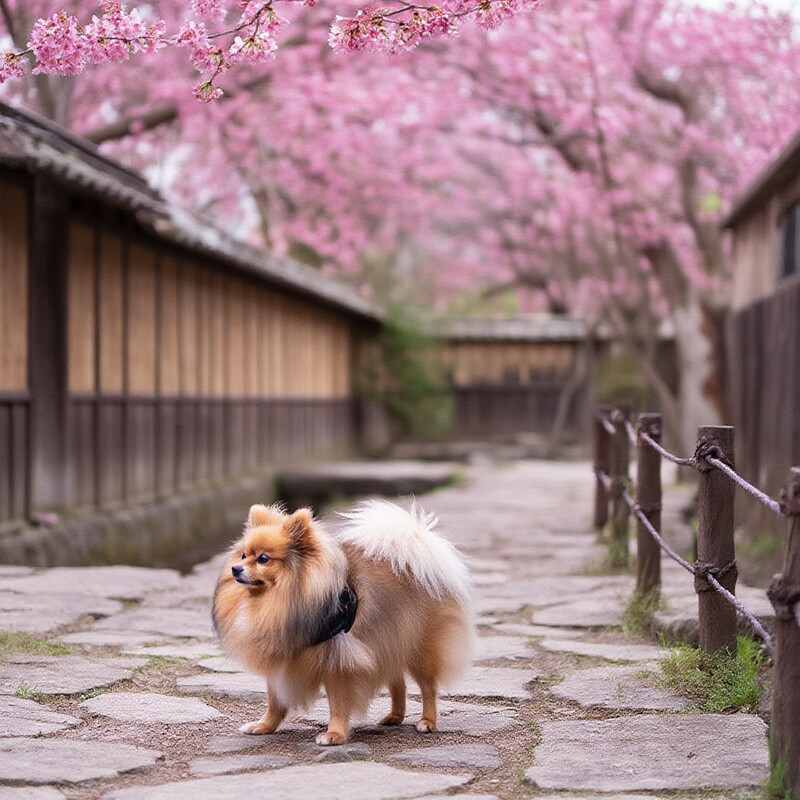
Datasets
Create, caption, and manage training datasets for LoRA training with modl
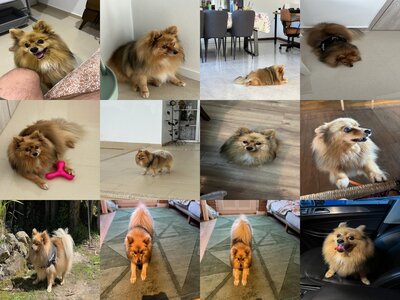
Why Your Character LoRA Doesn't Look Like Your Subject
Three runs on the same 24 photos. The first produced women in maxi dresses. Here's every failure mode, with the images that prove it.
Krea 2 with modl: Generate and Train
Krea 2 Turbo makes photographs in 8 steps. Krea 2 Raw trains character LoRAs in 47 minutes on a 4090. Real runs, real settings, and the two failures that cost me three hours.
Analyze 4
Upscale, Restore & Score Images
Score, detect faces, segment objects, restore faces, upscale, and remove backgrounds — six commands that read an image and output a result. Chain them into pipelines.
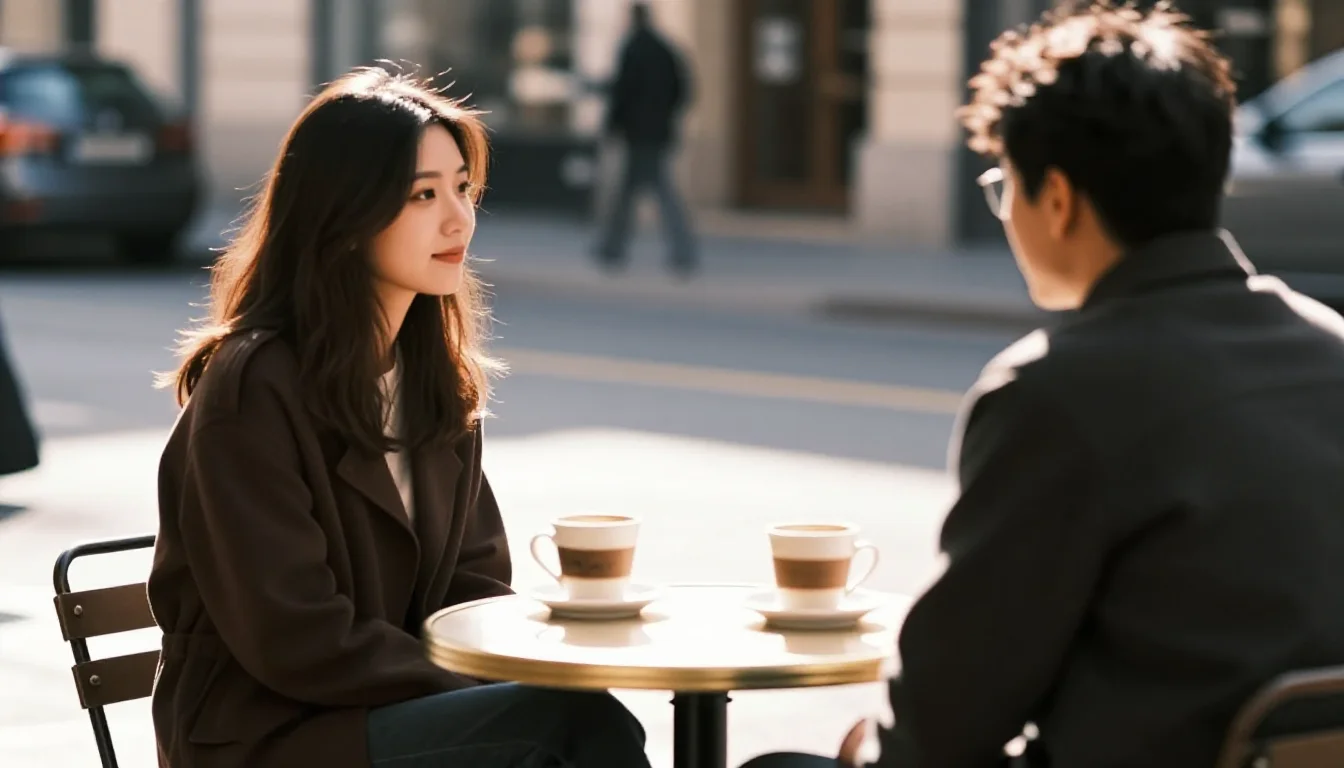
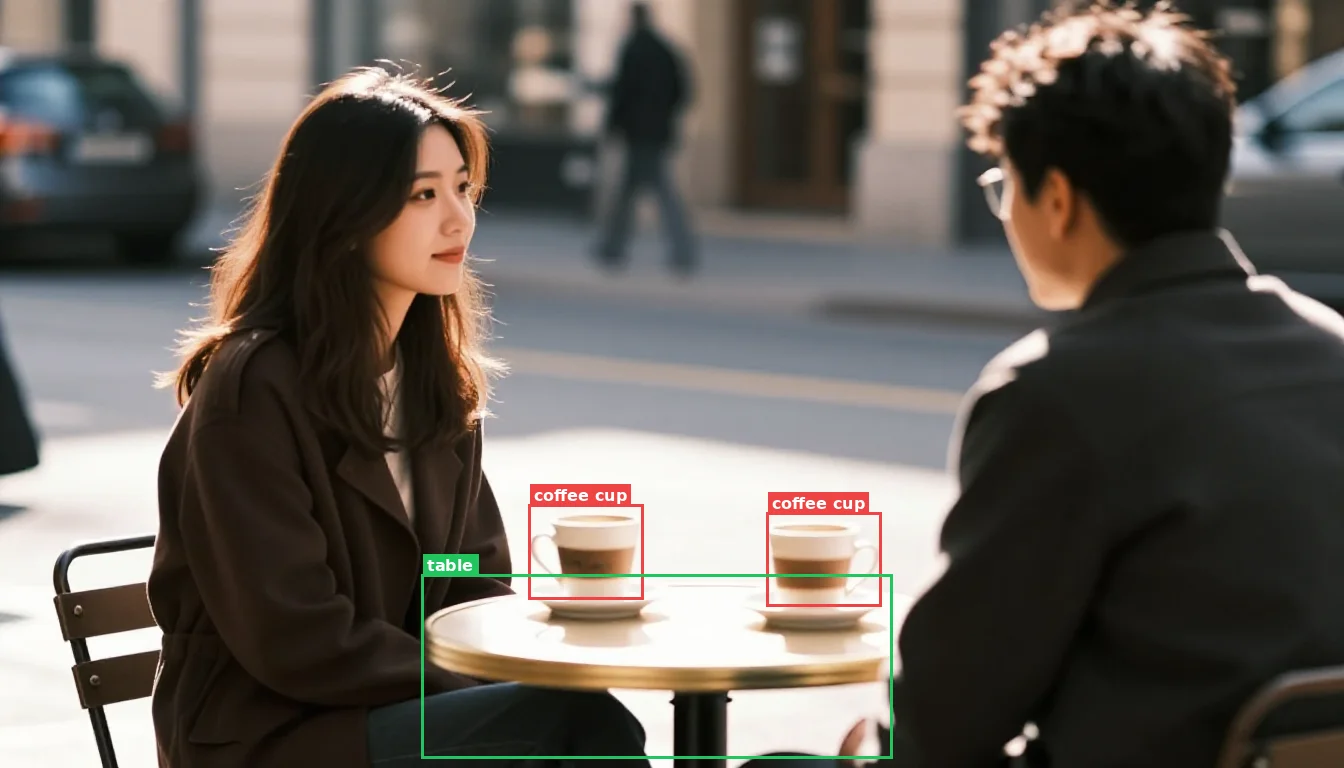
Caption, Tag & Detect Objects
Find objects by name, generate captions, and auto-tag images using Qwen3-VL. Three commands that bridge language and image understanding.
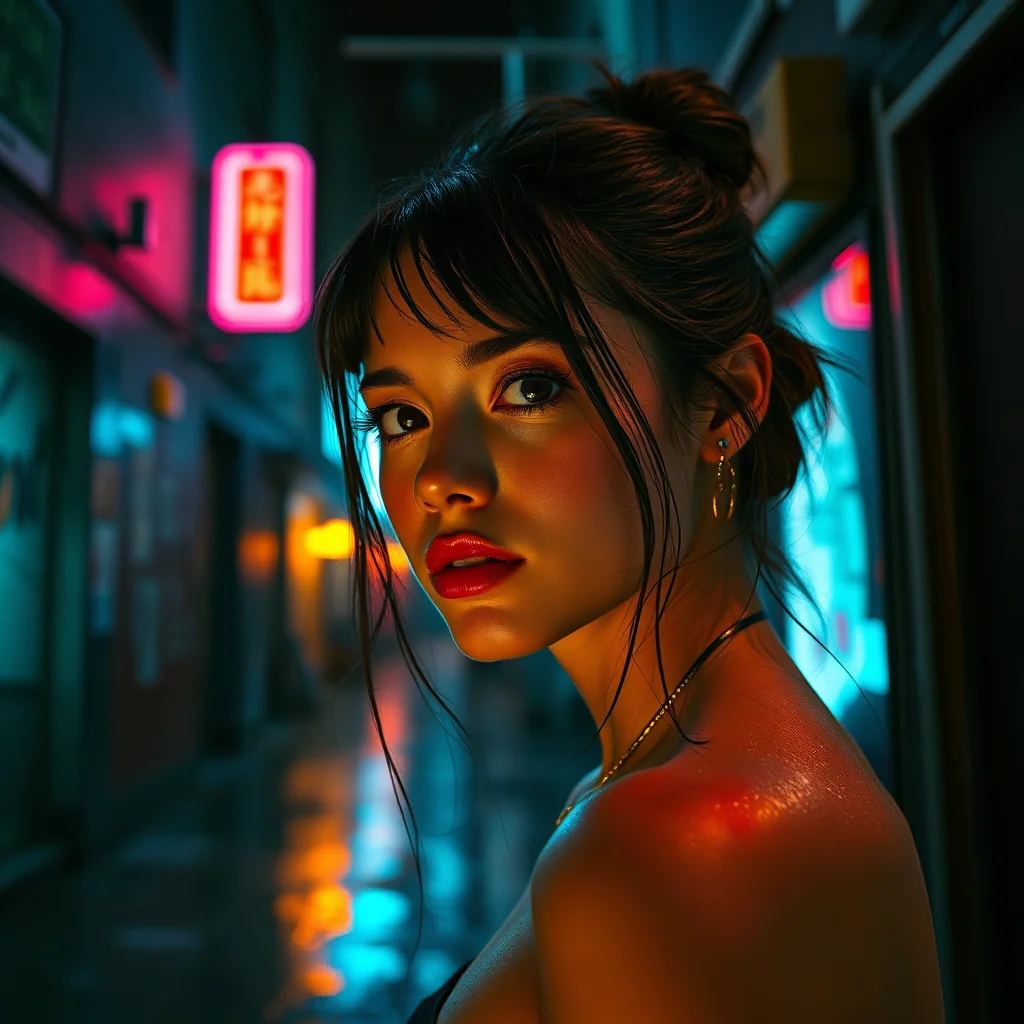
From Draft to Final: Upscale + Score
Take a generated image from draft to production quality — upscale to 4096px and score to filter your best work. Two commands, one CLI.
Capabilities Reference
What can each model do? A task-oriented guide mapping every modl capability to the models that support it, with recommended picks and CLI commands.