Model Personalities — Same Scene, Six Models
Every model has a visual personality. Same prompts across Chroma, Klein, Z-Image Turbo, Flux Schnell, and SDXL — mythology, dioramas, ink wash, pixel art, Ghibli, and more.
Choosing a model isn’t just a quality decision — it’s a creative one. Every model has a visual personality shaped by its text encoder, training data, and architecture. This guide runs the same concepts through six models so you can see the difference for yourself.
All images were generated on an RTX 4090 with modl v0.2.9. Every image includes full params so you can reproduce them exactly.
Quick reference
If you already know what you’re after:
The rest of this guide is the evidence. Read on to see why each recommendation holds.
Before we compare: three things people get wrong
1. Text encoders don’t read the same prompt the same way
This is the most important thing to understand before comparing models. Each model family uses a different language model to interpret your prompt:
This means the same English sentence means different things to different encoders. “A Pomeranian warrior in golden plate armor guarding an ancient Greek temple at dawn” is parsed as keywords by CLIP (pomeranian, warrior, golden, armor, greek, temple, dawn) but understood as a full compositional instruction by Qwen3-8B.
Write prompts for your model’s encoder:
2. Seeds are not comparable across models
Same seed on Klein 9B and SDXL produces completely different starting noise — different schedulers, different latent spaces, different architectures. Seed 42 on Klein and seed 42 on SDXL share nothing.
Same seed is useful when comparing the same model with one variable changed (prompt A vs B, step count, LoRA strength). It’s meaningless across models.
3. When to control variables vs. when to explore
- Same seed, one variable changed: testing prompt wording or LoRA settings on the same model
- Multiple seeds, same prompt: evaluating a model’s range and consistency
- Different models, same concept: what this guide does — comparing personalities, not noise
The models
Six models, four text encoder architectures, wildly different generation times:
SDXL prompts include quality tags (“masterpiece, best quality, 8k”) because CLIP benefits from them. Other models don’t — those tags are only added where the encoder uses them.
Scene 1: The Oracle’s Chamber
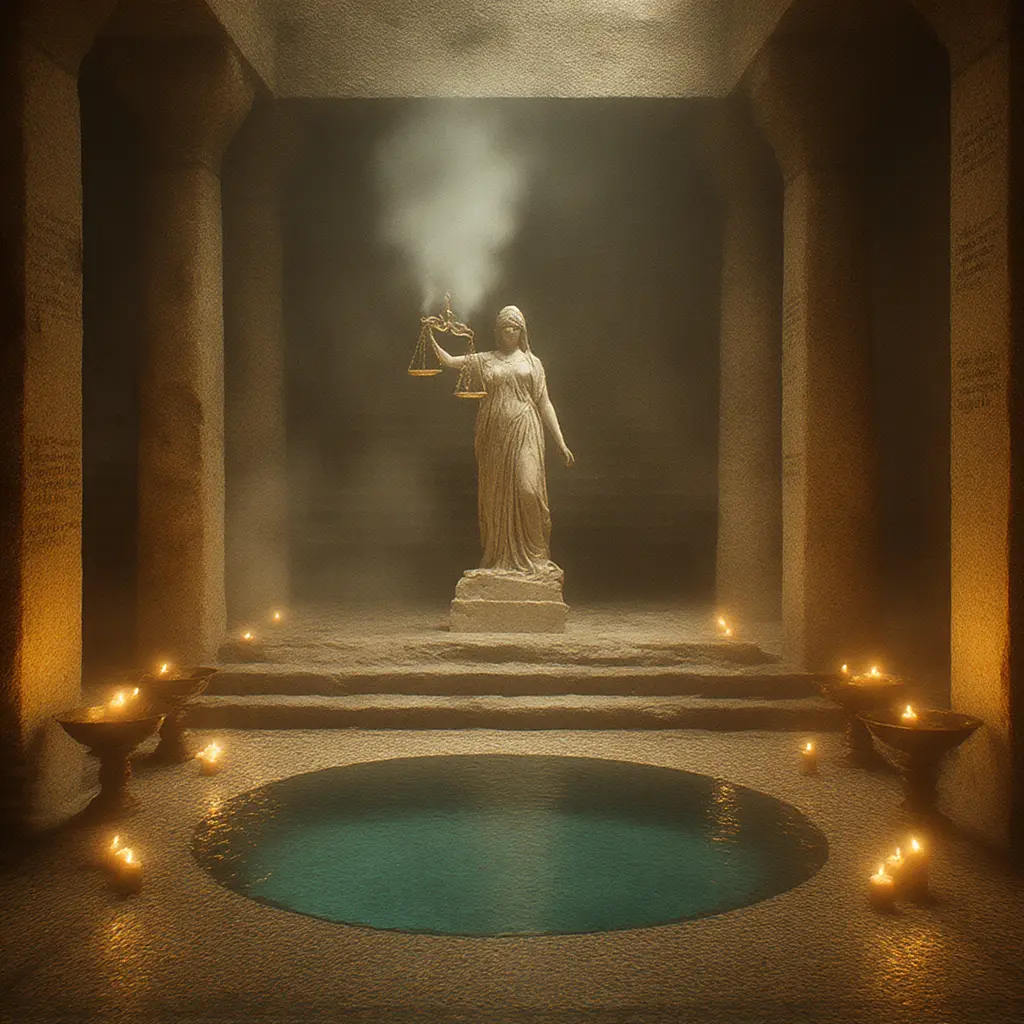
Chroma · 40 steps · 3 min
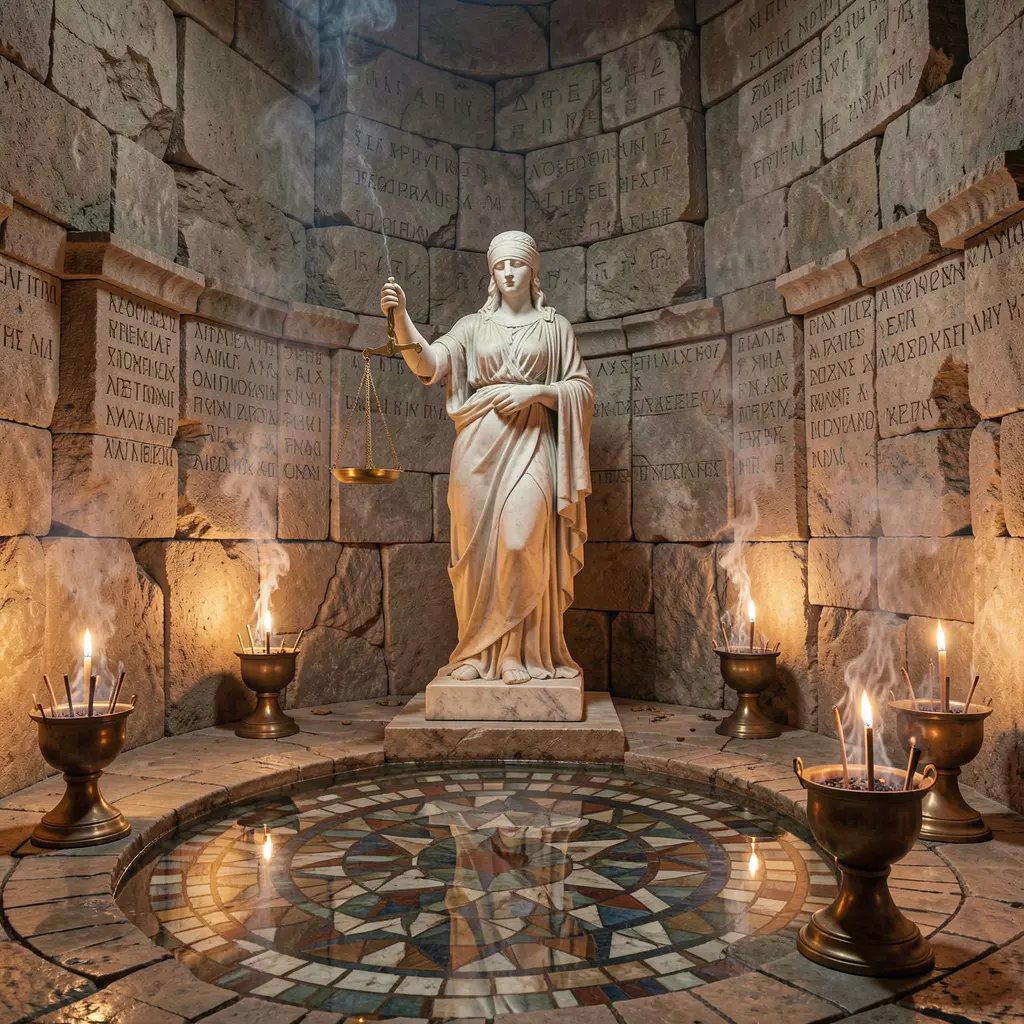
Klein 9B · 4 steps · 12s
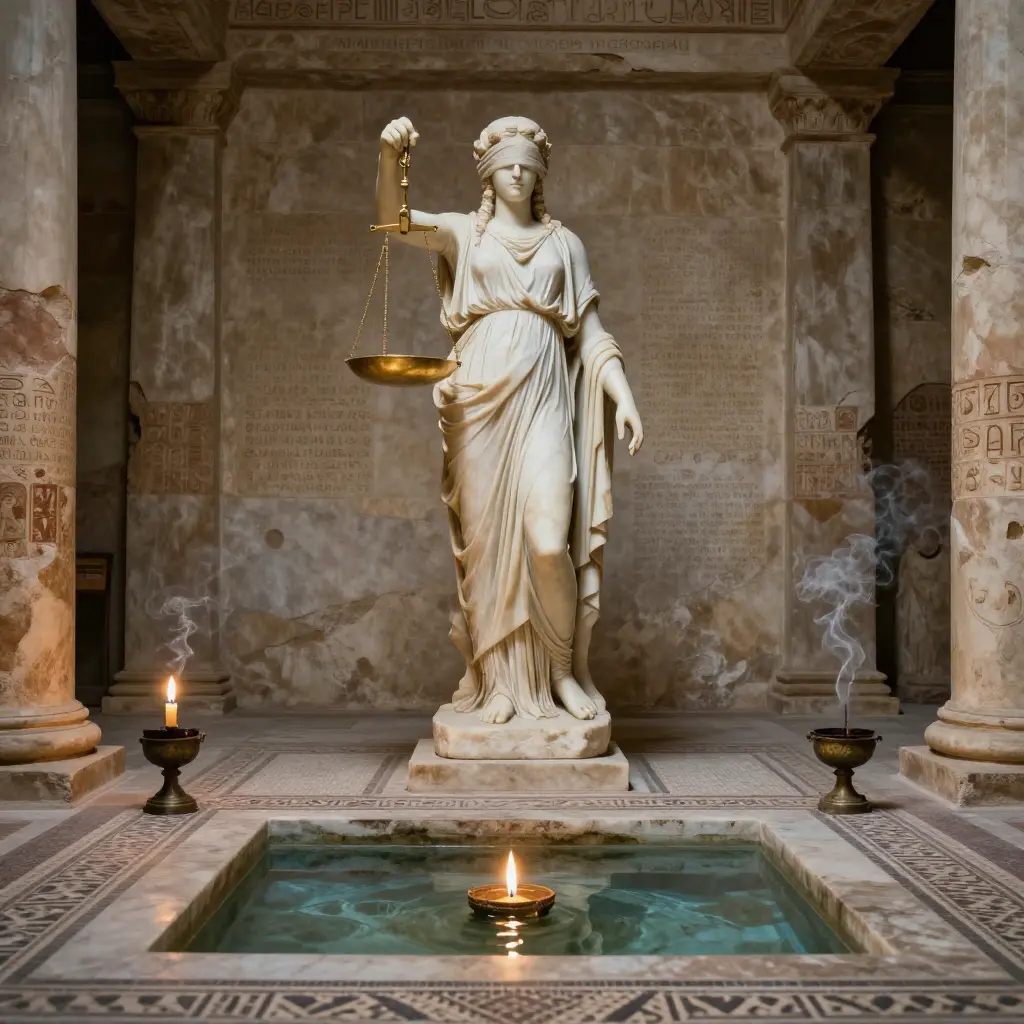
Z-Image Turbo · 8 steps · 6s
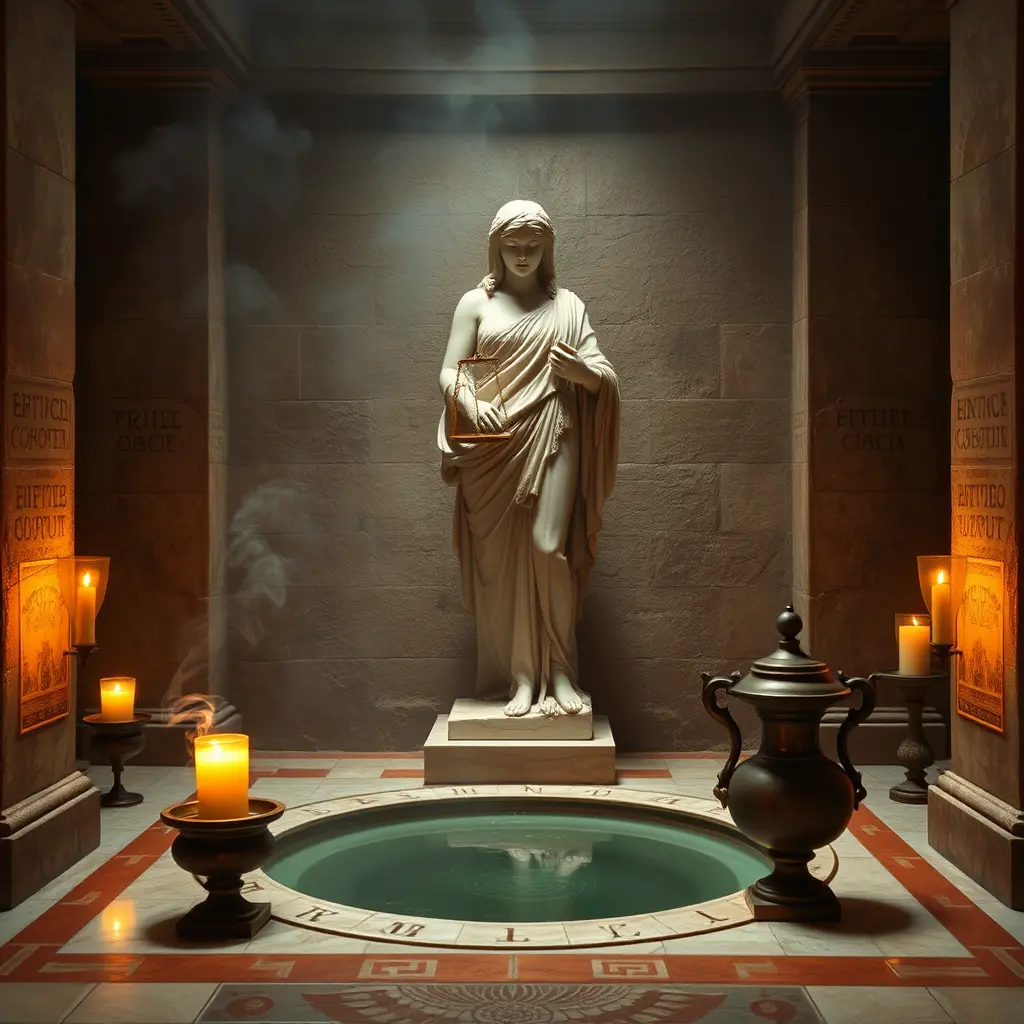
Flux Schnell · 4 steps · 12s
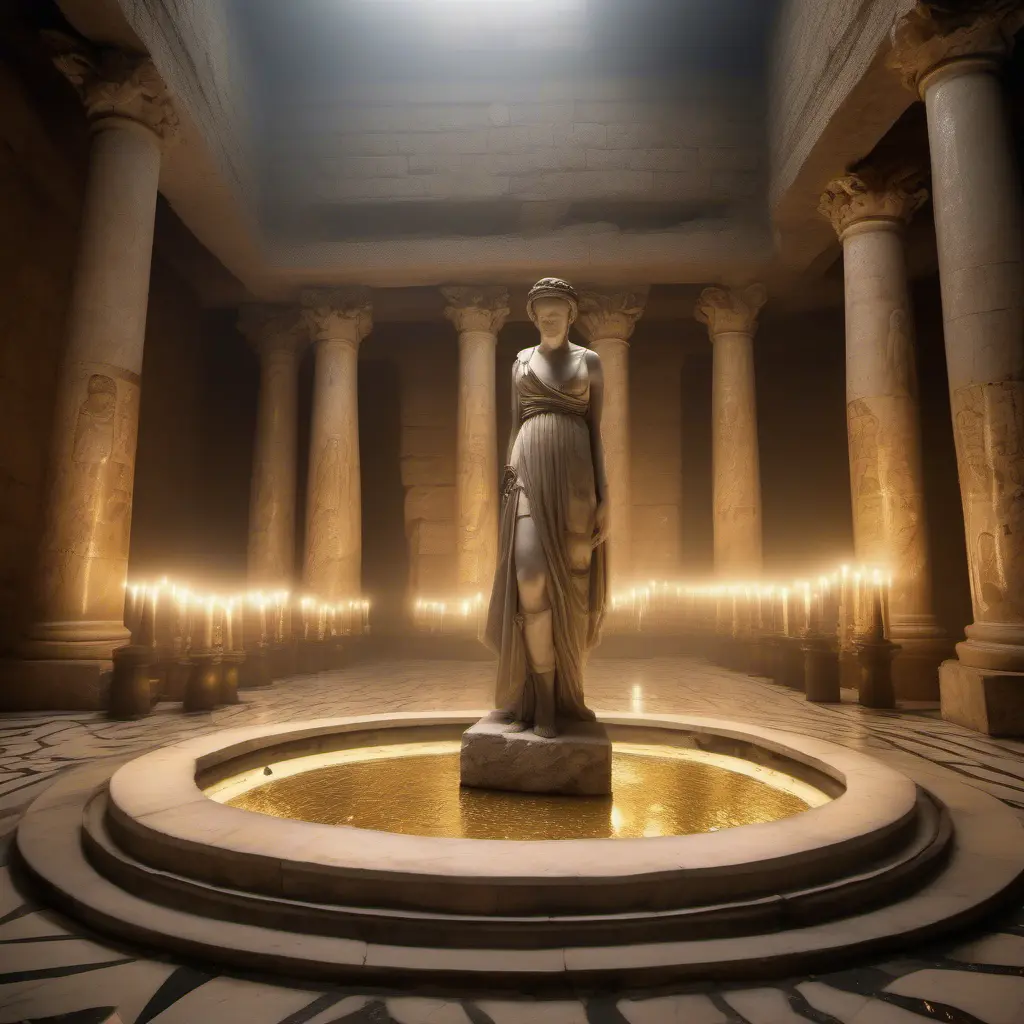
SDXL · 30 steps · 30s
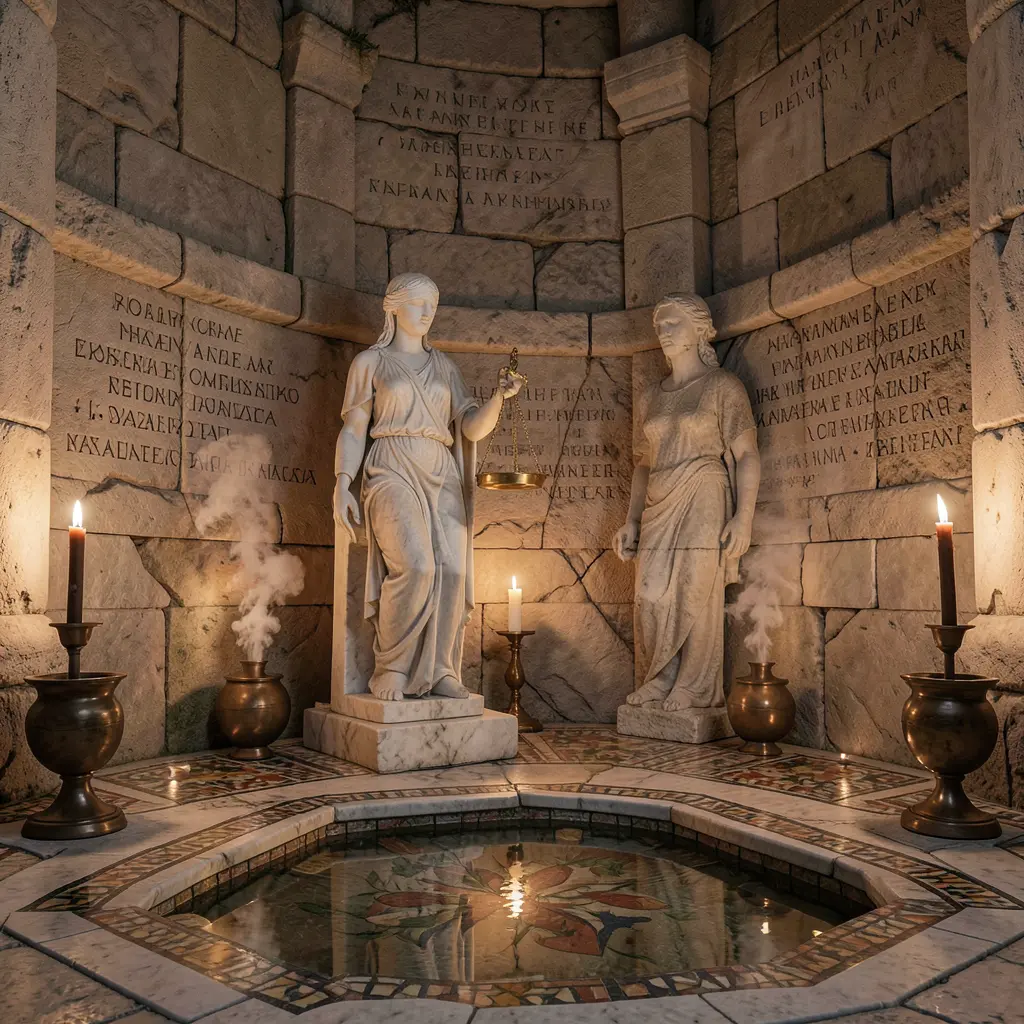
Klein 4B · 4 steps · 8s
This prompt has six elements that need to coexist: statue, candlelight, pool, smoke, incense burners, inscriptions. The Qwen-encoded models (Klein, Z-Image) parse this as a spatial layout — they place elements deliberately because the encoder understands “smoke rises FROM bronze incense burners” as a relationship, not two keywords. CLIP-based SDXL picks up the aesthetic keywords (ancient, golden, candlelight) but treats element placement as optional. Chroma’s T5 encoder sits in between — it understands the language but without CLIP’s aesthetic anchor, it leans into mood over precision.
Scene 2: The Clockwork Cathedral
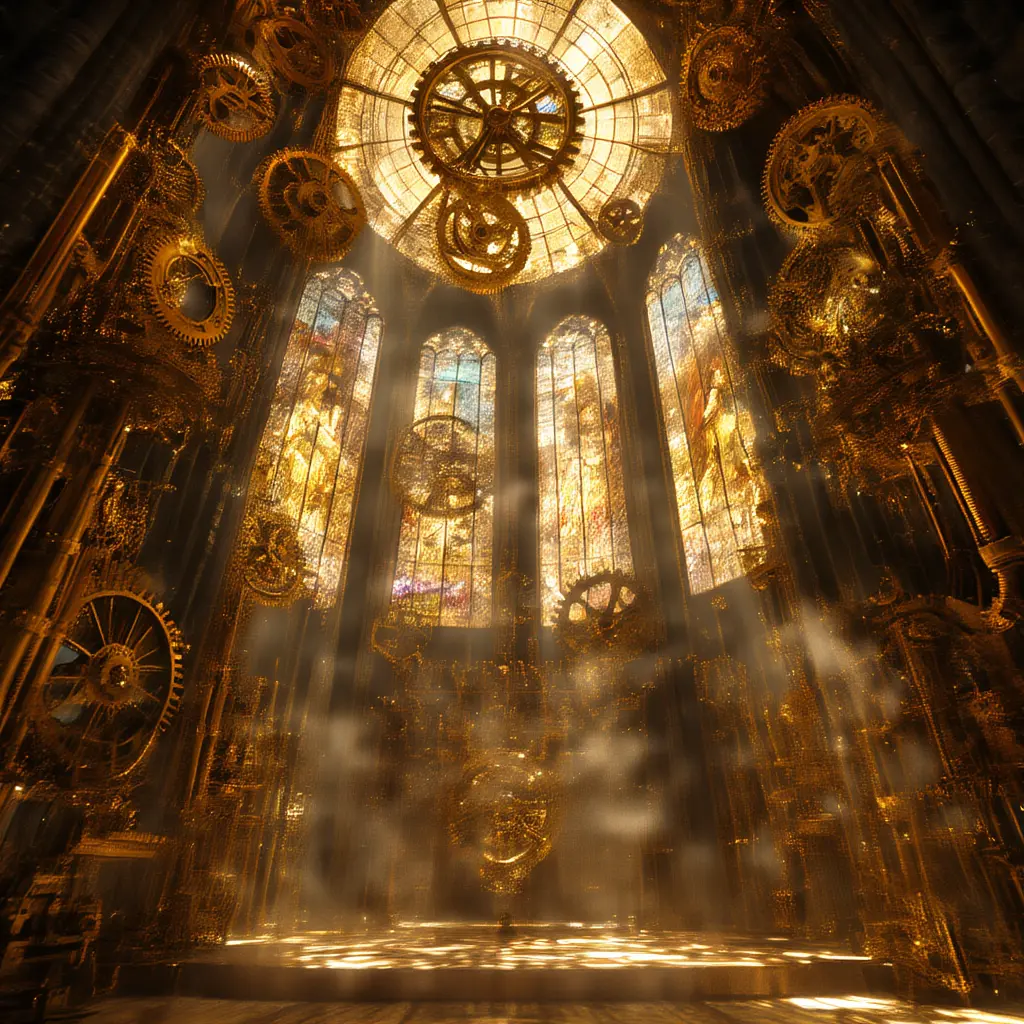
Chroma · 40 steps
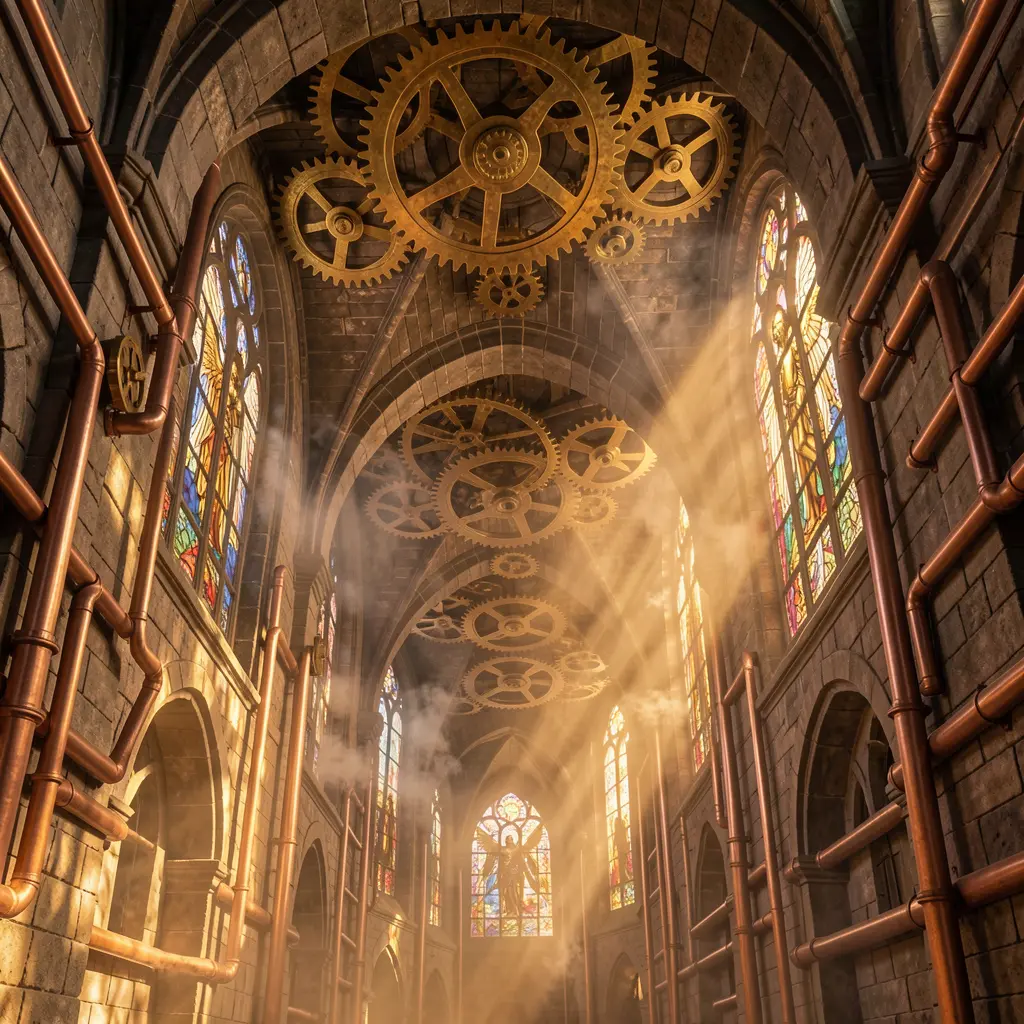
Klein 9B · 4 steps
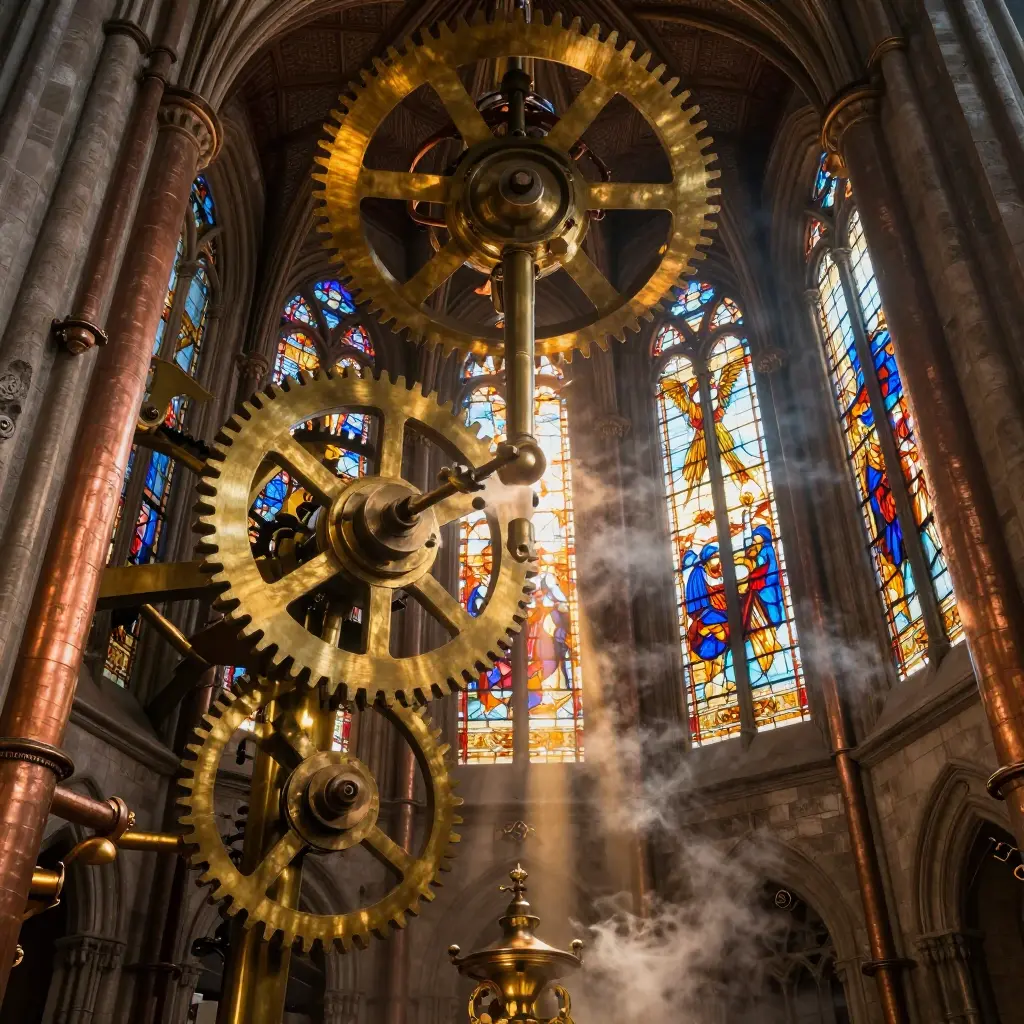
Z-Image Turbo · 8 steps
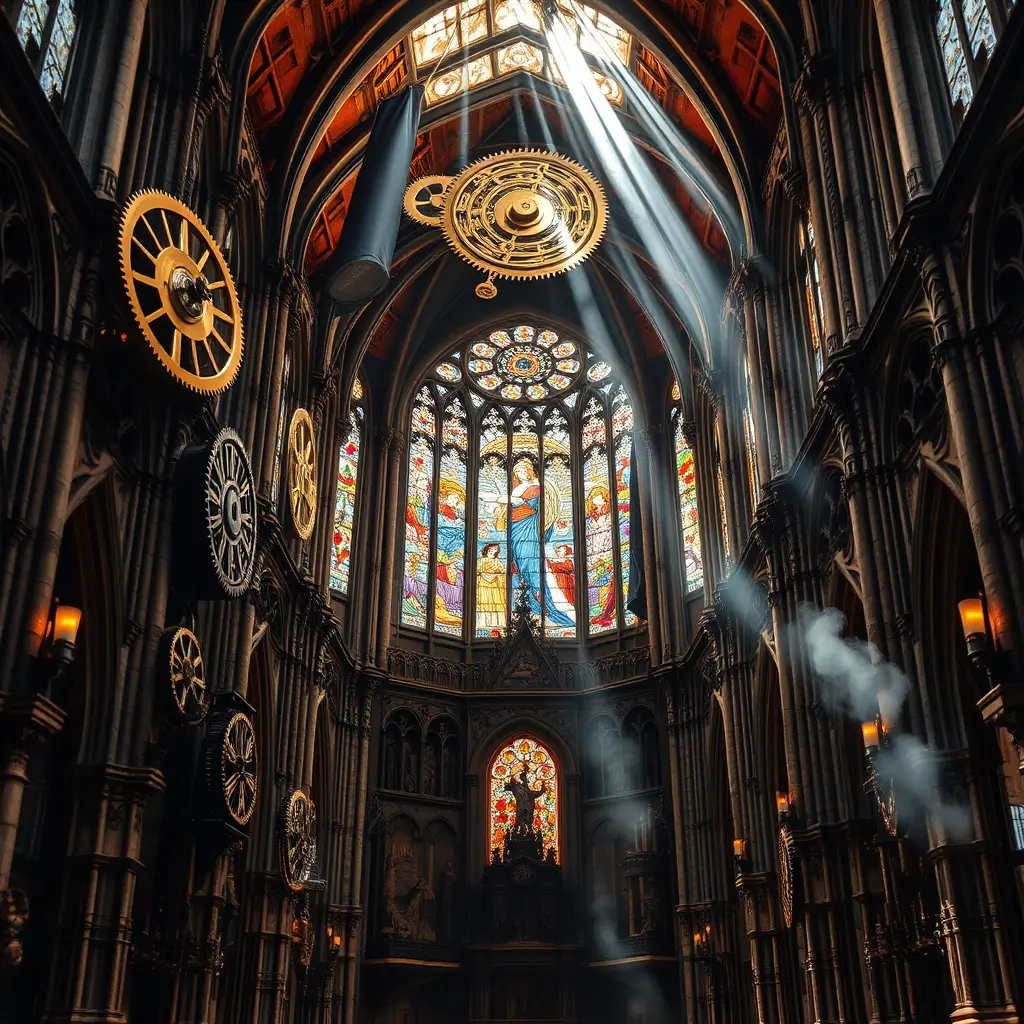
Flux Schnell · 4 steps
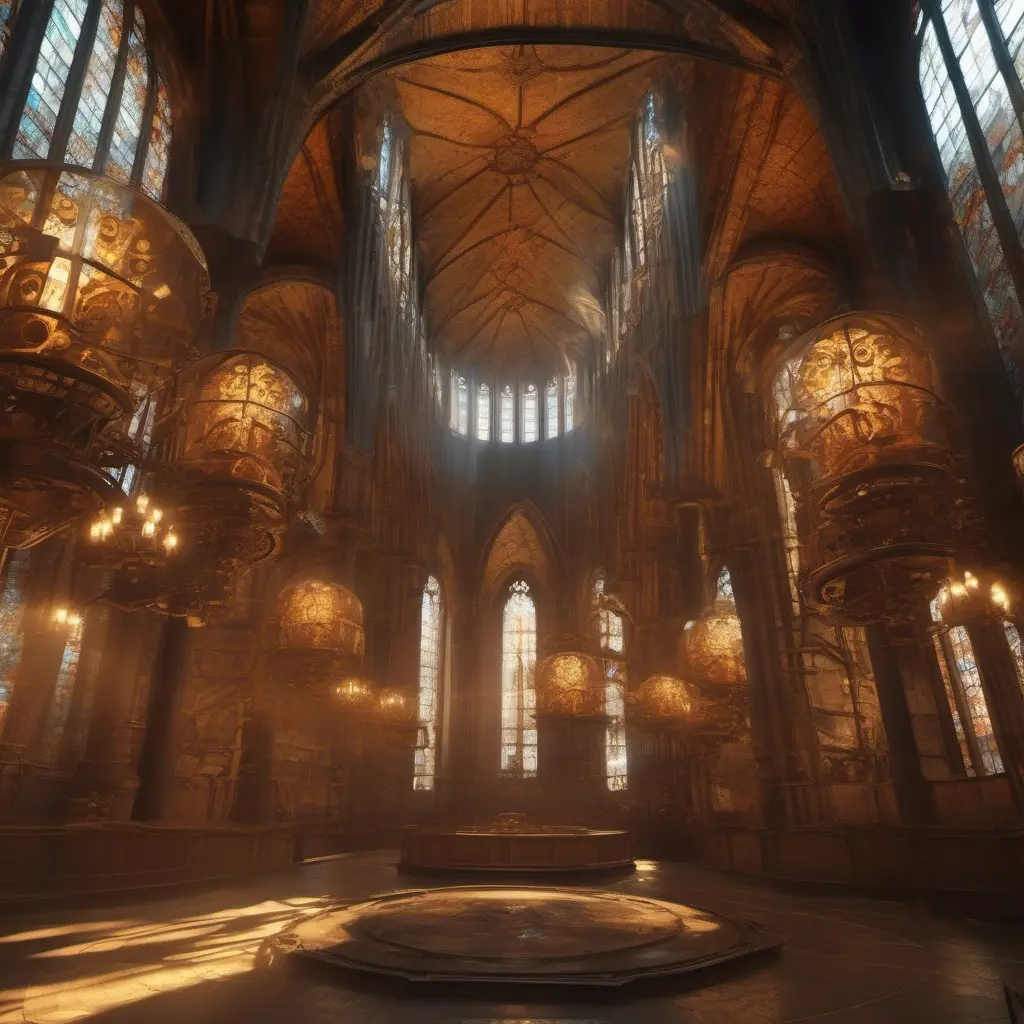
SDXL · 30 steps
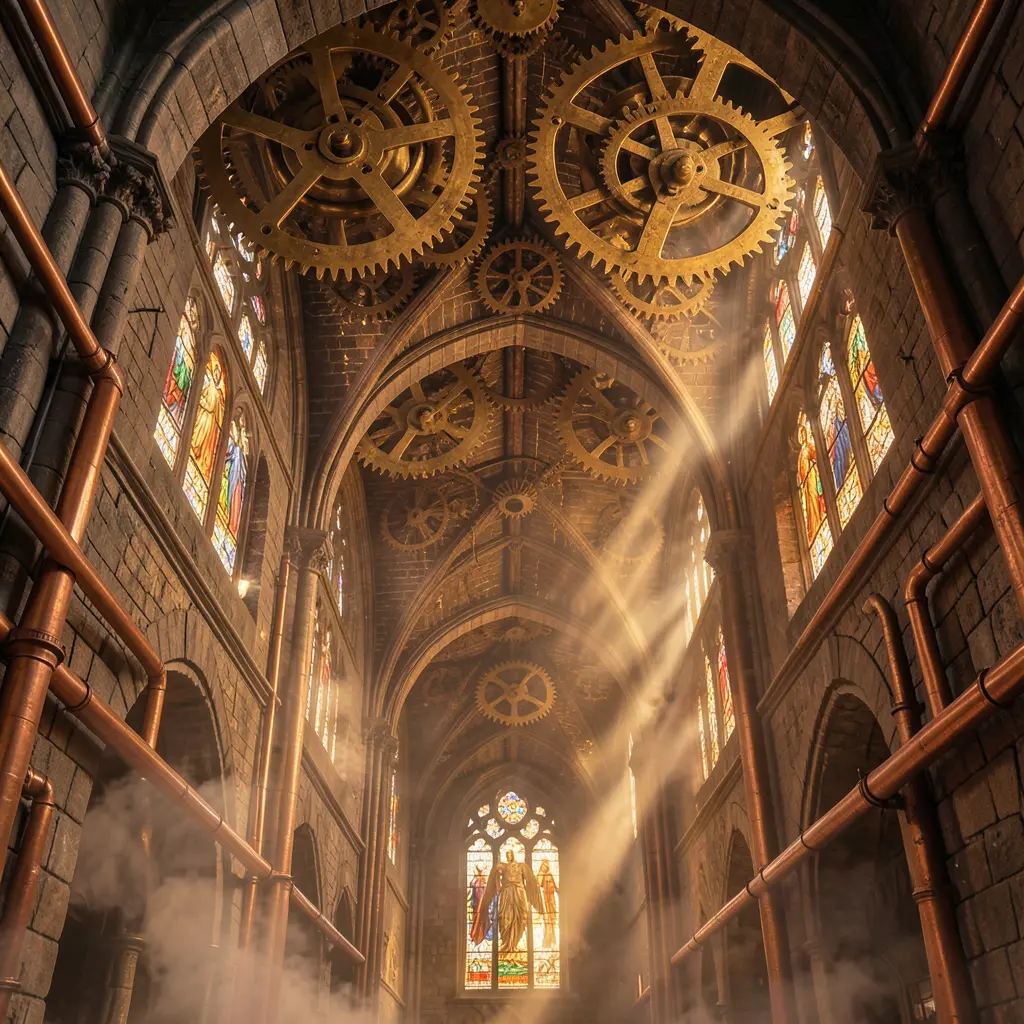
Klein 4B · 4 steps
The key detail here: “stained glass windows depicting mechanical angels.” That’s a compound concept — the encoder needs to understand that the angels themselves should look mechanical, not that there are mechanical things near stained glass near angels. Qwen-encoded models parse this as a nested instruction. CLIP-based models treat “mechanical,” “angels,” and “stained glass” as independent keywords and let the diffusion model sort it out.
Look at the material rendering too. The prompt specifies brass, copper, stone, and glass — four distinct surfaces in one scene. How each model differentiates these materials tells you about its training data distribution across textures and lighting interactions.
Scene 3: Celestial Garden
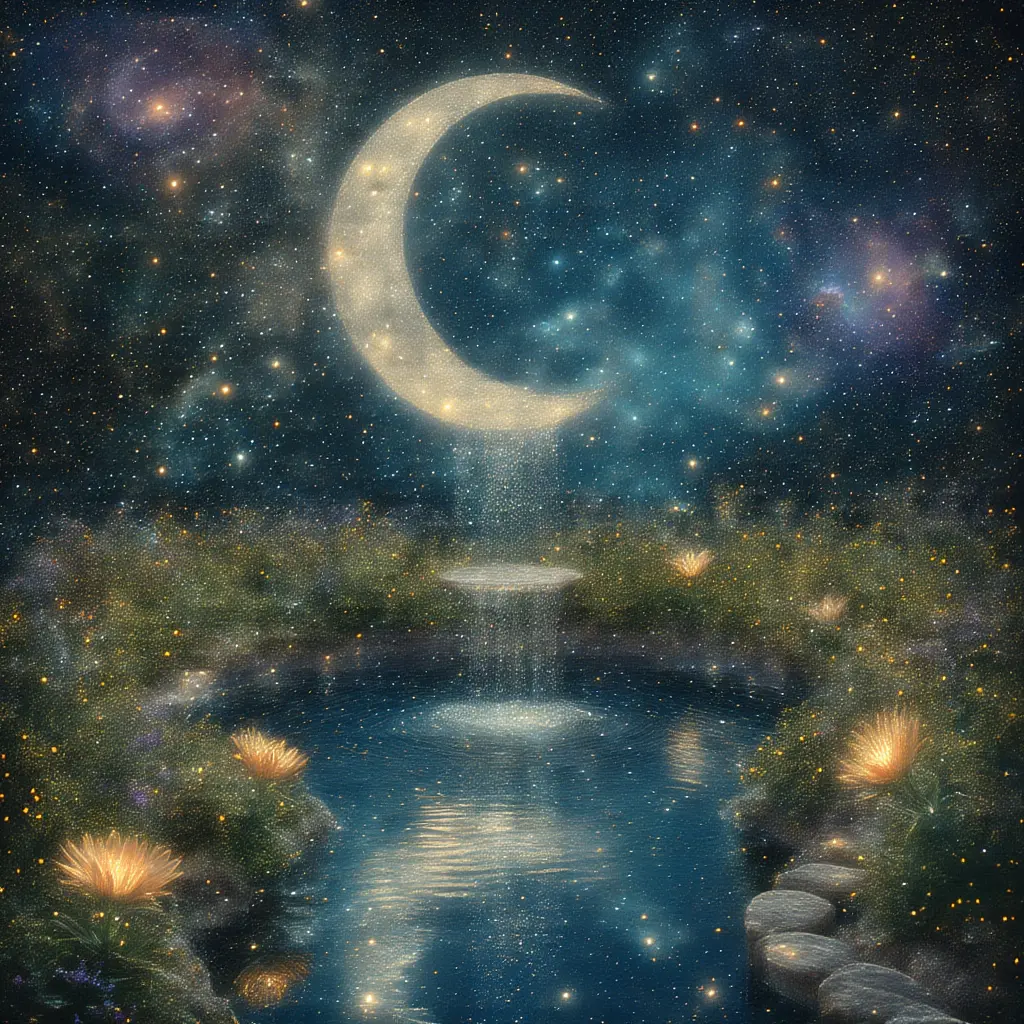
Chroma · 40 steps
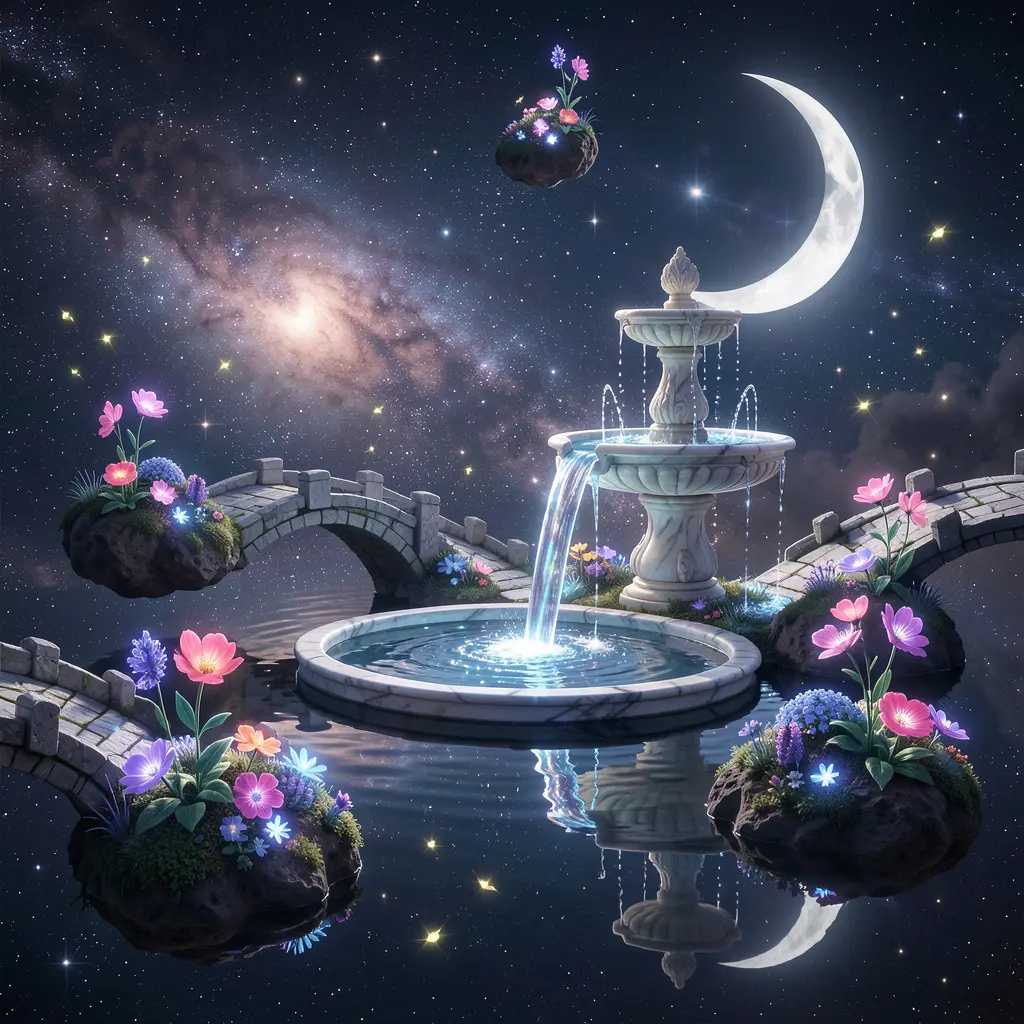
Klein 9B · 4 steps
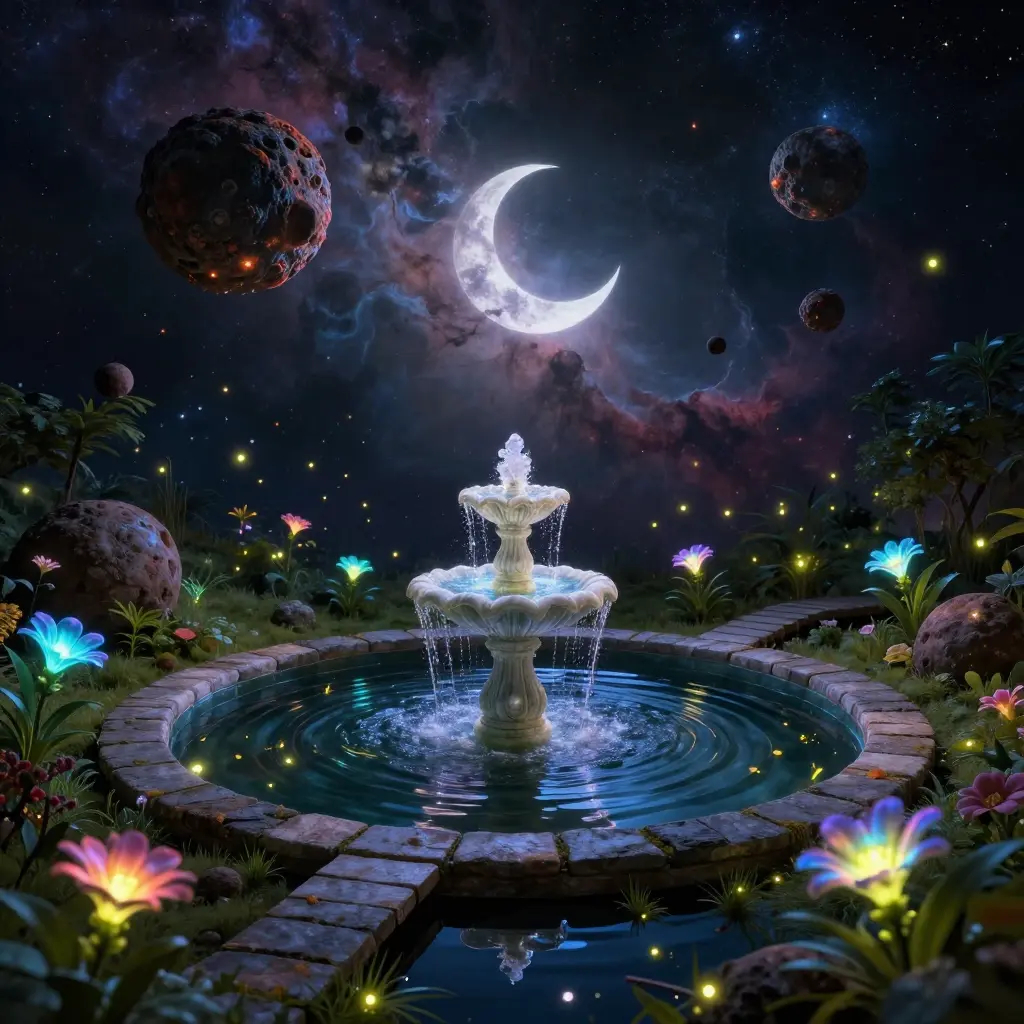
Z-Image Turbo · 8 steps
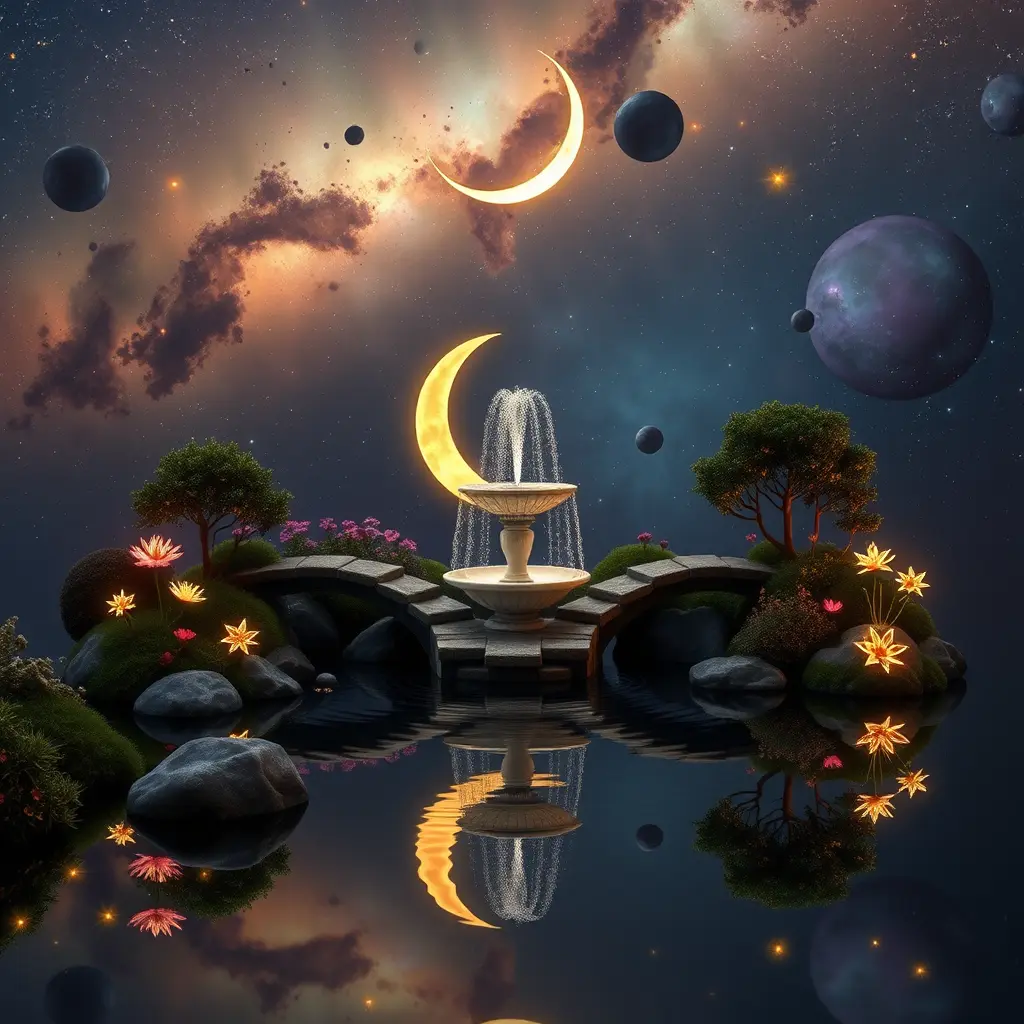
Flux Schnell · 4 steps
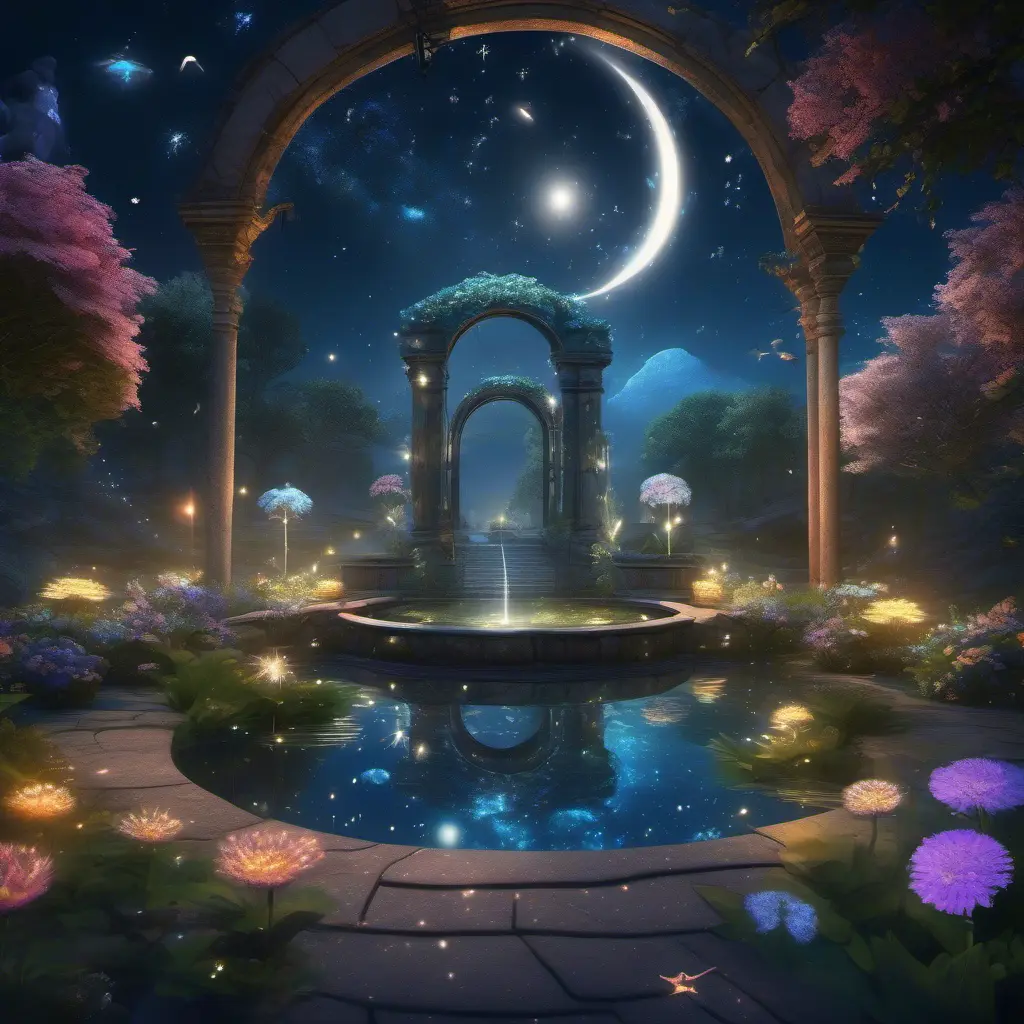
SDXL · 30 steps
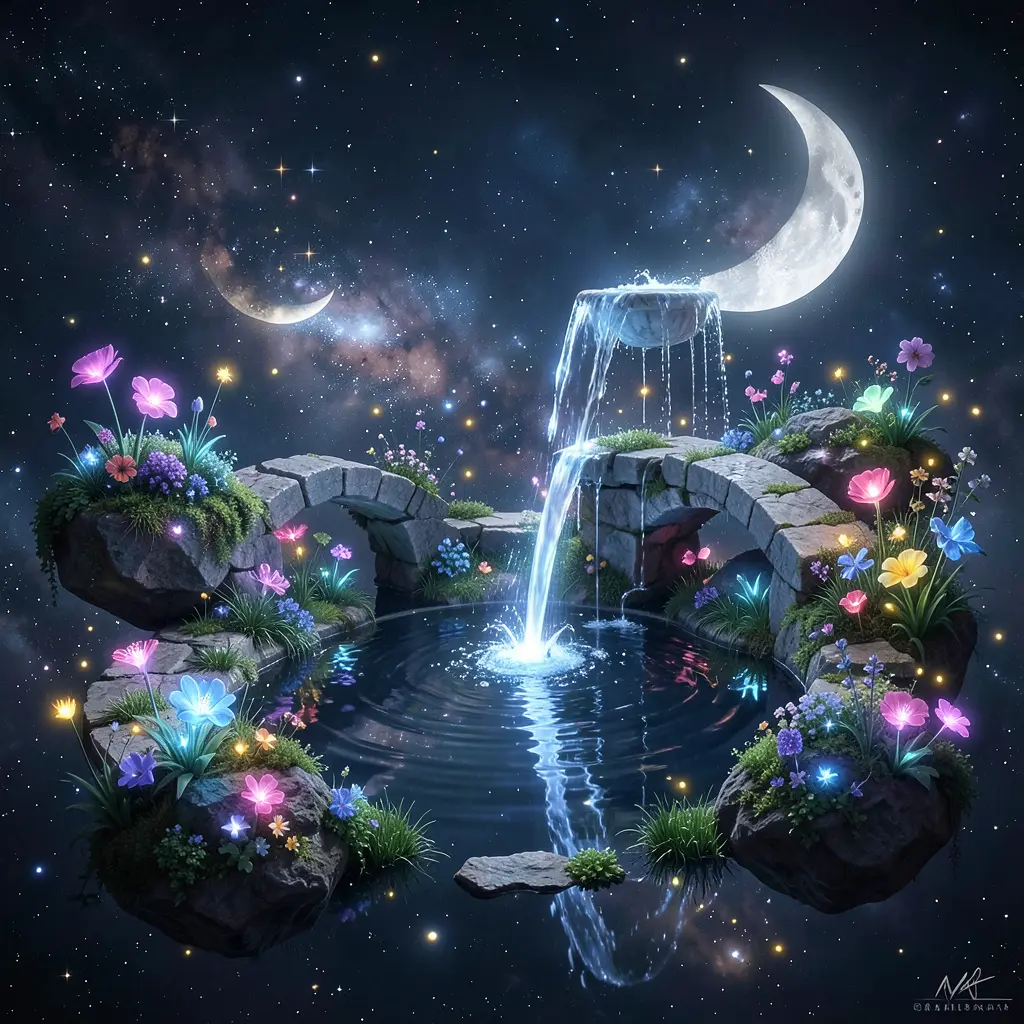
Klein 4B · 4 steps
This is the most abstract prompt in the set, and it’s where model personalities diverge the most. “Fireflies made of tiny stars” and “liquid starlight” are metaphorical — no training image is literally labeled this way. Each model has to extrapolate. The differences you see here are pure personality: how each model’s latent space interpolates between “firefly” and “star,” between “liquid” and “starlight.” Models trained on more diverse artistic data (Chroma, SDXL) tend to interpret these metaphors more freely. Models optimized for photographic accuracy (Klein, Z-Image) try to make them physically plausible.
Character LoRAs: same dog, different worlds
All three scenes above used the same concept without a specific character. Now we add one: Maxi, a Pomeranian with a trained LoRA on each model. Same prompt, same seed, different LoRA per model.
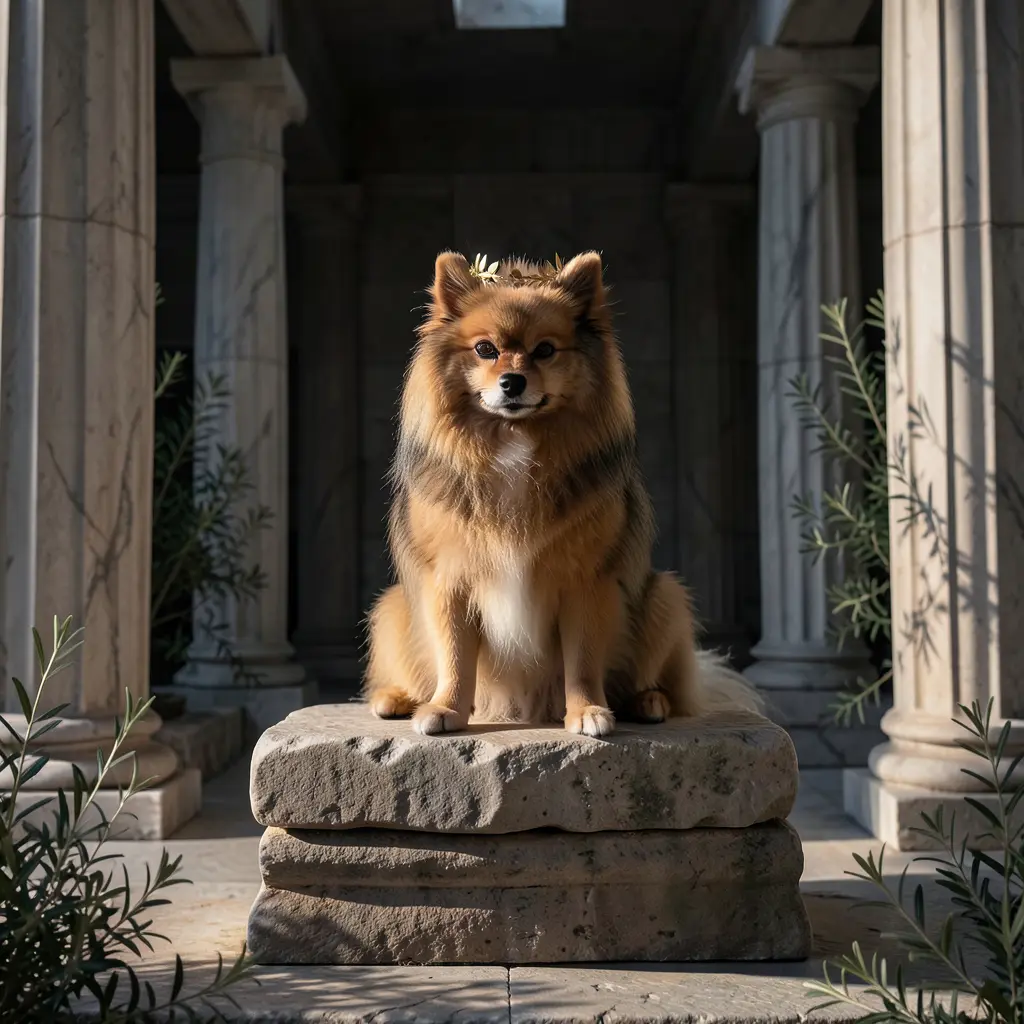
Klein 4B · maxi-klein-4b-r32-pom
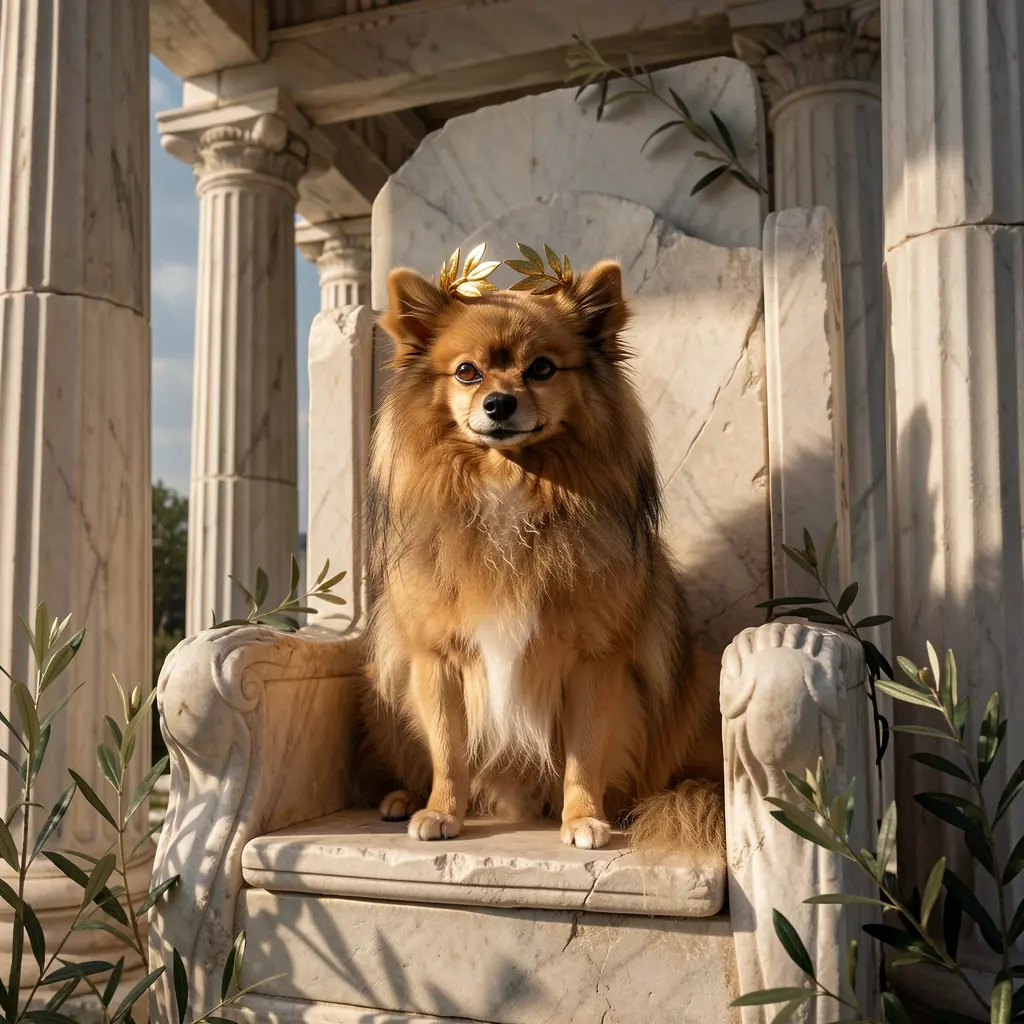
Klein 9B · maxi-klein-9b
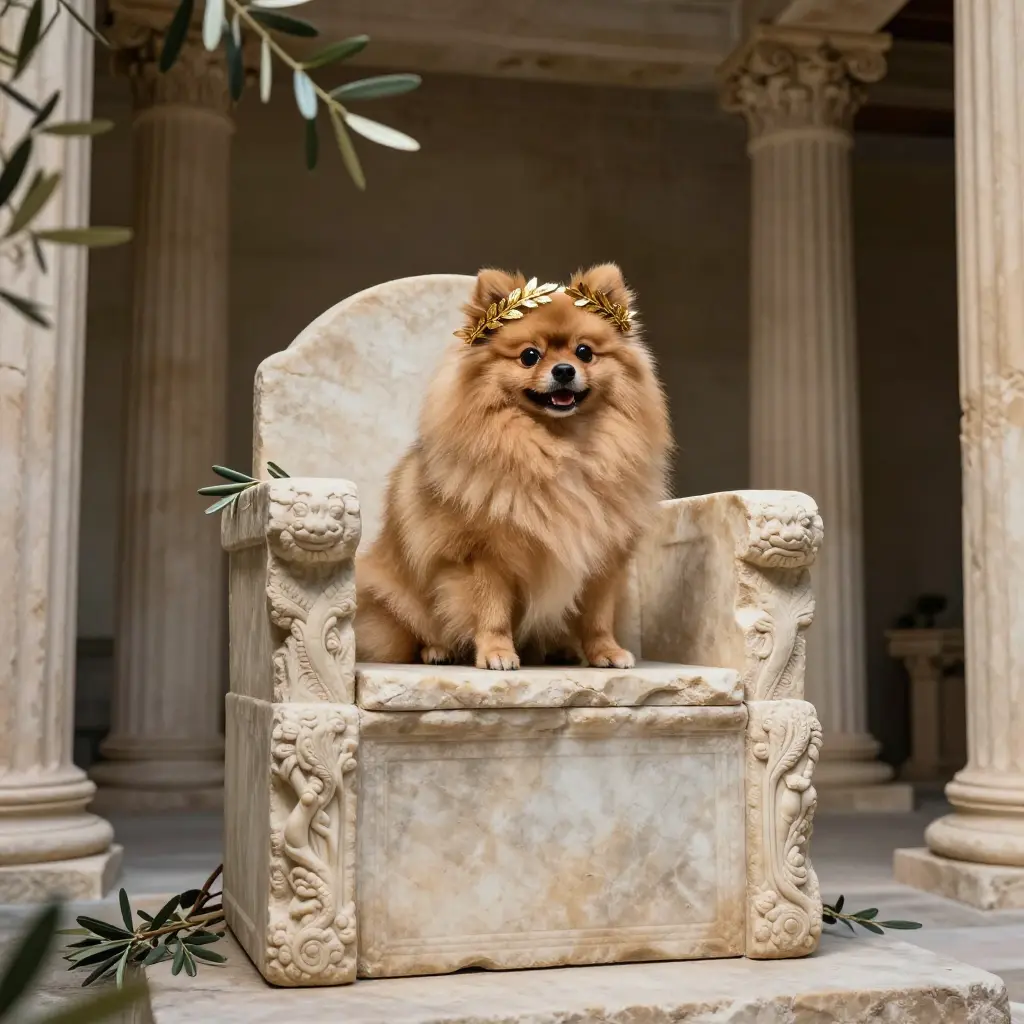
Z-Image Turbo · maxi-zimage-v2
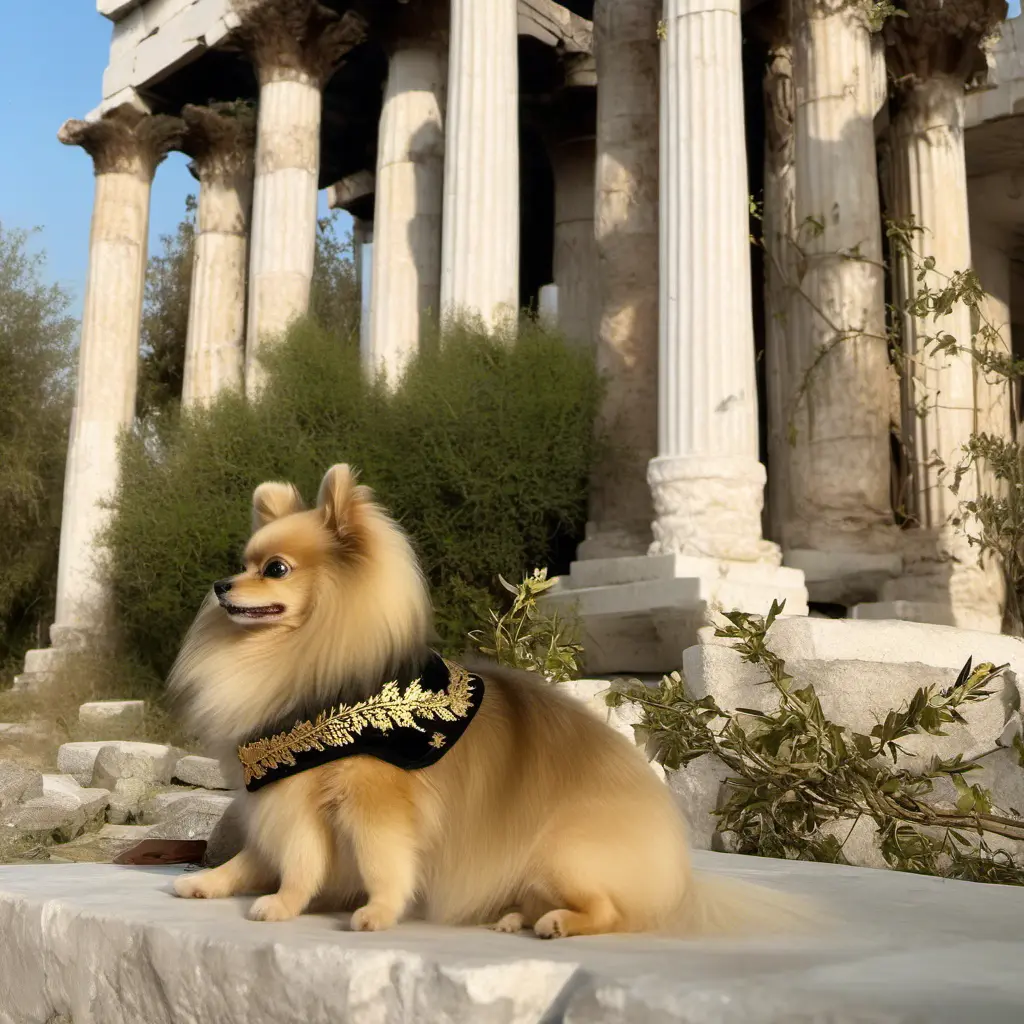
SDXL · maxi-sdxl
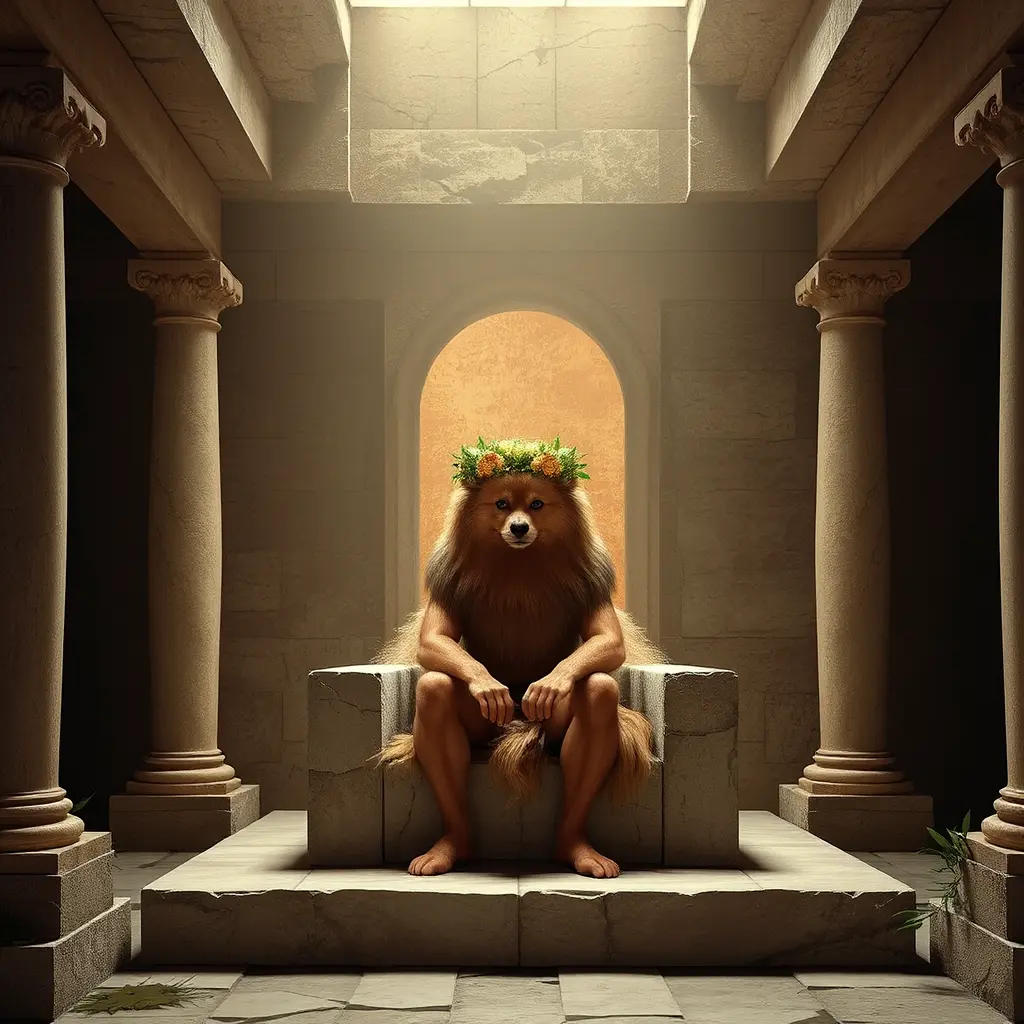
Flux Schnell · maxi-schnell
Each LoRA was trained on the exact same 24 Pomeranian photos — same trigger word, same dataset prep (see the character LoRA guide for the full training breakdown). The identity is the same dog. But the fur texture, the temple aesthetic, the lighting treatment — all different. The LoRA captures who the character is. The base model decides what the world around him looks like.
When you’re picking a base model for a character LoRA, you’re not just choosing image quality — you’re choosing an aesthetic for every scene that character will appear in. Train on the model whose default look matches your project.
Style LoRAs: the aesthetic override
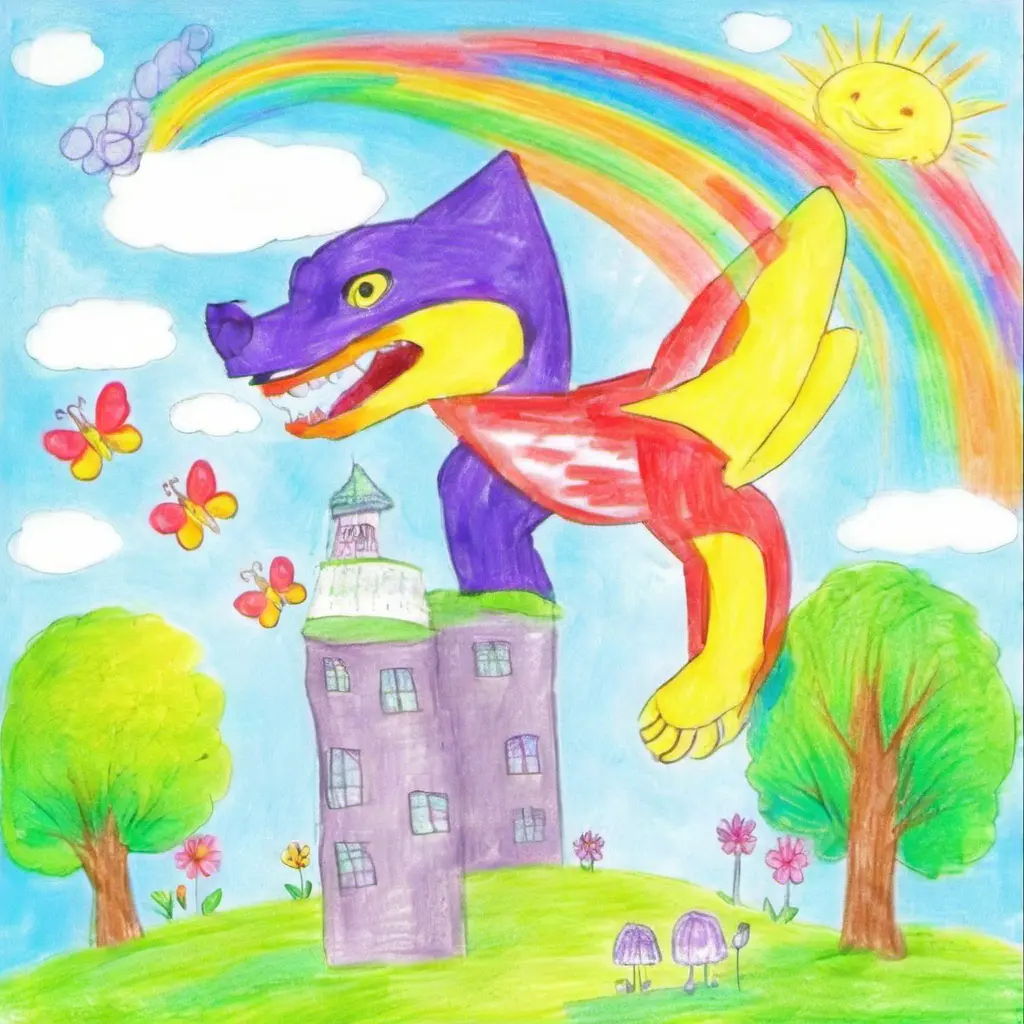
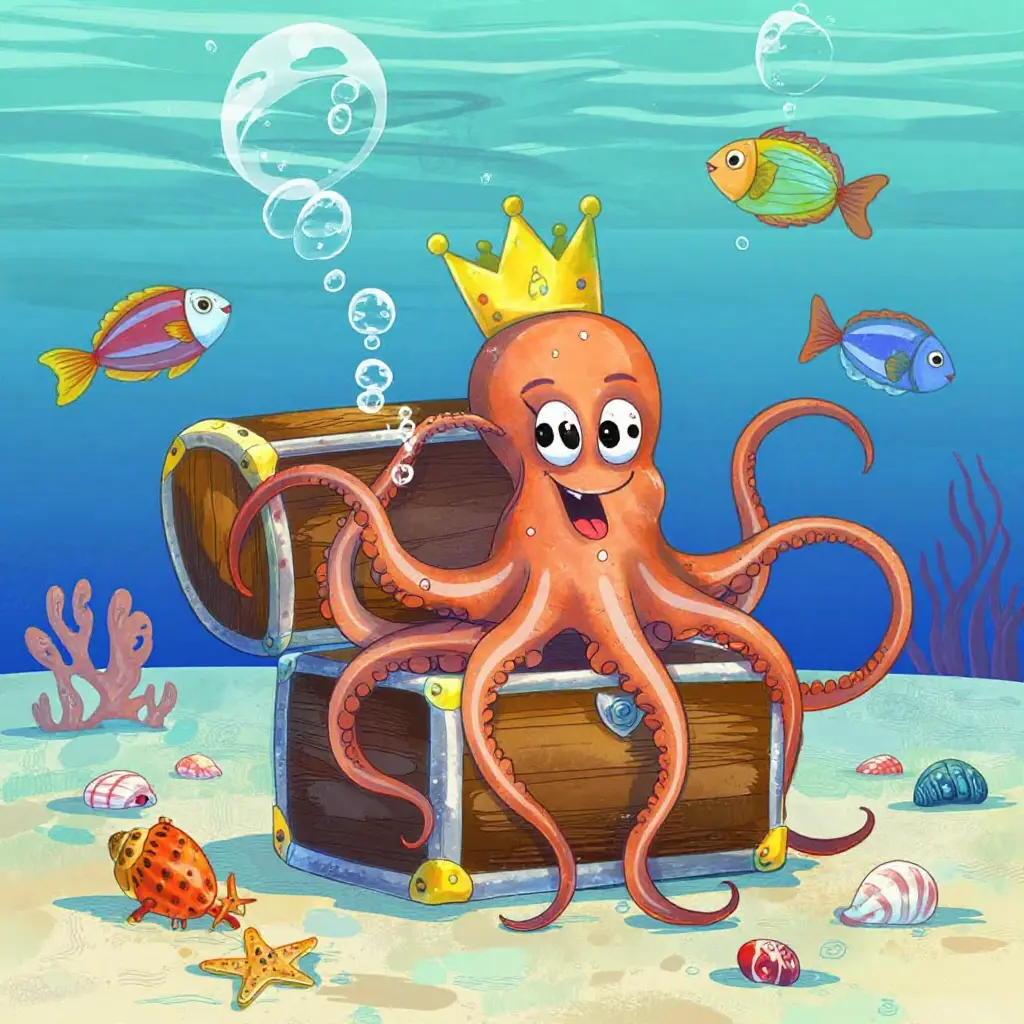
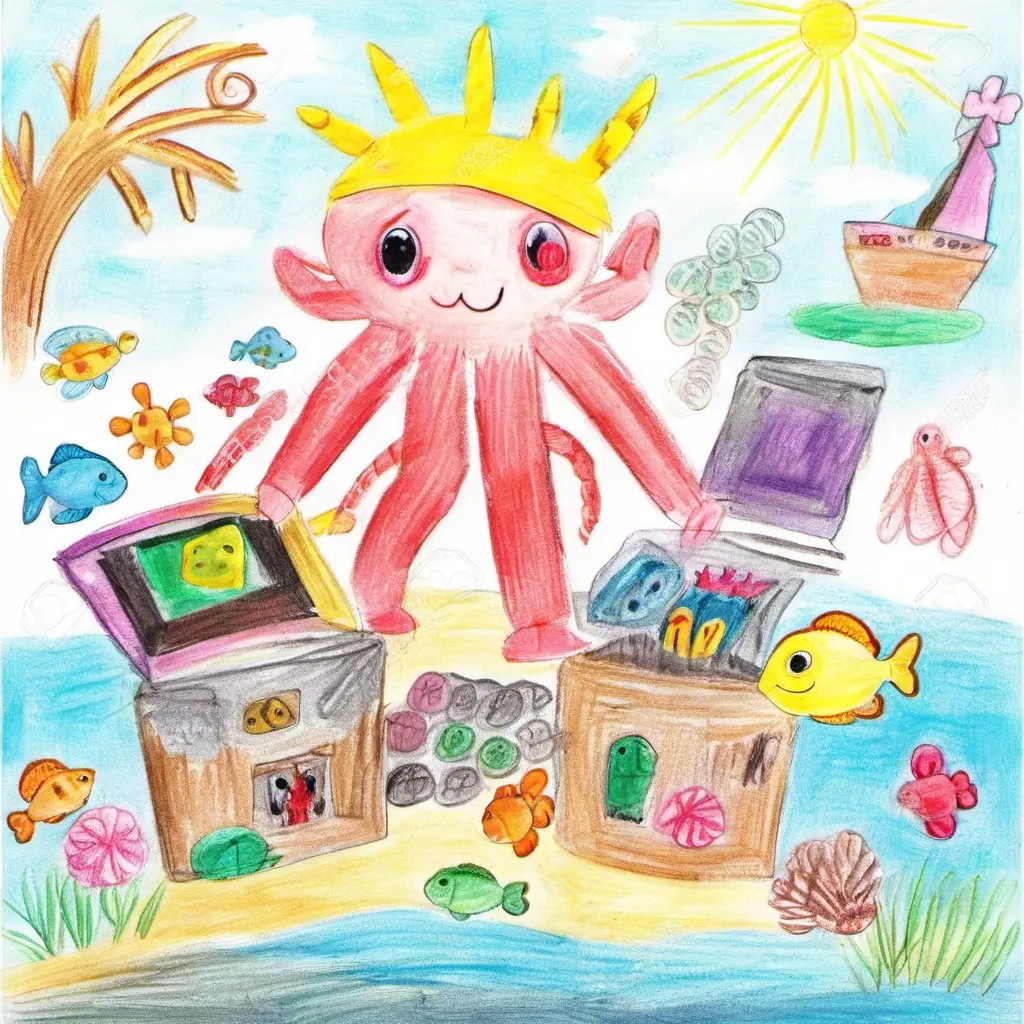
Style LoRAs add another dimension — they force a trained aesthetic onto any model. But even then, the base model’s personality bleeds through. Here’s the same concept rendered through a kids drawing style LoRA on two different models:
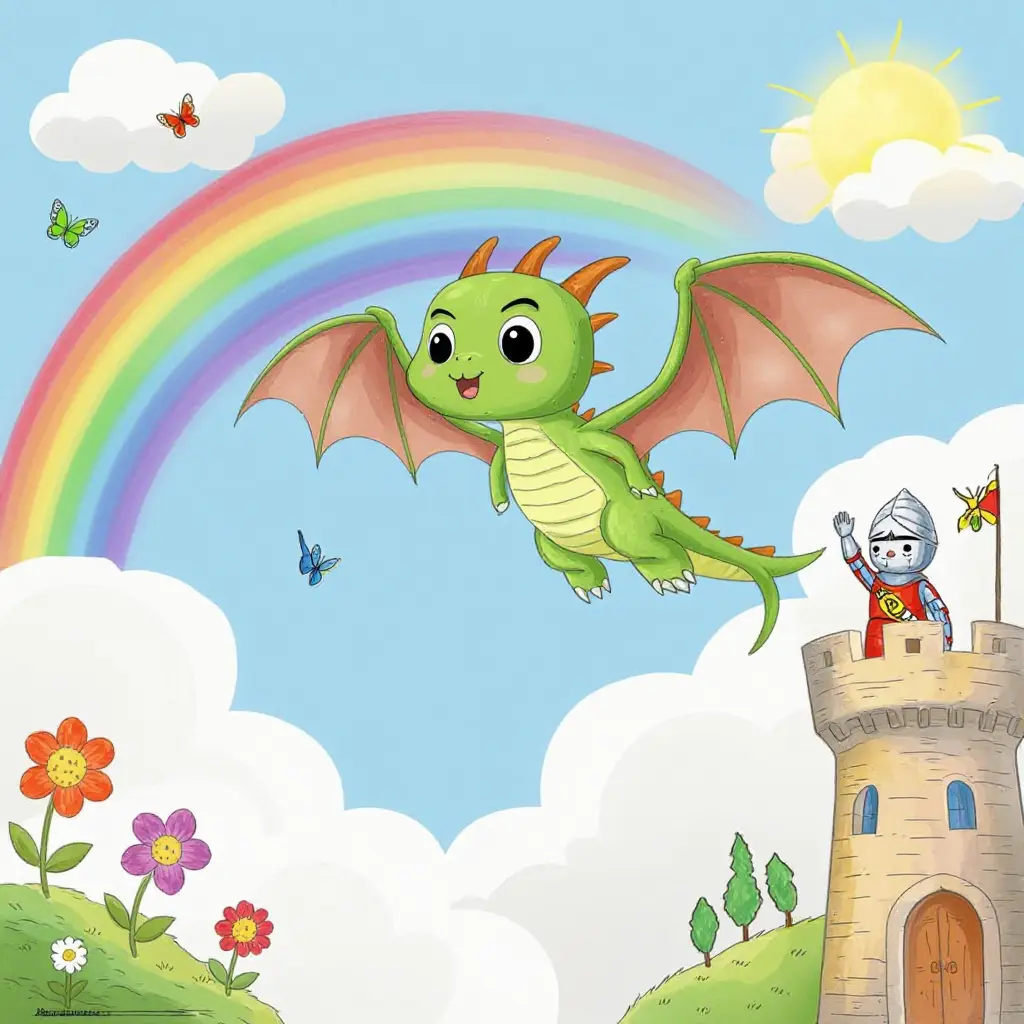
Z-Image Turbo + kids-art-turbo-v1
SDXL + kids-art-sdxl-v2
Z-Image Turbo + kids-art-turbo-v1
SDXL + kids-art-sdxl-v2
The LoRA defines the style; the model defines how that style is rendered. Z-Image Turbo’s version has its characteristic sharpness — clean lines, vivid color separation. SDXL’s version is softer, with more blended crayon-like textures. Same LoRA training data, same concept — different personality underneath.
SDXL’s superpower: the LoRA ecosystem
SDXL came out in 2023 — three generations behind the newest models. But it has something no newer model can match: thousands of community-trained style LoRAs that transform it into entirely different art tools.
Pixel art
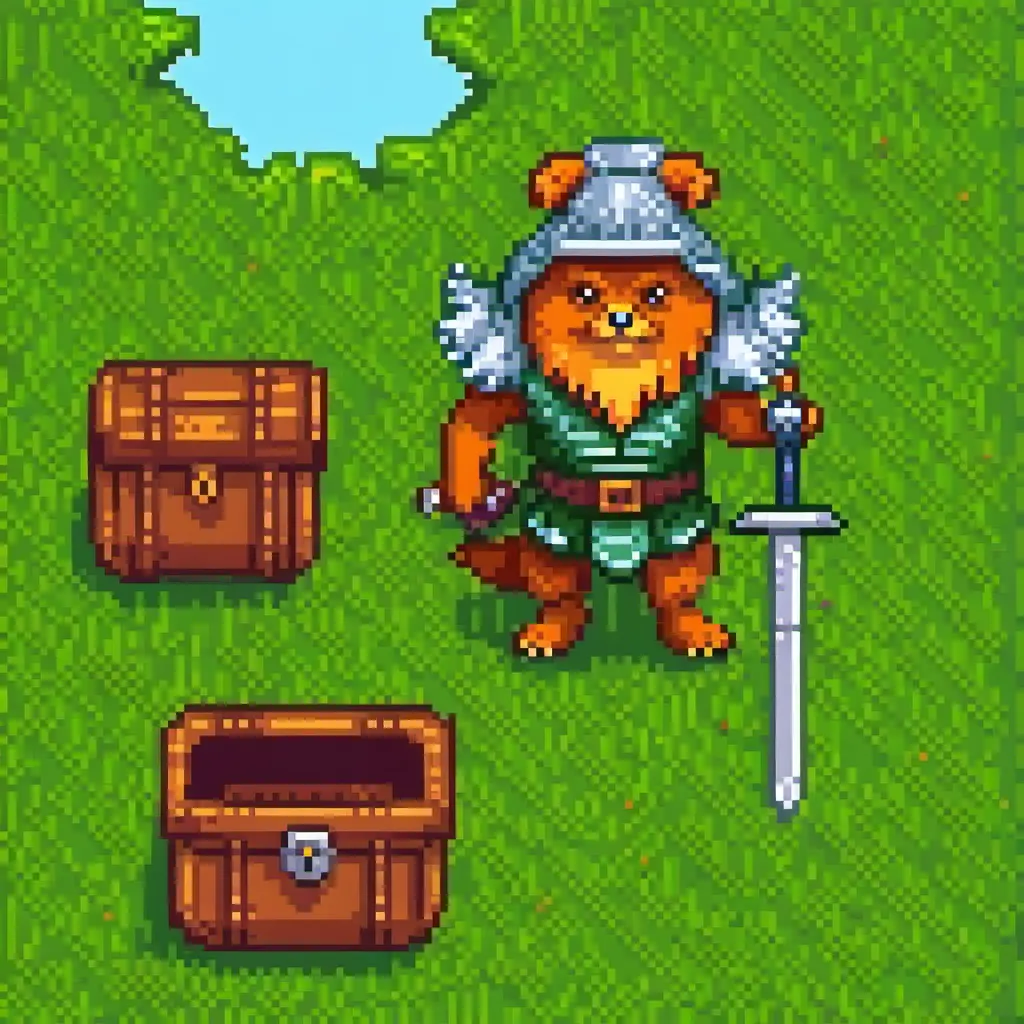
SDXL + pixel-art-xl-v1.1 · seed 8899
Fairy tale / Ghibli
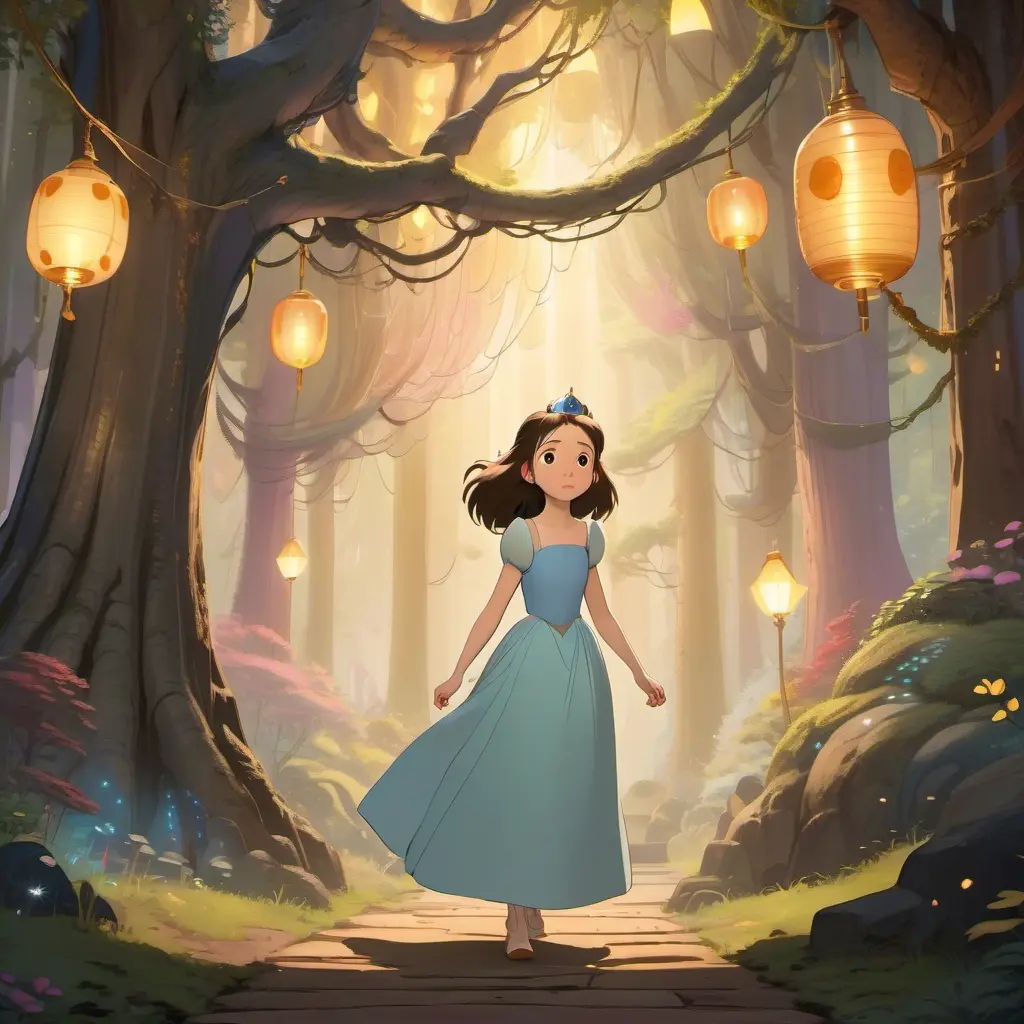
Enchanted forest · princess_xl_v2 · seed 2233
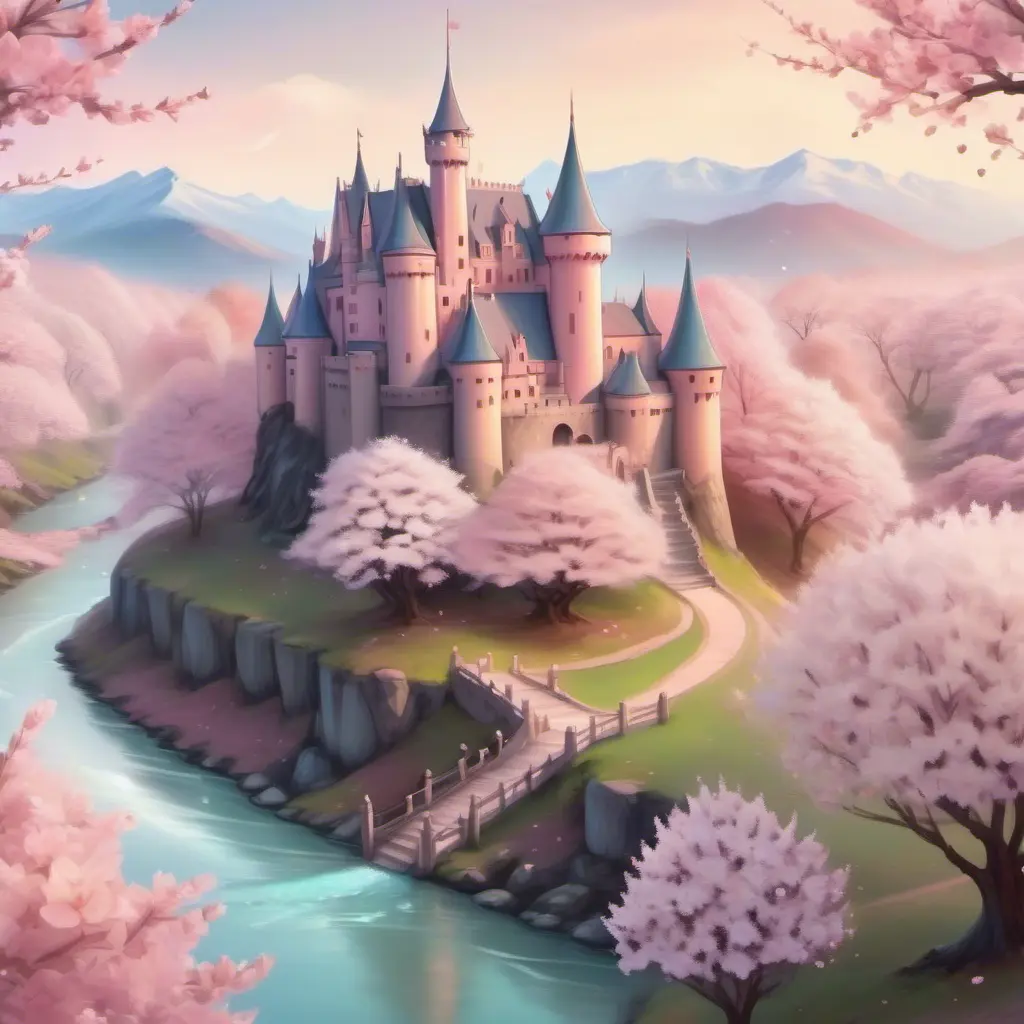
Cherry blossom castle · princess_xl_v2 · seed 8844
Midjourney aesthetic (MJ52)
The MJ52 LoRA brings that distinctive Midjourney v5.2 look to local generation — rich detail, cinematic color grading, hyper-polished compositions:
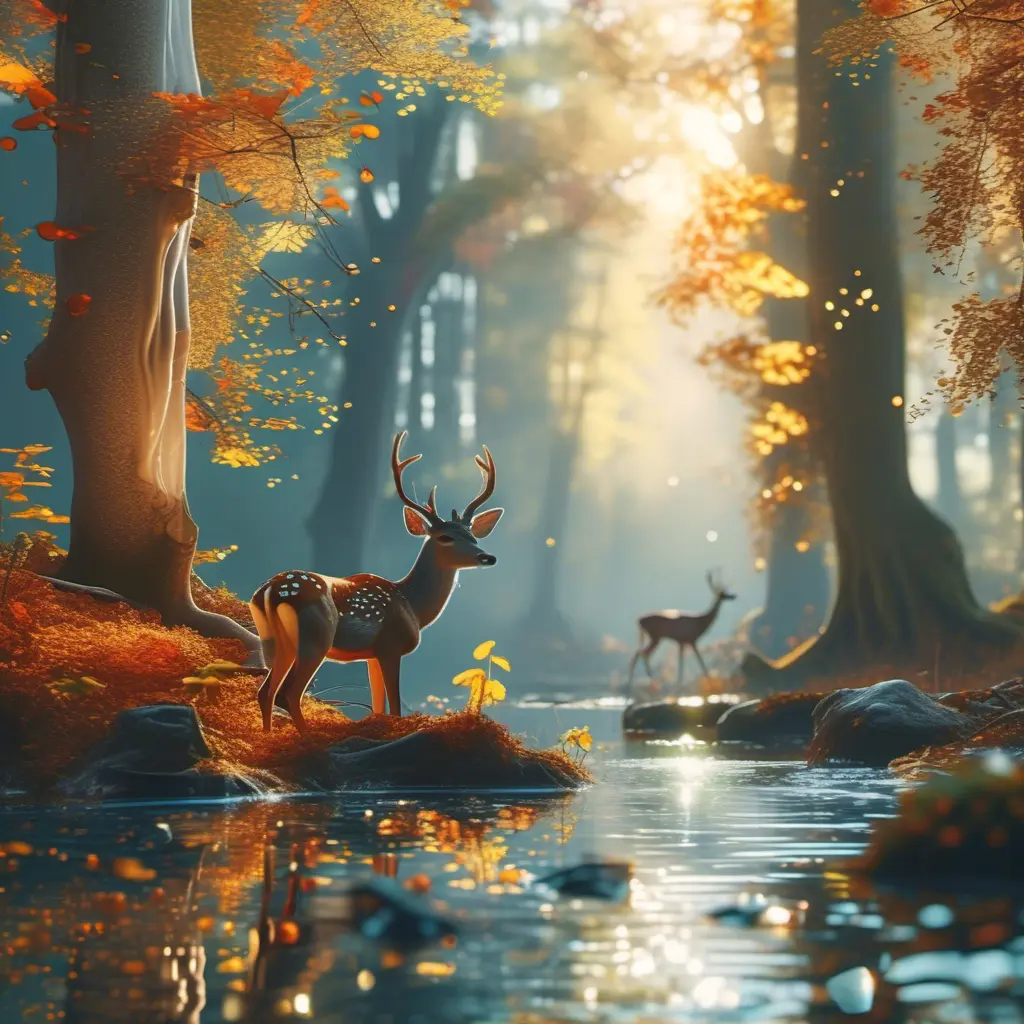
Enchanted forest · MJ52 · seed 3344
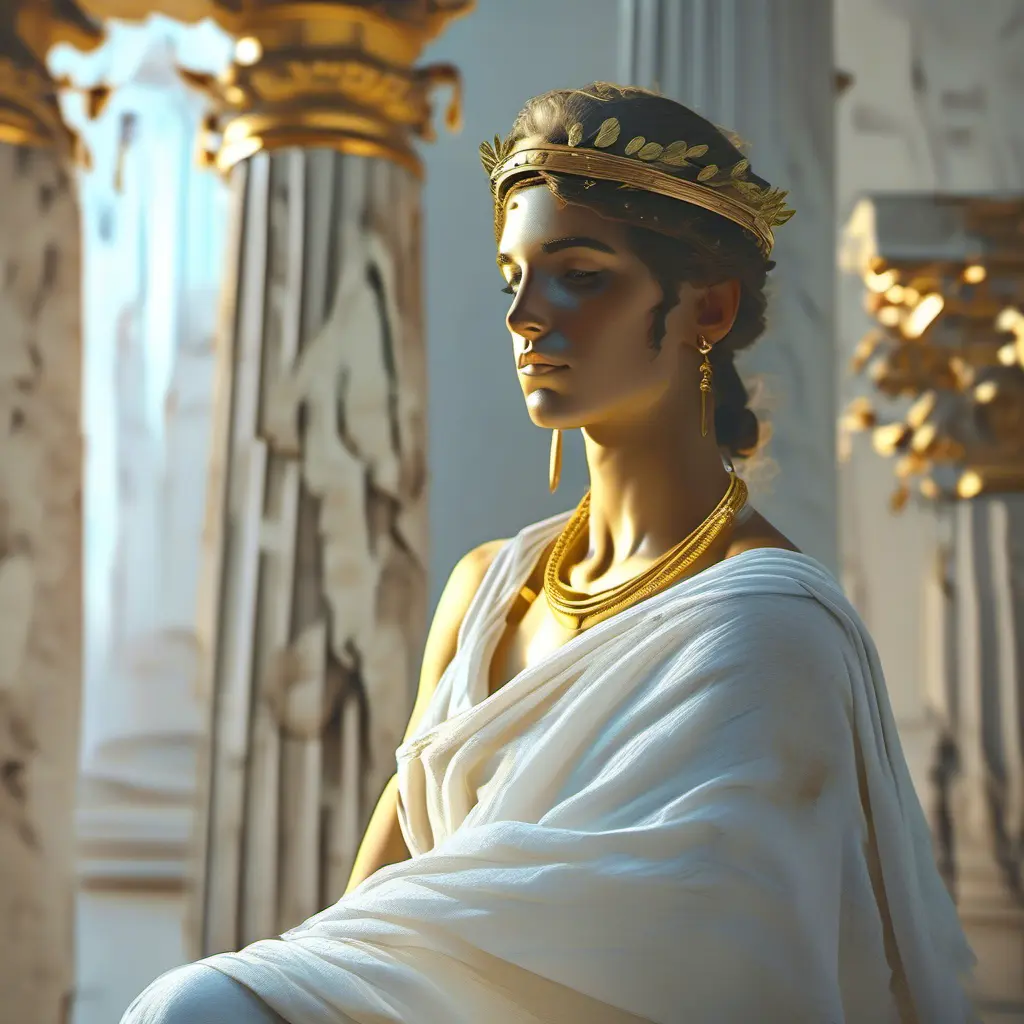
Greek goddess · MJ52 · seed 7711
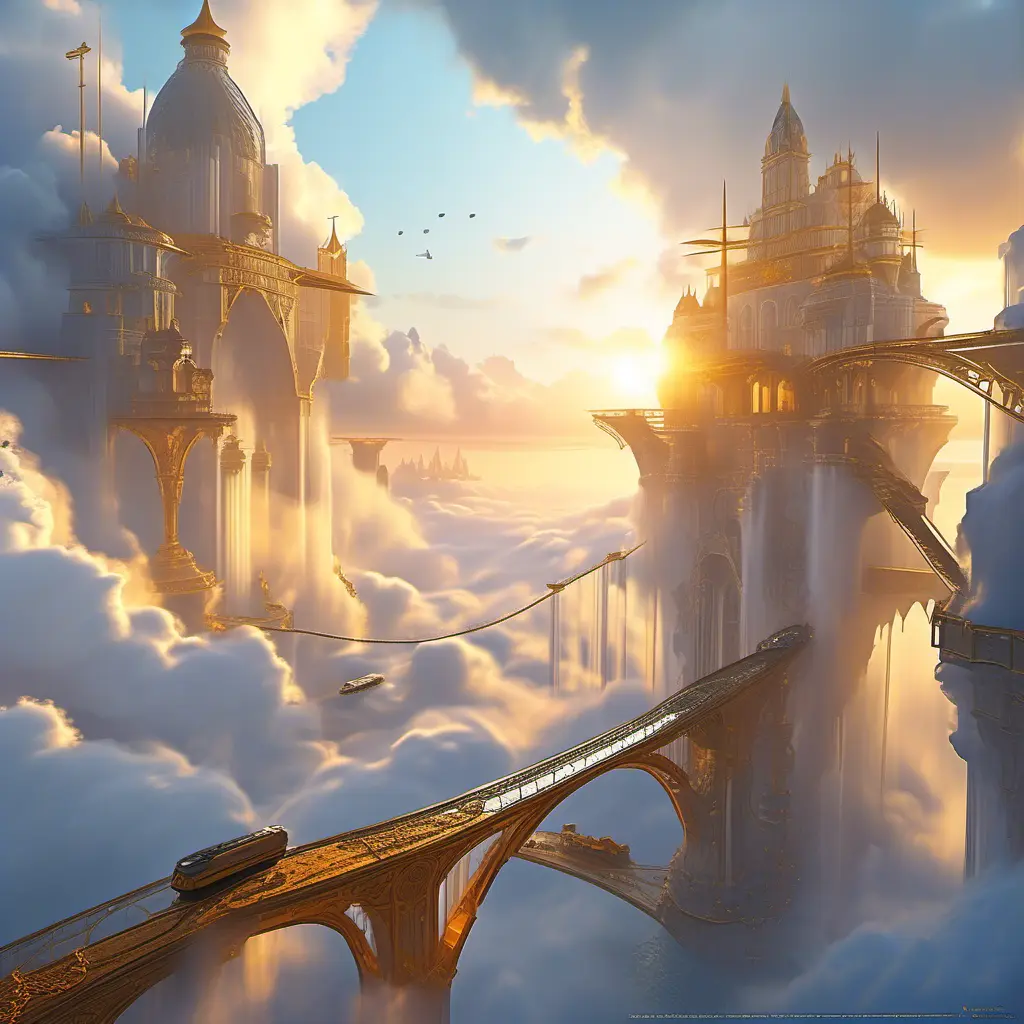
Floating city · MJ52 · seed 5522
The newest models generate better images out of the box. But SDXL with the right community LoRA produces results that newer models can’t match — not because they’re less capable, but because they don’t have the ecosystem yet. Sometimes the best model is the one with the right LoRA, not the newest architecture.
Z-Image Turbo: dioramas and material rendering
Z-Image Turbo generates in 6 seconds and has a distinctive sharp, volumetric rendering style. The same characteristics that make it less ideal for soft organic portraits make it exceptional for hard surfaces — glass, metal, stone, and miniature-scale detail.
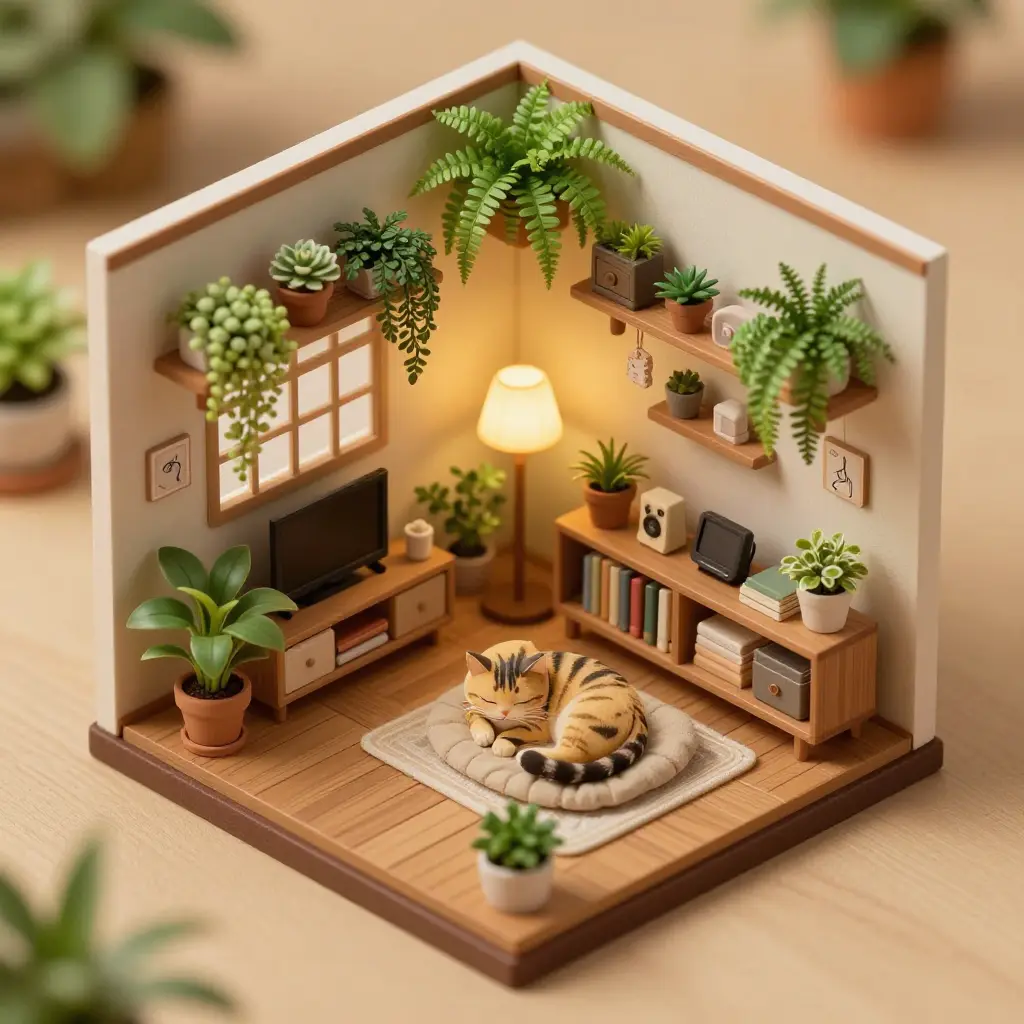
Plant-filled apartment · seed 4477
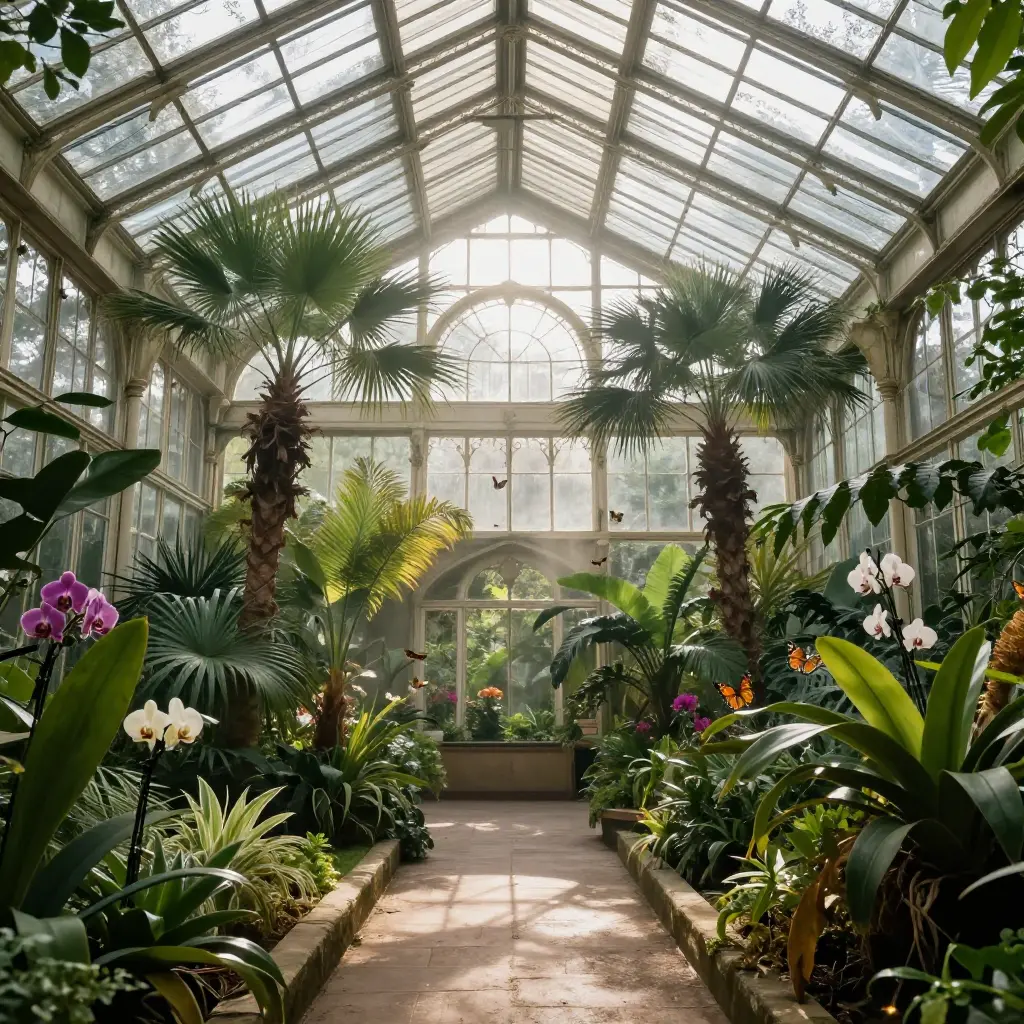
Victorian greenhouse · seed 6633
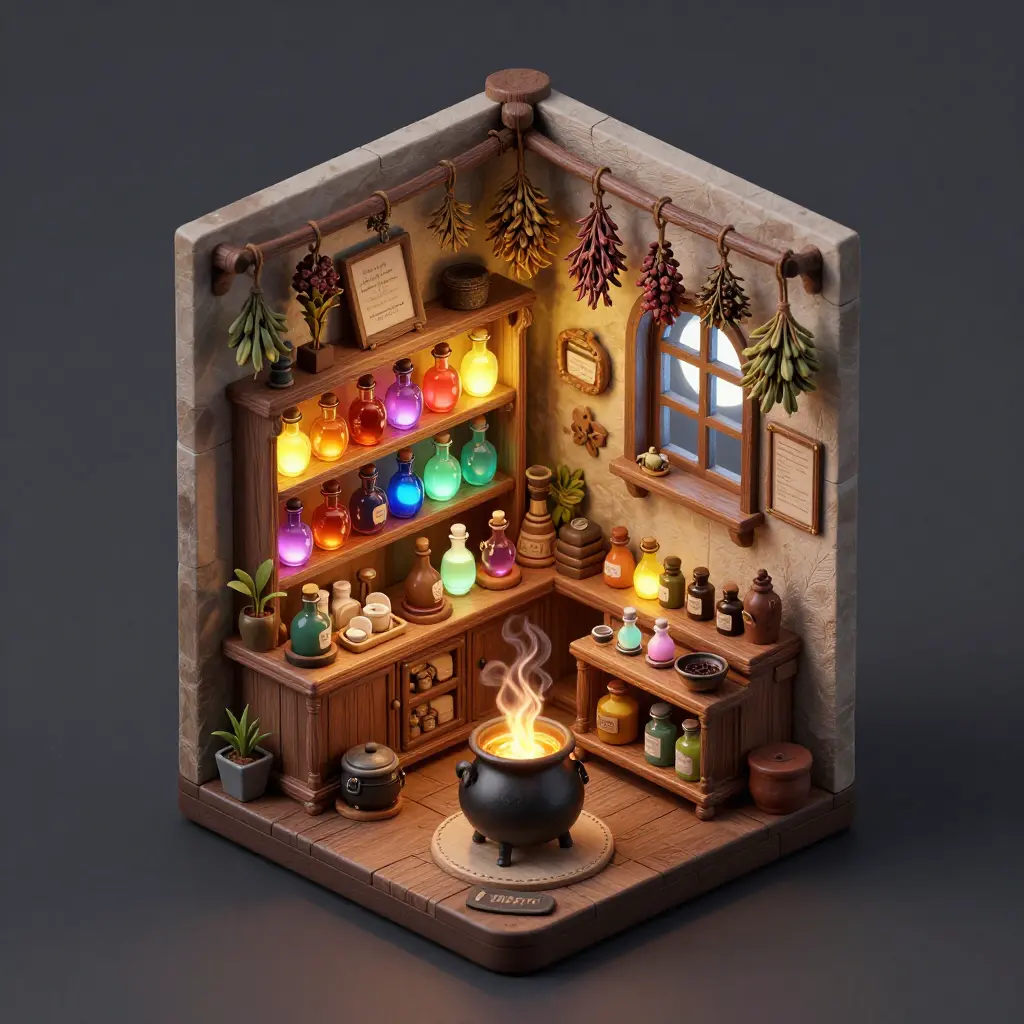
Potion shop diorama · seed 9911
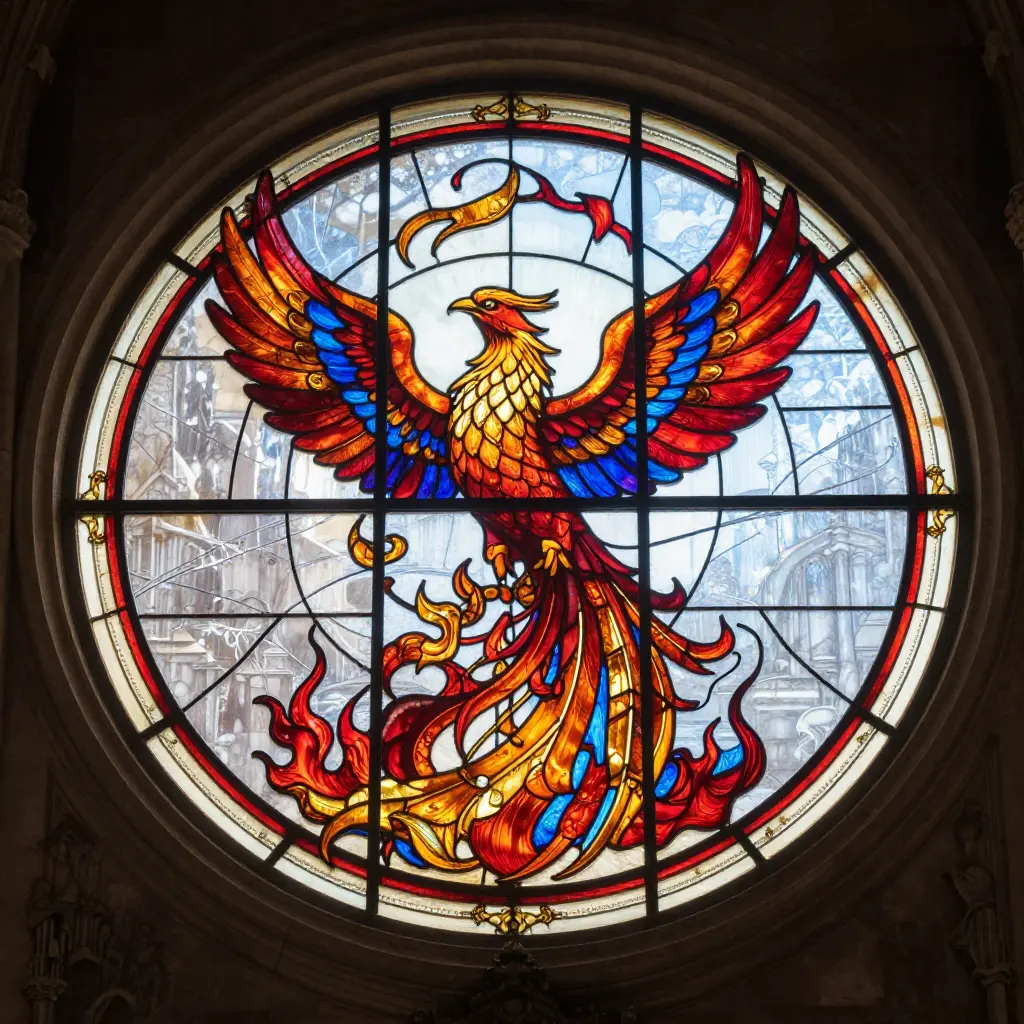
Stained glass phoenix · seed 8822
Traditional art: the Qwen encoder advantage
Traditional Asian art styles are where the Qwen-encoded models pull ahead most visibly. It’s not just about style — it’s about the encoder’s training data. Qwen was trained on multilingual data including Chinese and Japanese, so concepts like “shan shui” and traditional composition principles are represented directly in the encoder’s vocabulary, not approximated through English translations.
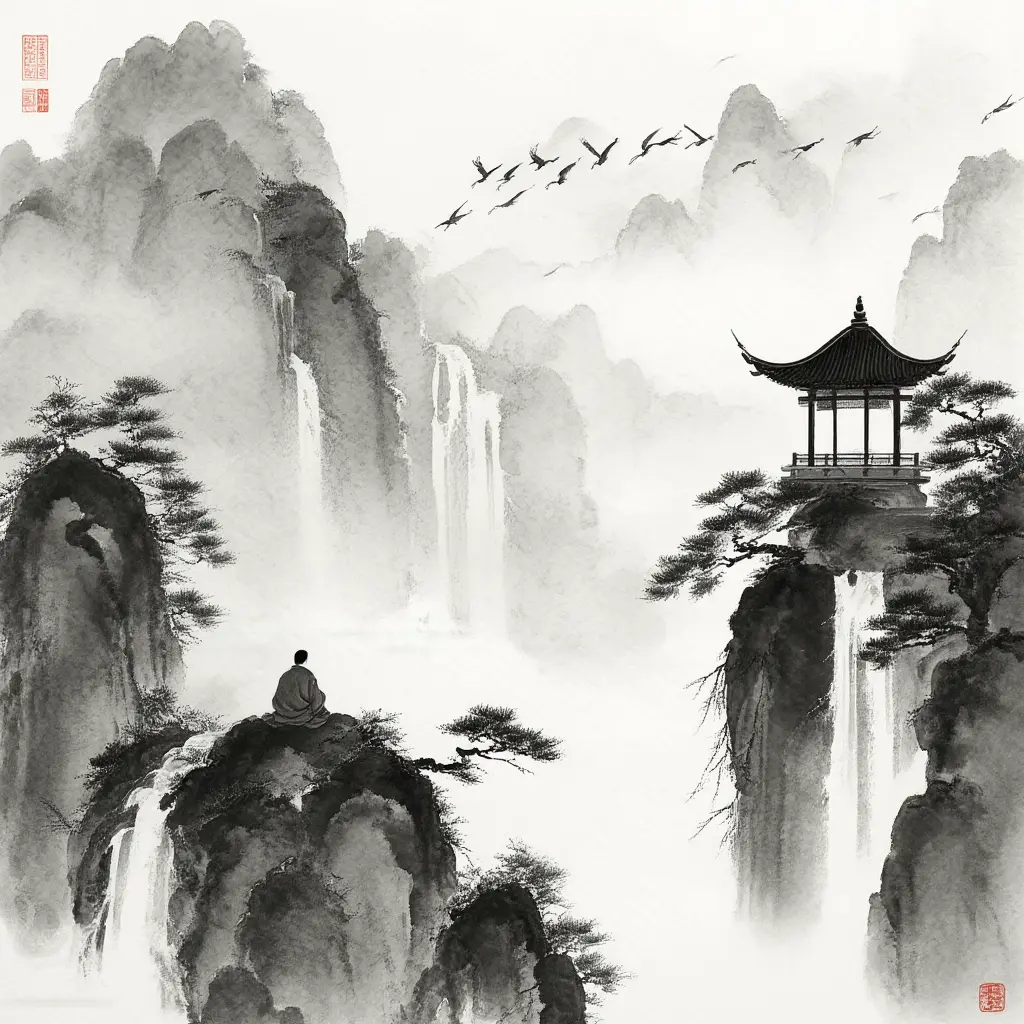
Chroma · 40 steps
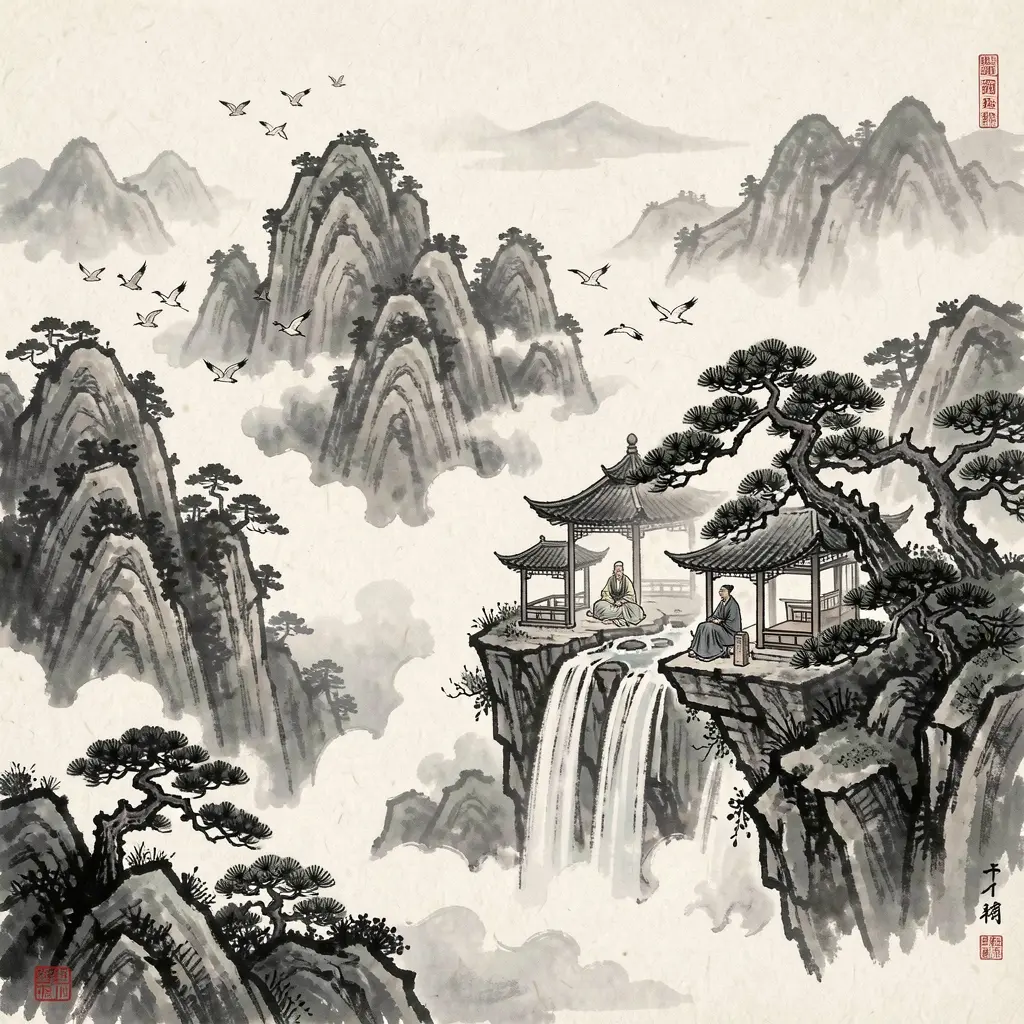
Klein 9B · 4 steps
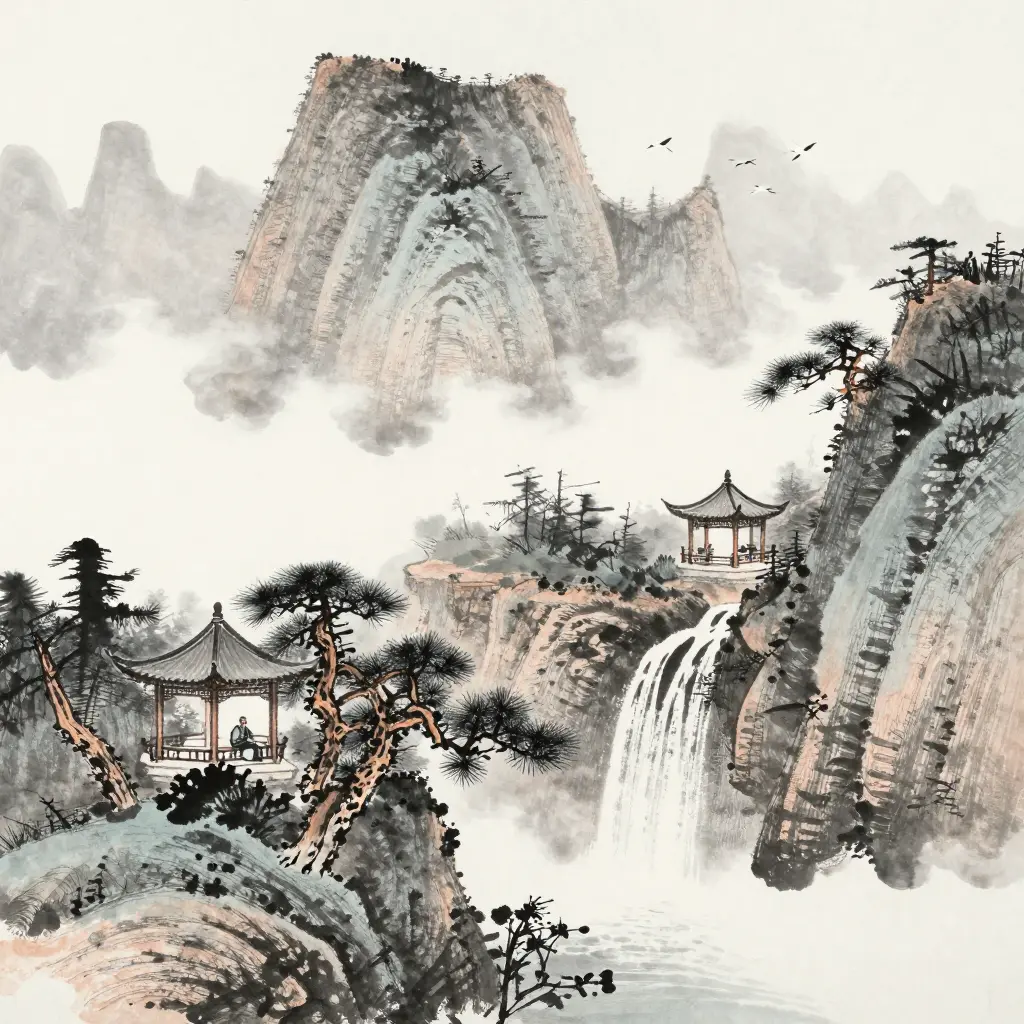
Z-Image Turbo · 8 steps
Compare how each model handles the ink gradient — the gradual fade from solid black to transparent wash. That’s a specific technique (渲染, xuànrǎn) with its own conventions. Chroma’s T5 encoder understands the English description of what ink wash looks like, but the Qwen-encoded models have a more direct representation of the tradition itself.
Chroma: cinematic mood
Chroma’s T5-only encoder and Apache 2.0 training data give it a distinctive visual personality — moody, painterly, with a film-still quality. It’s also the only Flux-architecture model that supports negative prompts, which gives you direct control over what not to render.
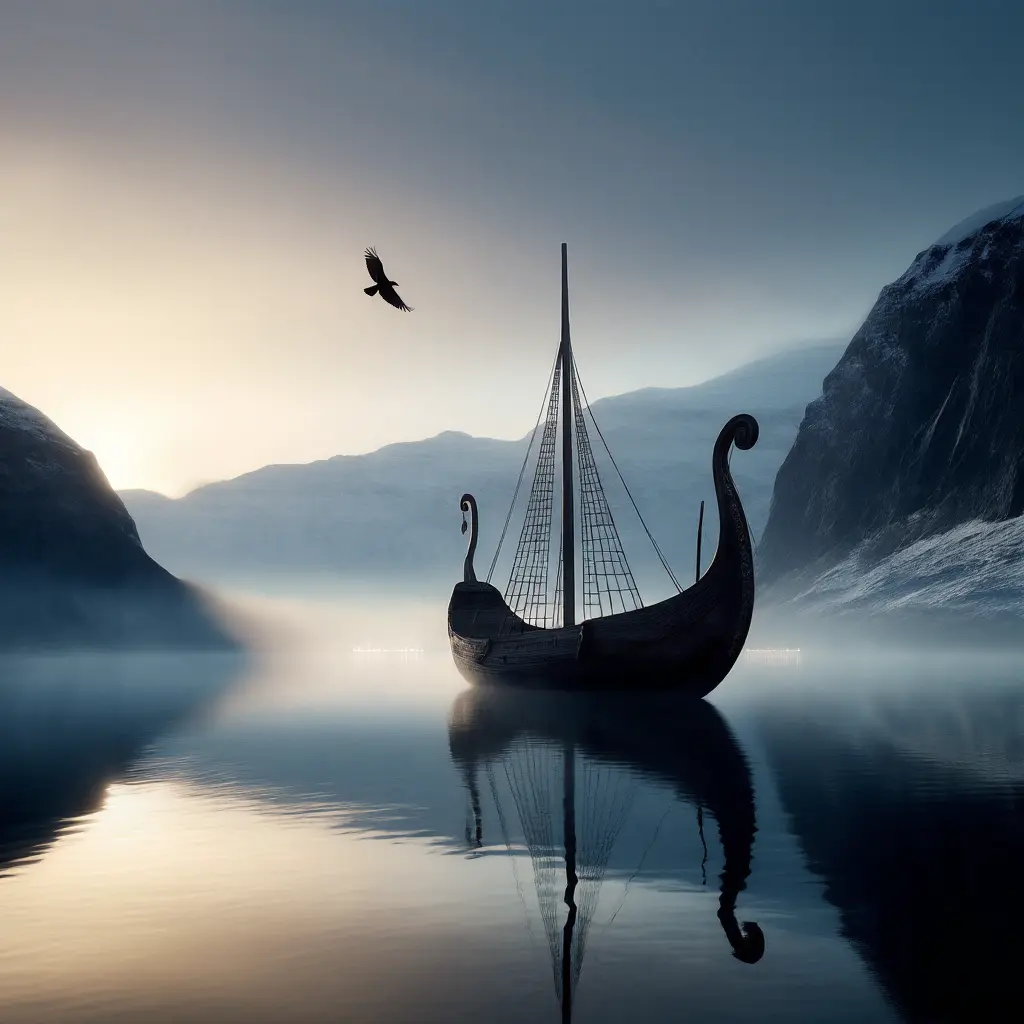
Chroma · 40 steps
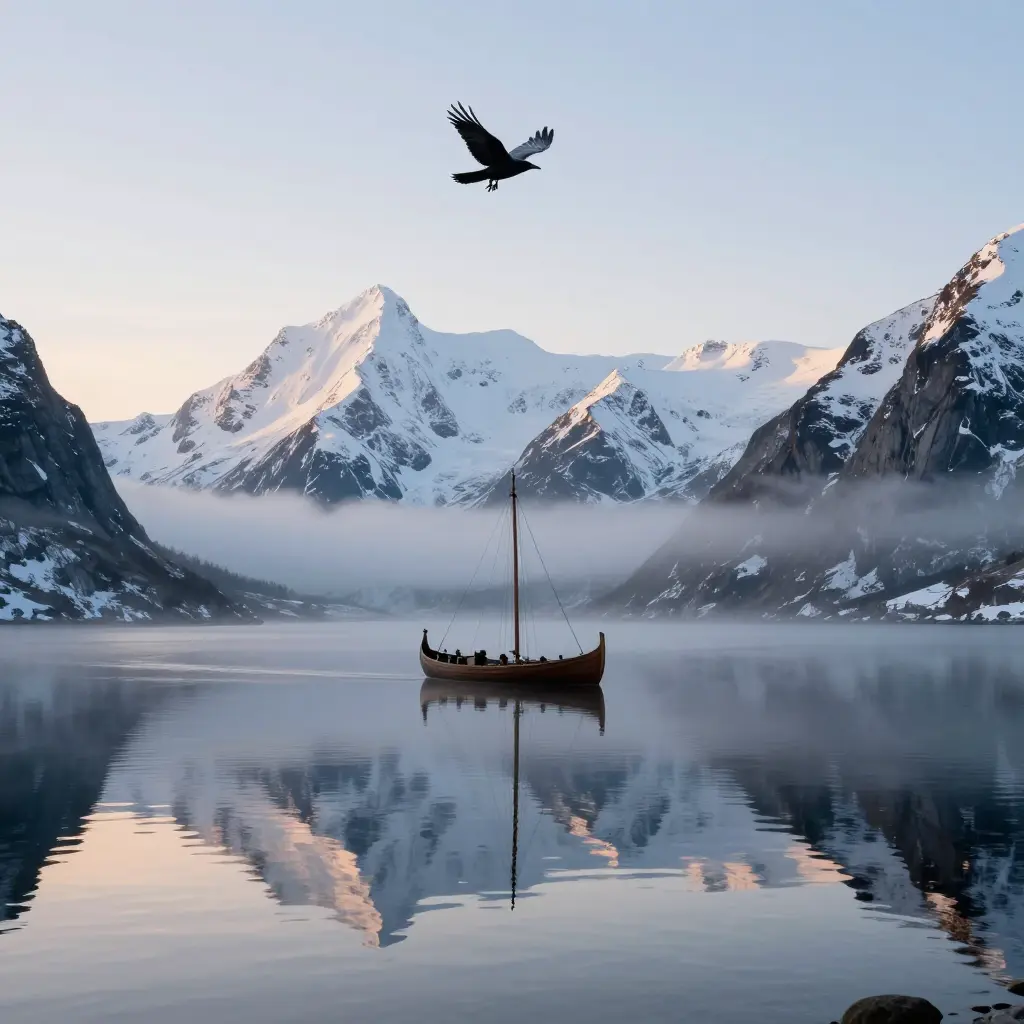
Z-Image Turbo · 8 steps
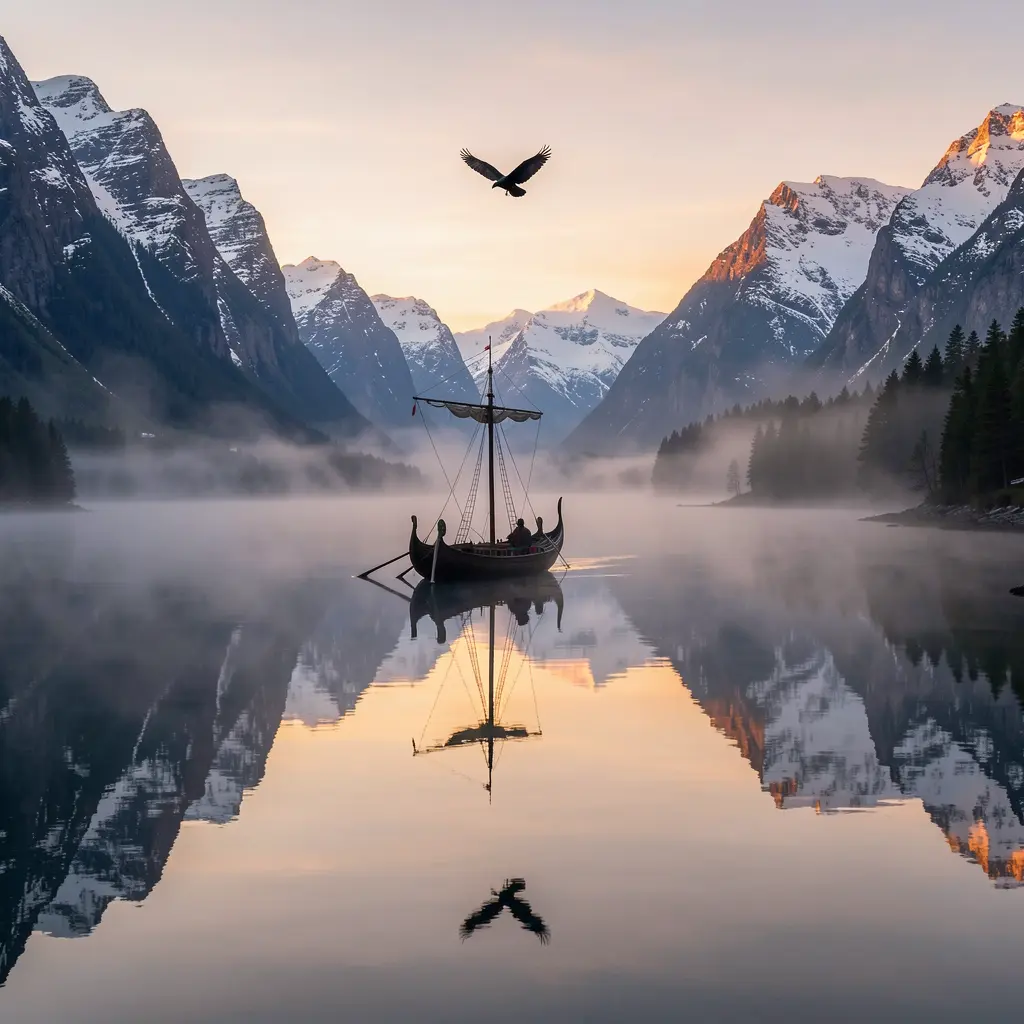
Klein 9B · 4 steps
The Viking fjord comparison distills each model’s default mood. Chroma goes for atmosphere — mist, reflection, stillness. Z-Image Turbo renders the geometry with precision — crisp mountain edges, sharp water reflections. Klein 9B finds a middle ground, leaning photographic. Three valid interpretations of the same scene; your preference is the tiebreaker.
Gallery
Same prompt, three models, no commentary needed.
Botanical illustration
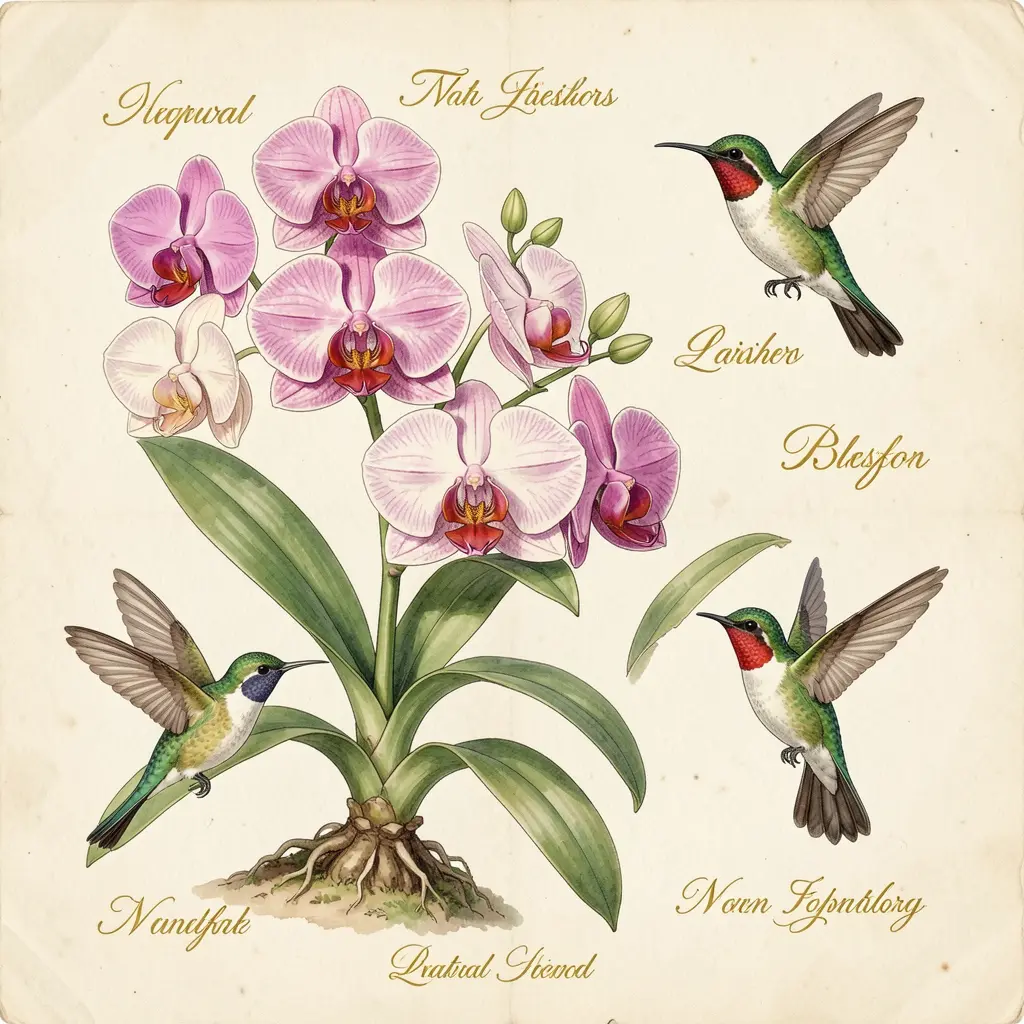
Klein 9B
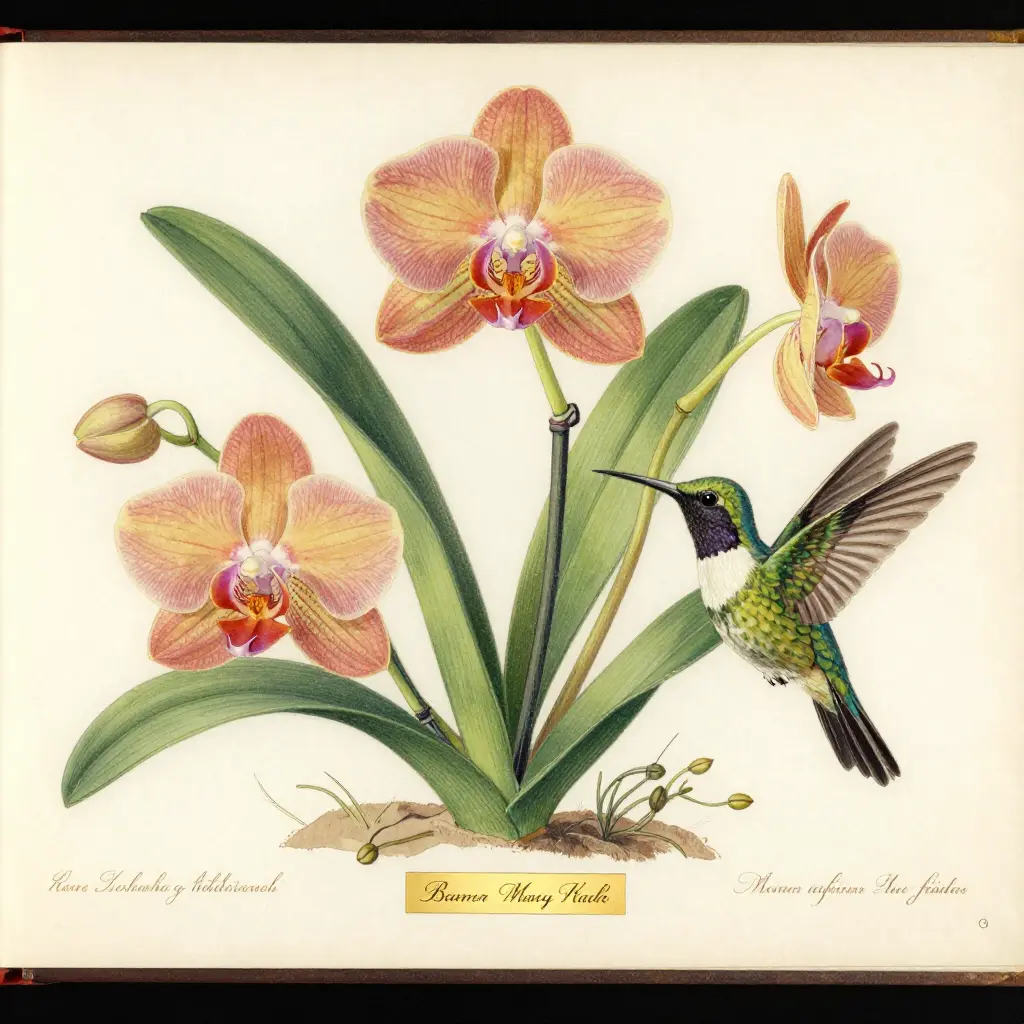
Z-Image Turbo
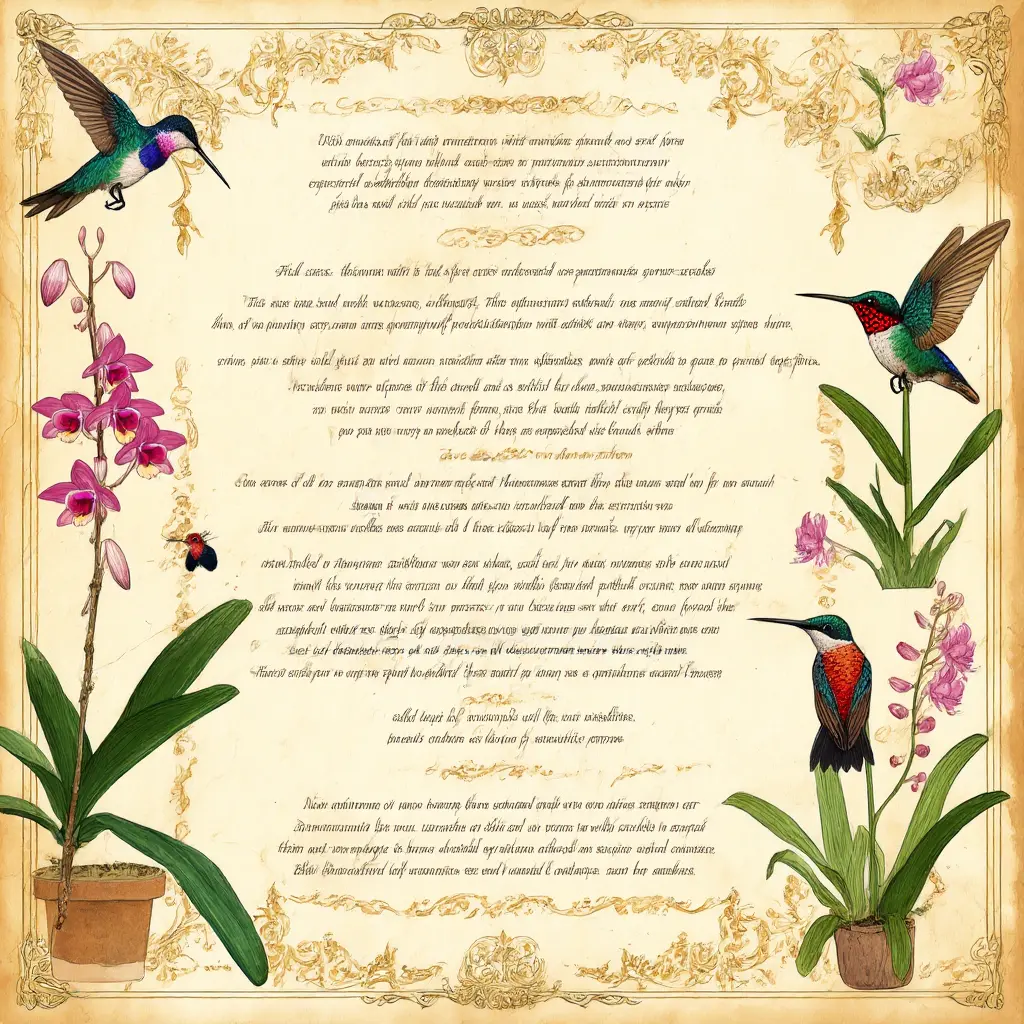
Chroma
Art Nouveau · Dutch still life
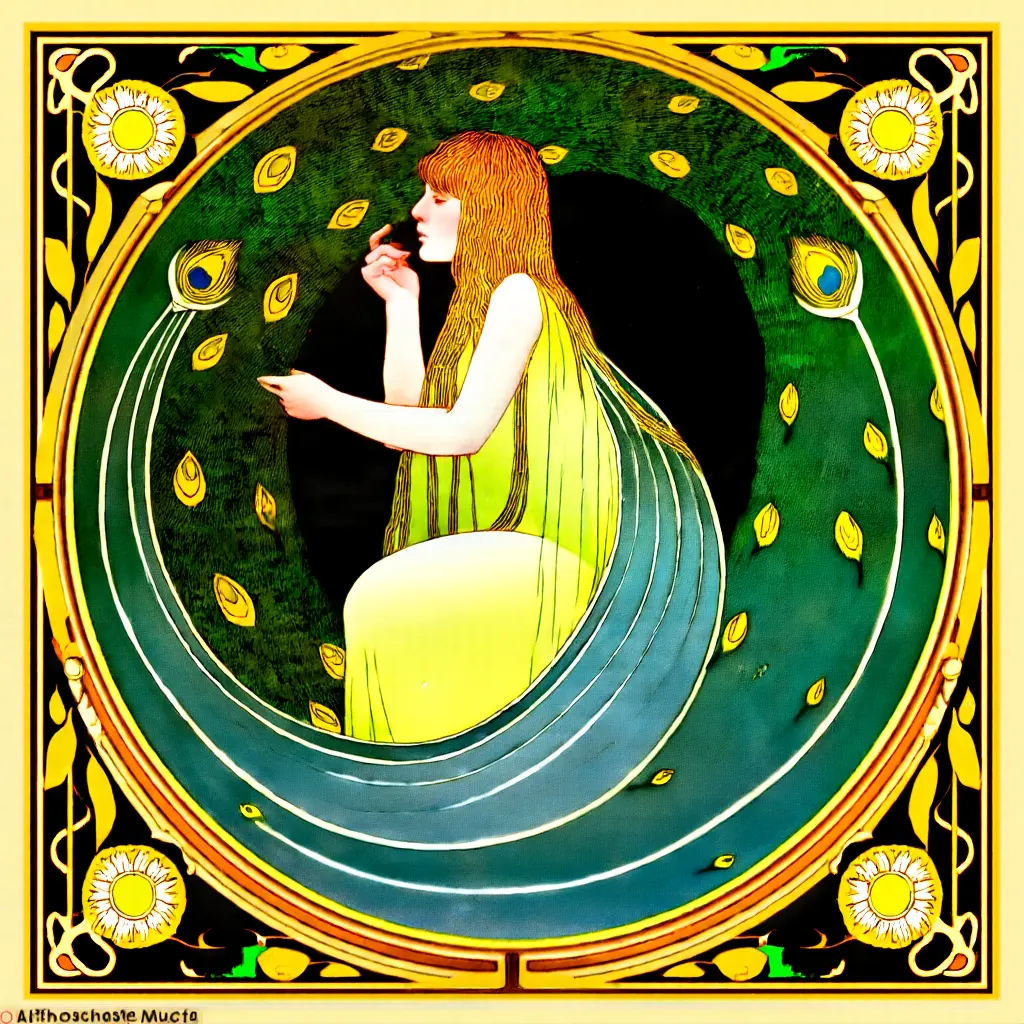
Art Nouveau · Chroma · seed 5566
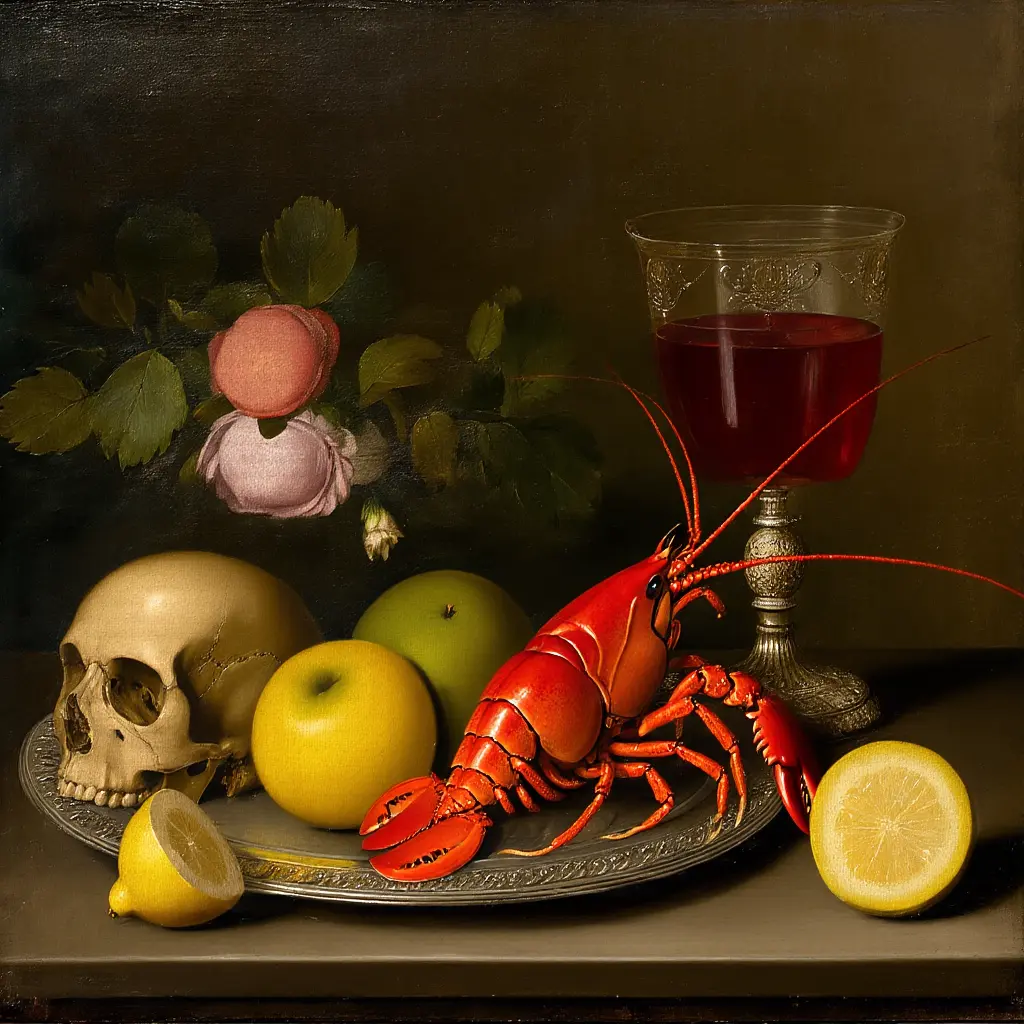
Dutch Golden Age still life · Chroma · seed 2299
What to take from this
Every image in this guide was a single modl generate command — no compositing, no upscaling, no manual retouching.
Don’t optimize for the newest model. Optimize for the aesthetic you want. Write prompts for that model’s text encoder. A well-prompted SDXL with the right LoRA beats a poorly-prompted Klein 9B every time — and Chroma’s moody atmosphere is a creative choice, not a limitation.