Capabilities Reference
What can each model do? A task-oriented guide mapping every modl capability to the models that support it, with recommended picks and CLI commands.
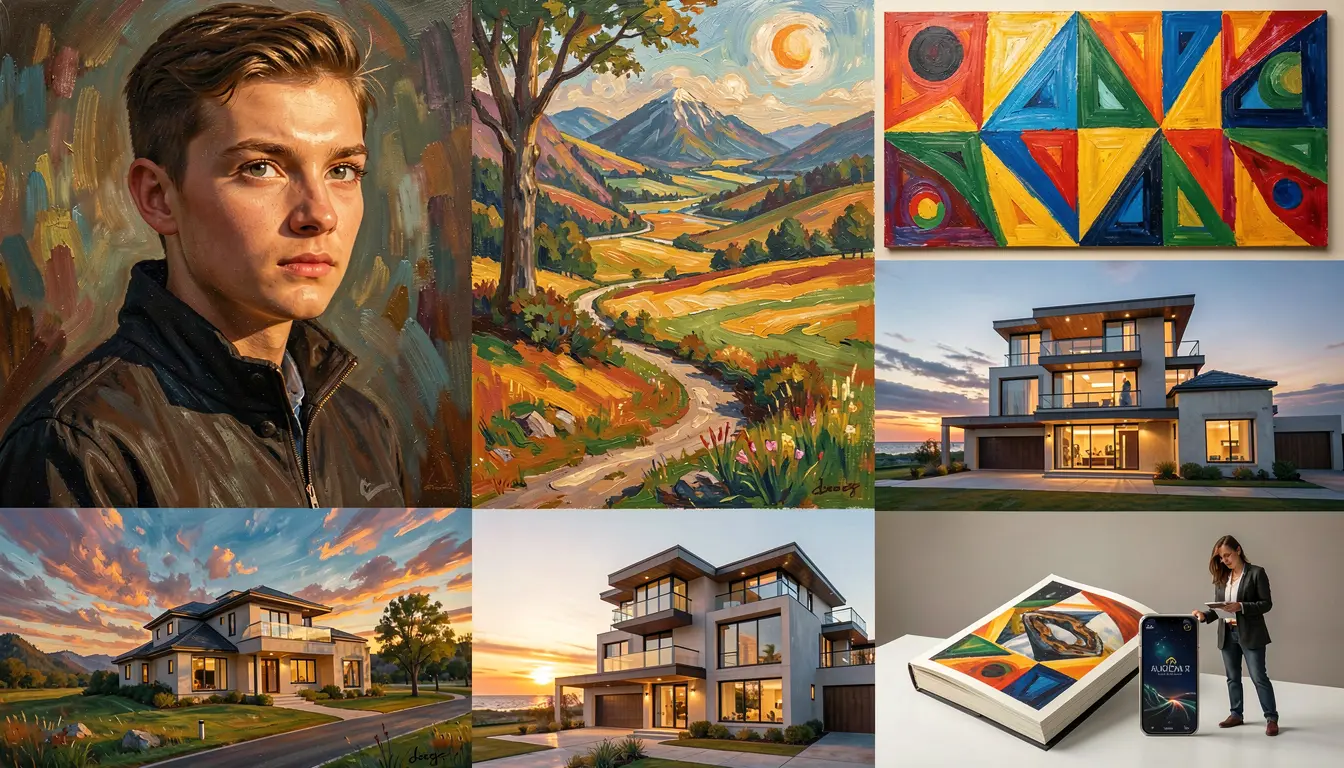
You know what you want to do but not which model to use. This guide is organized by task — find your task, see your options, pick a model.
For side-by-side visual comparisons, see the model comparison guide.
Text to image
All models support this. The question is which one to pick.
| Pick | Model | Why |
|---|---|---|
| Fast iteration | flux-schnell | 4 steps, good quality, default model |
| Best quality | qwen-image | 20B params, best text rendering |
| Best open license | chroma | Apache 2.0, negative prompts, uncensored |
| Low VRAM | sd-1.5 | Runs on 4GB GPUs |
| Balanced | flux-dev | 28 steps, strong prompt following |
| Small + fast | flux2-klein-4b | 4B params, 4 steps, fits anywhere |
Image to image (img2img)
Re-style an existing image. Lower --strength = closer to original.
Supported: flux-dev, flux-schnell, chroma, z-image, z-image-turbo, sdxl, sd-1.5
Not supported: qwen-image, qwen-image-edit, flux2 family (use modl edit instead)
modl edit instead — they support instruction-based editing which is more flexible than img2img. Inpainting
Regenerate a specific region of an image using a mask (white = edit, black = keep).
modl supports two inpainting methods: standard (diffusers pipeline or Flux Fill) and LanPaint (training-free, works with any supported model). The --inpaint flag controls which method to use — auto (default) picks the best one for your model.
| Pick | Model | Method | Why |
|---|---|---|---|
| Best quality | flux-fill-dev-onereward | Standard | RLHF-tuned, no boundary artifacts |
| Best quality (alt) | flux-fill-dev | Standard | Dedicated 384-ch inpainting model |
| Good default | flux-dev | Standard | Native inpainting, auto-routes to Fill if installed |
| Best LanPaint | z-image | LanPaint | Best quality with training-free inpainting |
| Fast | z-image-turbo | Standard/LanPaint | 8 steps, supports both methods |
| Edit models | flux2-klein-9b | LanPaint | No standard inpaint — LanPaint auto-selected |
| Low VRAM | sdxl | Standard | Native inpainting, large LoRA ecosystem |
--inpaint lanpaint). Creating masks
Three ways to create masks for inpainting:
| Method | Command | Use case |
|---|---|---|
| Bounding box | modl process segment --method bbox --bbox x1,y1,x2,y2 | Quick rectangular mask |
| SAM (point/box) | modl process segment --method sam --point x,y | Precise edges around objects |
| Background | modl process segment --method background | Mask everything except the subject |
| Ground + segment | modl vision ground "cup" photo.png then modl process segment | Find object by name, then mask it |
Instruction-based editing
Tell the model what to change in natural language — no mask needed. Klein models also accept multiple images, so you can pass a reference image alongside the source.
| Pick | Model | Why |
|---|---|---|
| Best quality | qwen-image-edit | 20B params, best text editing, style transfer |
| Balanced | flux2-klein-9b | 9B, good quality, 4 steps, multi-image reference |
| Fast / low VRAM | flux2-klein-4b | 4B, fits on consumer GPUs, 4 steps, multi-image reference |
modl edit is different from inpainting. Edit models understand instructions (“add sunglasses”, “change the color”) without needing a mask. Klein models accept multiple --image flags — pass a reference image as the second image for reference-based edits like clothing swaps or style transfer. LoRA training
Fine-tune a model on your images to learn a character, style, or object.
| Pick | Model | Why |
|---|---|---|
| Best default | flux-dev | 12B, quantized to ~12GB VRAM, great results |
| Fastest training | z-image-turbo | 6B params, ~1.3s/step on 5090 |
| Best for style | qwen-image | 20B, fits 24GB with 3-bit quantization |
| Low VRAM | sdxl | ~10GB, mature ecosystem |
| New gen | flux2-klein-4b | 4B, very fast to train, new architecture |
Not trainable: qwen-image-edit, flux-fill models (inference-only)
ControlNet
Structural guidance — maintain the pose, edges, or depth of a reference image.
| Model | Supported types |
|---|---|
sdxl | canny, depth, pose, softedge, tile, scribble, hed, mlsd, normal |
z-image-turbo | canny, hed, depth, pose, mlsd, scribble, gray |
z-image | canny, hed, depth, pose, mlsd, scribble, gray |
flux-dev | canny, depth, pose, softedge, gray |
flux-schnell | canny, depth, pose, softedge, gray |
qwen-image | canny, depth, pose, softedge |
Not supported: flux2 family, chroma, sd-1.5, qwen-image-edit
Style reference
Use a reference image to guide the visual style of a generation.
| Model | Mechanism | Notes |
|---|---|---|
flux2-klein-4b | Multi-image edit | Pass reference as second --image via modl edit |
flux2-klein-9b | Multi-image edit | Pass reference as second --image via modl edit |
flux-dev | IP-Adapter | --style-ref on modl generate, requires flux-dev-ip-adapter |
sdxl | IP-Adapter | --style-ref on modl generate, supports style/face/content types |
modl train --base z-image-turbo --lora-type style --dataset my-paintings Text rendering
Only qwen-image and qwen-image-edit can render legible text in images. All other models struggle with text.
Quick decision tree
- “I just want to generate images fast” →
flux-schnell - “I need the best quality” →
qwen-image(orflux-devif you need inpainting/ControlNet) - “I want to edit an existing image” →
modl editwithqwen-image-edit - “I want to inpaint a region” →
flux-fill-dev-onereward(best quality) or any model with--mask(auto-routes to LanPaint for Klein/Z-Image) - “I want to train a LoRA” →
flux-dev(best default) orz-image-turbo(fastest) - “I need ControlNet” →
sdxl(most types) orflux-dev(best quality) - “I need text in the image” →
qwen-image - “I have a low VRAM GPU” →
flux2-klein-4b(10GB) orsdxl(5GB fp8)