Shape Control Without ControlNet
Use preprocessor outputs as structural guides for edit models — get ControlNet-like results without ControlNet weights. Klein 4B does it in 4 steps.
Extract edges from a photo. Feed them to an edit model. Get ControlNet-quality structural control — without downloading any ControlNet weights.
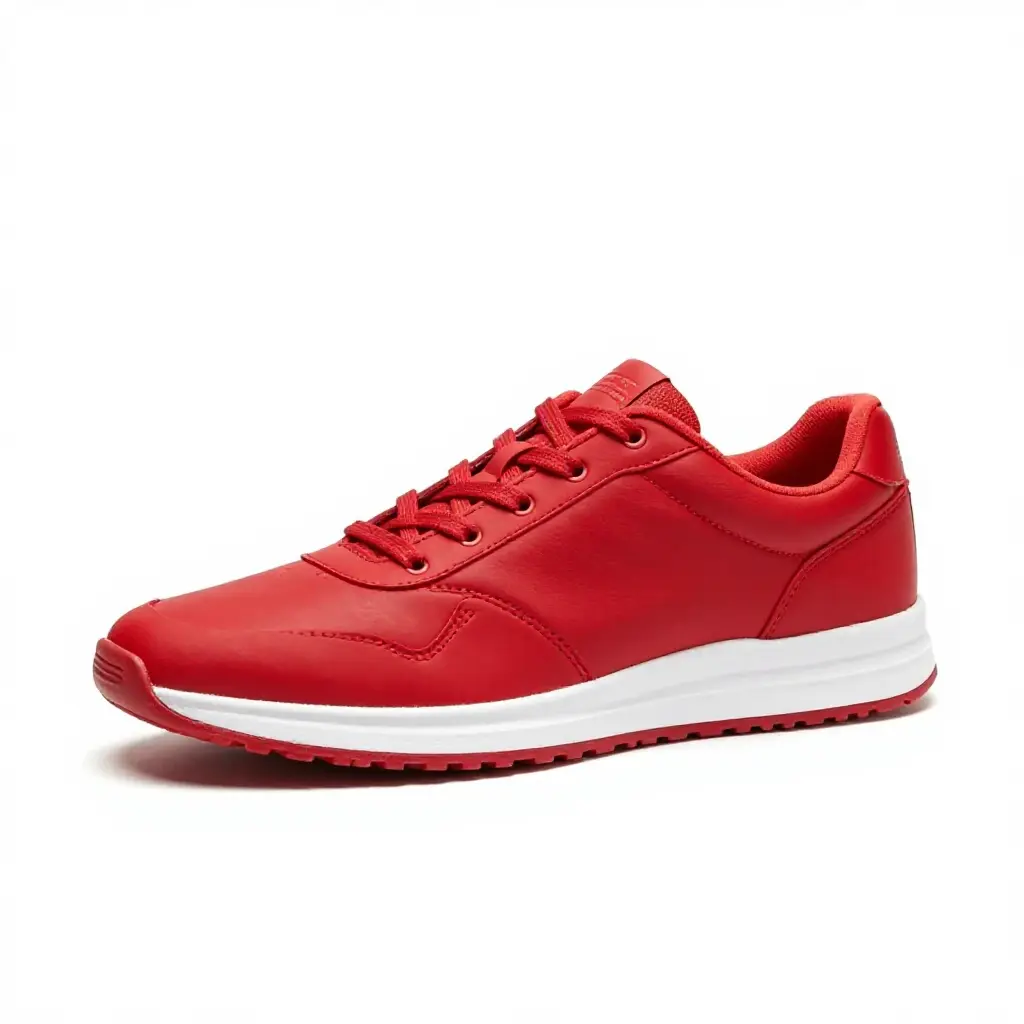
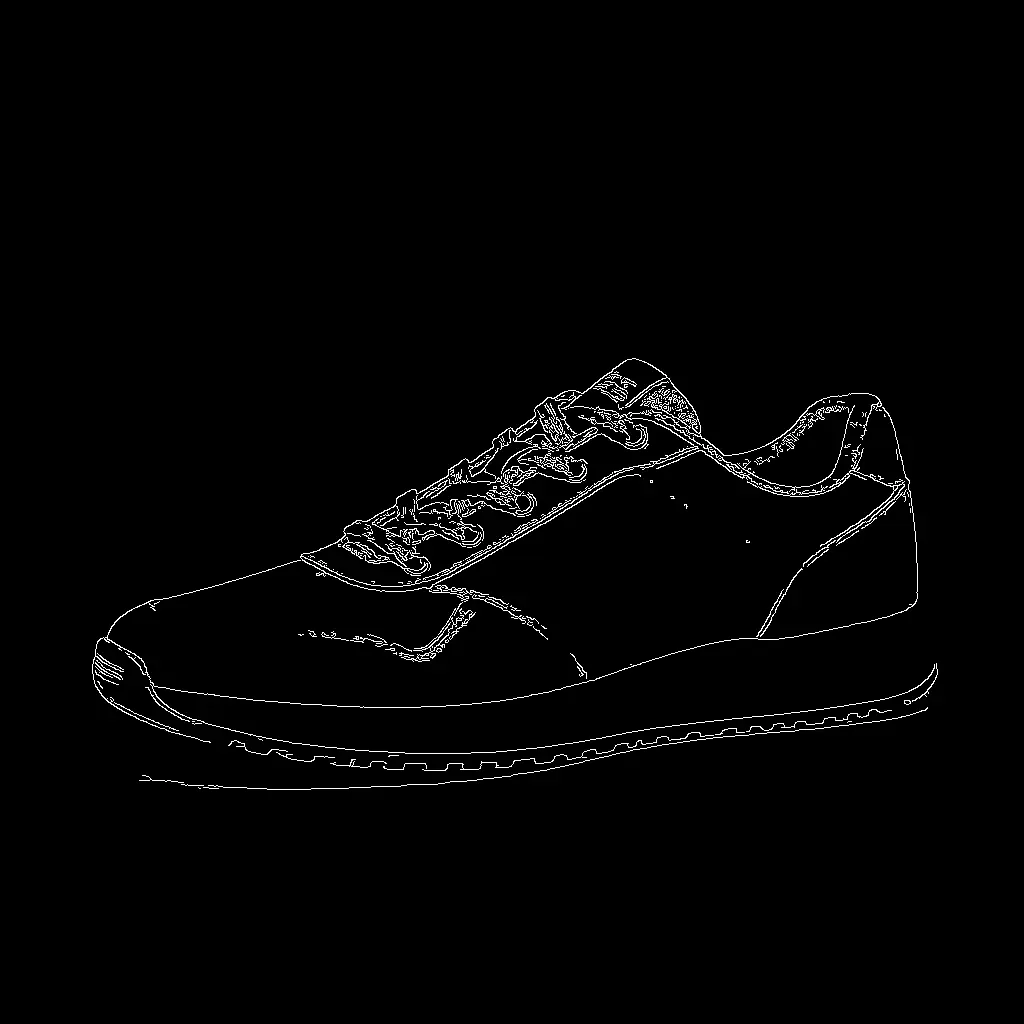

Same two-step workflow as ControlNet — preprocess then generate — but using an edit model instead. No ControlNet weights needed, 4 steps on Klein 4B.
Two commands:
Why this works
Edit models like Klein 4B take an input image and a prompt, then produce a transformed version. When the input is a preprocessor output (canny edges, depth map, softedge), the model treats the structure as a guide and fills in the content from the prompt — exactly what ControlNet does, but built into the model itself.
ControlNet is a separate model that injects structural hints into the generation process. Edit models achieve the same effect natively — the structural information comes through the input image, not a separate control pathway. No extra weights, no extra VRAM.
Examples
Canny edges → Crystal shoe
The edit model interprets the canny edges as structure and fills in glowing crystal material. The sneaker silhouette is preserved precisely.
Soft edges → Anime portrait
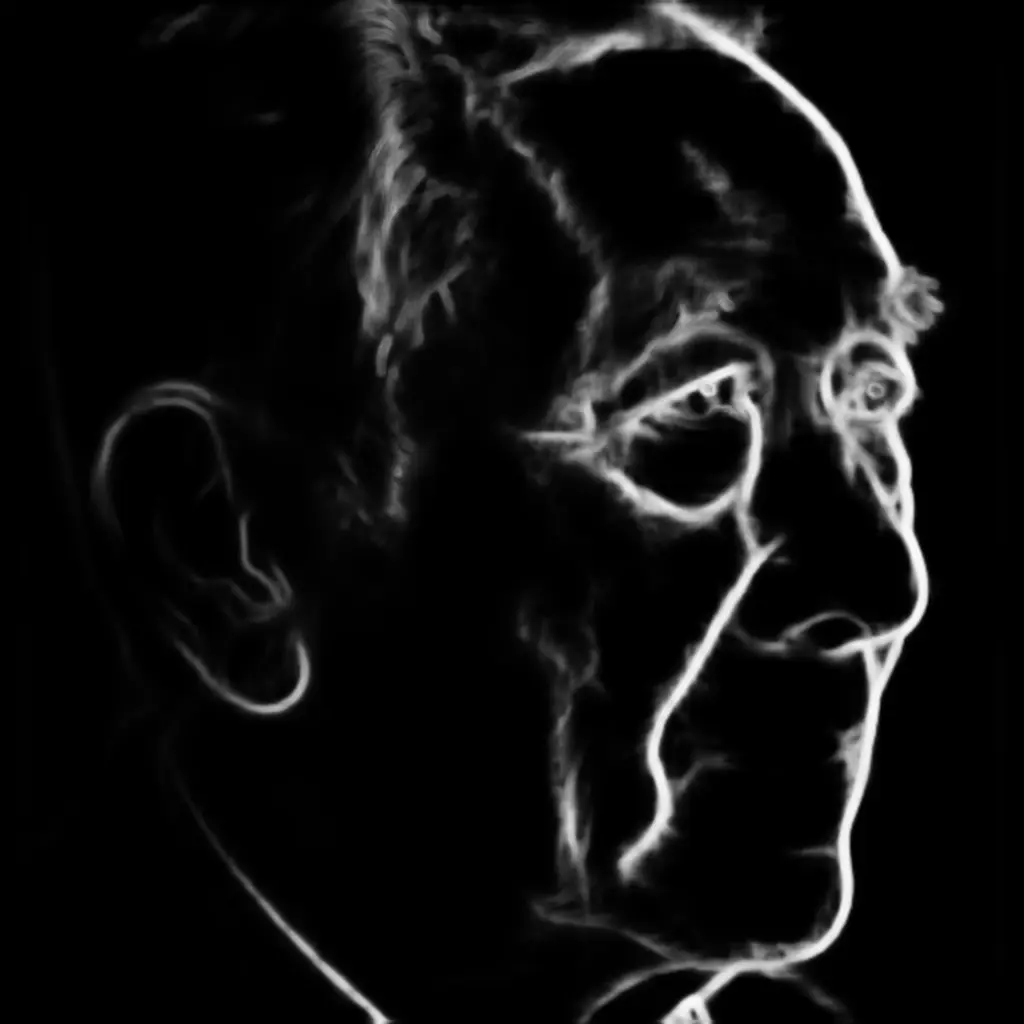

Soft edges preserve the face structure and pose. The model fills in anime-style cel shading while following the exact composition.
Depth map → Scene transfer
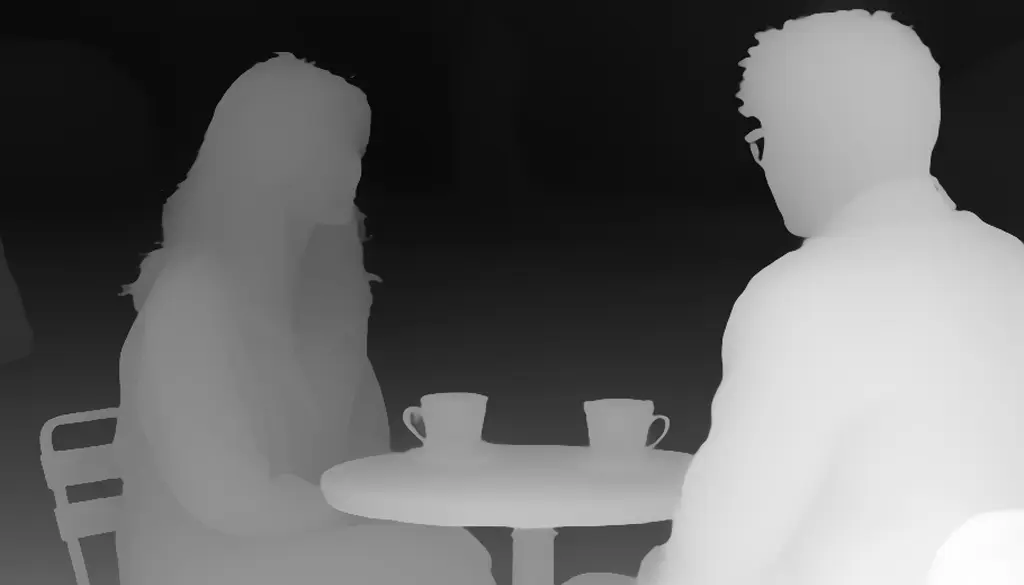

The depth map captures the 3D layout — people in the foreground, table in the middle, background behind. The edit model transforms it into a completely different scene while preserving the spatial arrangement.
Scribble → Product photo
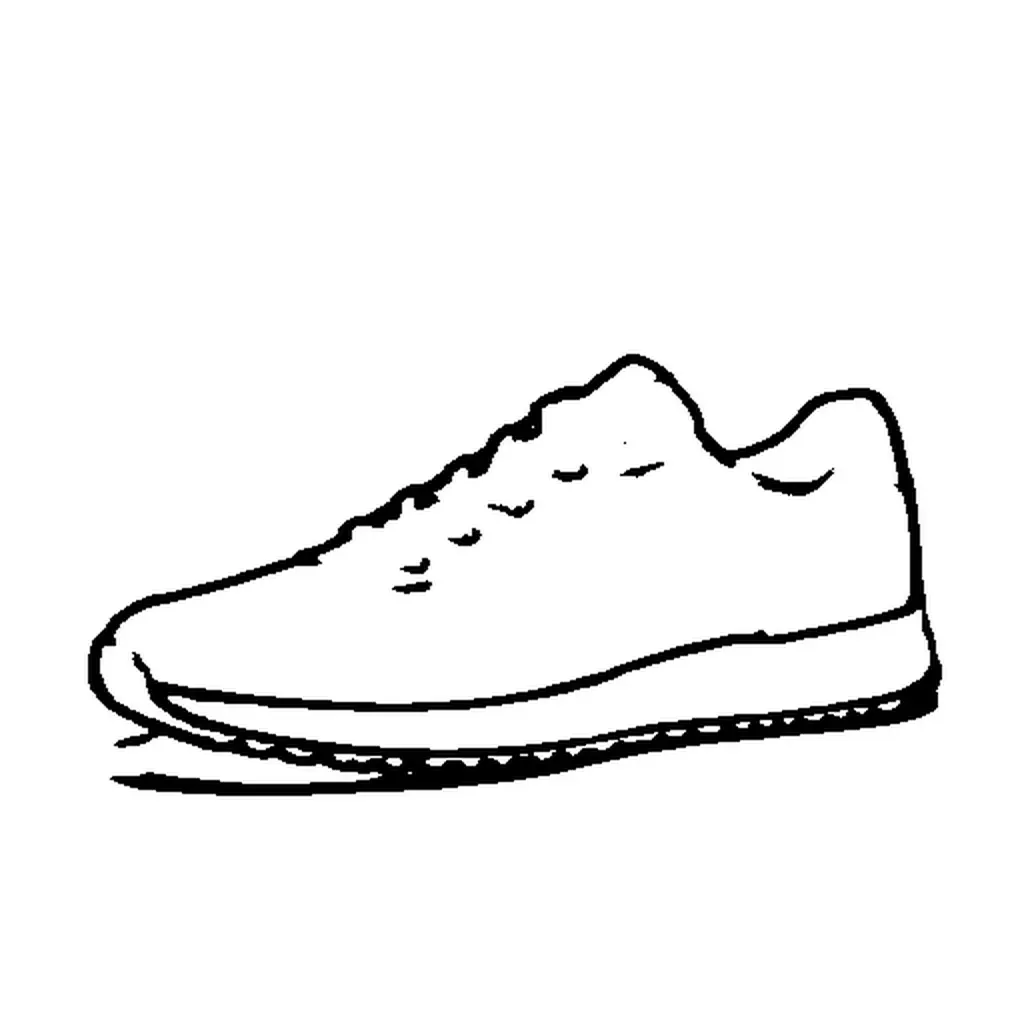
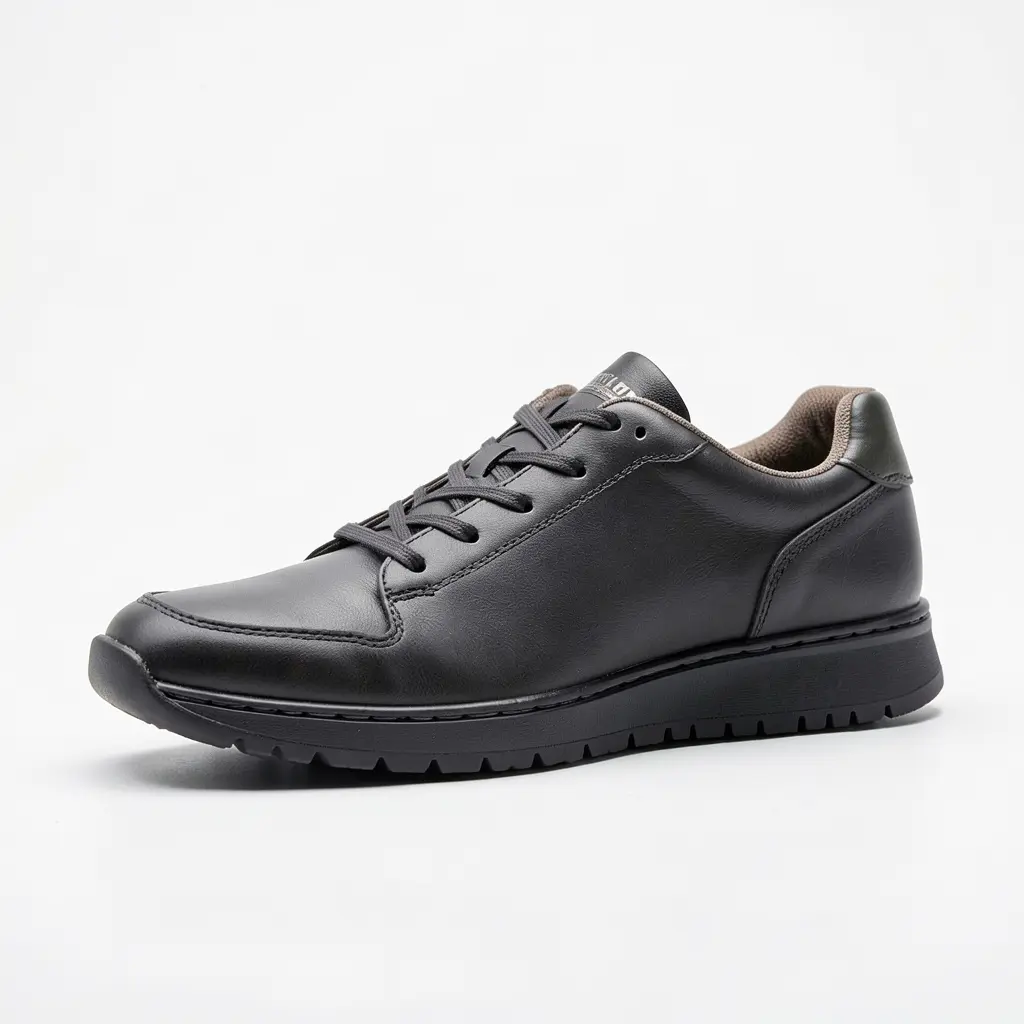
A rough scribble becomes a photorealistic leather sneaker. The edit model follows the shape without any sketch line artifacts — a problem that ControlNet struggles with at higher strengths.
Model comparison
Same preprocessor output, same prompt, same seed — three models:


Klein 4B and 9B are both 4 steps. 9B has finer crystal detail and sharper glow. Qwen-Image-Edit is more dramatic (crystal spikes, magical effects) but takes 20 steps.

Anime portrait: Klein 9B has slightly more refined linework and shading. Both follow the 3/4 profile precisely in 4 steps.
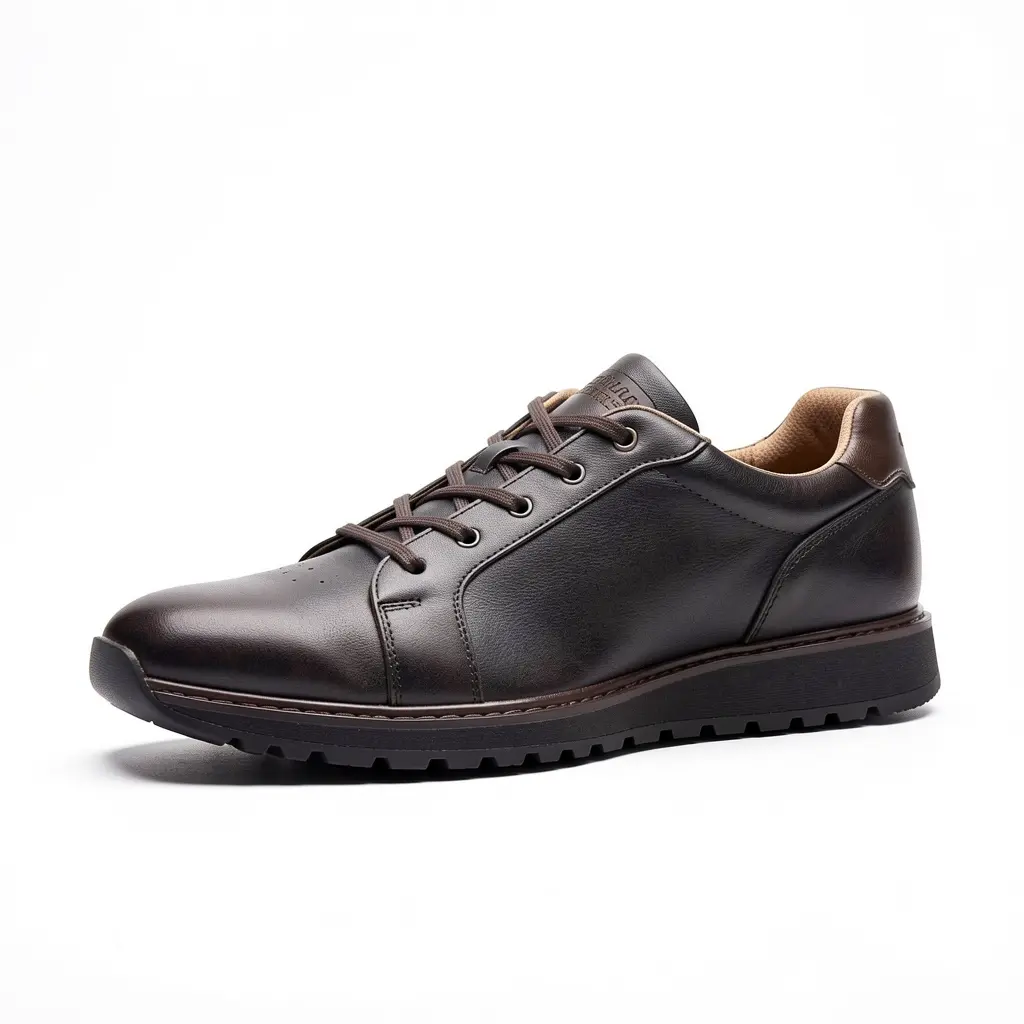
Product photo from scribble: Klein 9B produces cleaner stitching and more realistic leather texture.
Structural editing vs ControlNet
| Structural editing | ControlNet | |
|---|---|---|
| Extra model | None | 2-6 GB controlnet weights |
| Speed | Klein 4B/9B: 4 steps | Z-Image Turbo: 8 steps |
| VRAM | Same as base model (~10-16 GB) | Base model + controlnet (16-18.5 GB) |
| Strength control | Through prompt wording | --cn-strength parameter |
| Best for | Style transfer, material swap | Precise silhouette preservation |
| Models | Klein 4B, Klein 9B, Qwen-Image-Edit | Z-Image Turbo, Flux Dev |
Use structural editing when you want fast iteration, don’t want to download extra weights, or need dramatic transformations. Use ControlNet when you need precise, tunable control over how closely the output follows the input structure.
Tips
Prompt matters more here. With ControlNet, strength controls how much the structure influences the output. With edit models, the prompt is your only lever — be specific about what you want transformed and what material/style to apply.
“Transform this into…” works well as a prompt prefix. The edit model understands it’s receiving a structural map, not a photo to subtly modify.
Any preprocessor works. Canny, softedge, depth, scribble, lineart — all work as edit inputs. You don’t need to match preprocessor types to model capabilities like ControlNet does.
Klein 9B for quality, 4B for speed. Both run in 4 steps. 9B adds finer detail (sharper crystals, cleaner stitching, more refined linework) at the cost of more VRAM (~16GB vs ~10GB). If it fits on your GPU, use 9B.
What’s next
- Shape Control with ControlNet — When you need precise, tunable structural control with
--cn-strength - From Draft to Final — Upscale your edited outputs to production resolution
- Train a Style LoRA — Combine structural editing with a custom style
Quick reference
modl process preprocess canny|depth|softedge|scribble|lineart <image>modl edit “transform this into…” —image <preprocessed> —base flux2-klein-4b- Klein 4B: 4 steps, no extra weights, fits on any 24GB GPU
- Qwen-Image-Edit: 20 steps, more dramatic, needs GGUF for 24GB
- No
—cn-strength— control comes from prompt wording