Make a Children's Book of Your Dog with AI
Train a LoRA of your pet, generate consistent illustrations with a quality-checking pipeline, and compile a print-ready PDF storybook.
What you’ll build
A complete illustrated children’s storybook starring your pet — generated entirely with AI, from a LoRA you train yourself. We made “Maxi and the Day Everything Smelled Like Adventure”, a 6-page picture book about a pomeranian who follows his nose to a freshly-baked cake. Here’s what the finished pages look like:
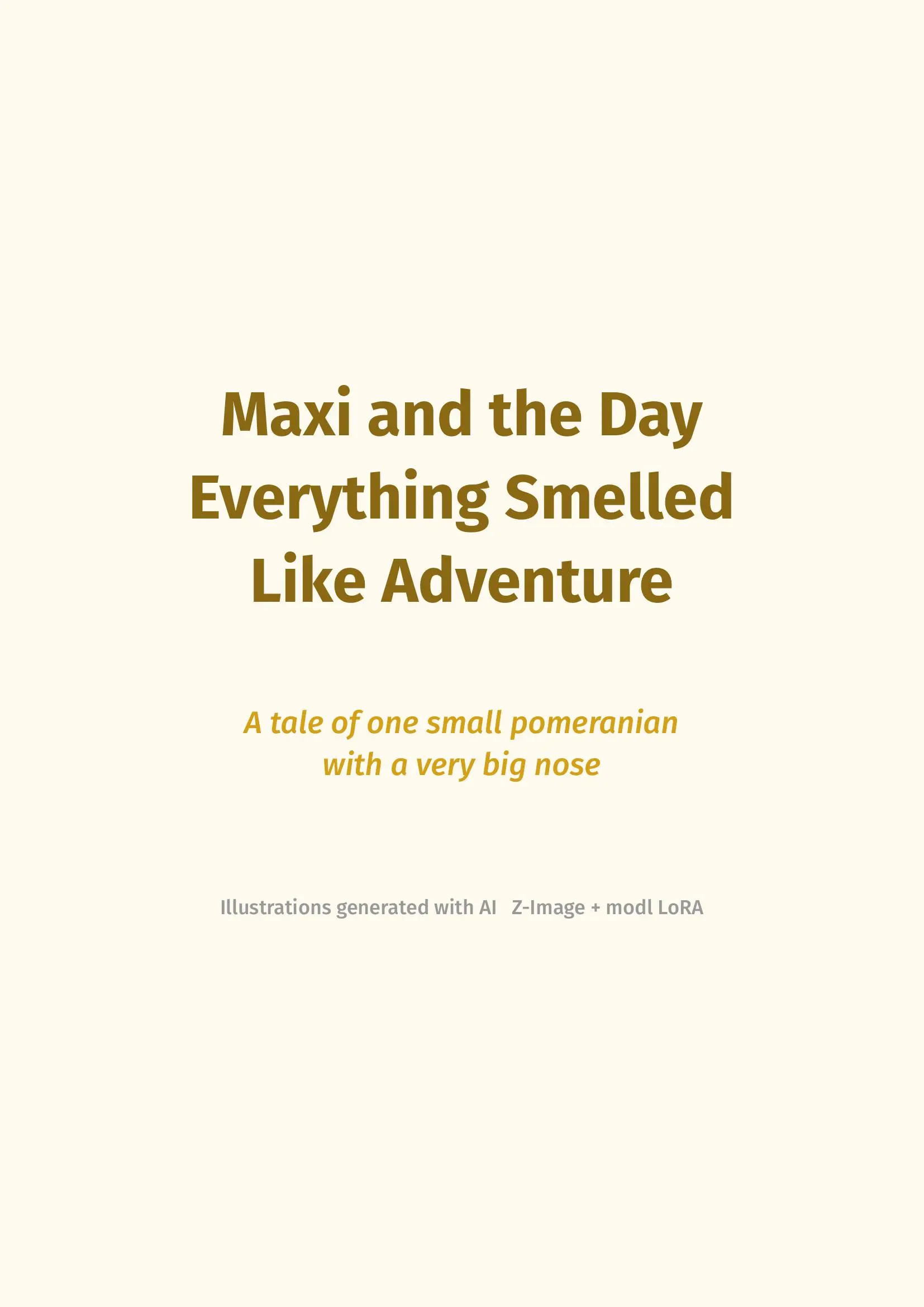
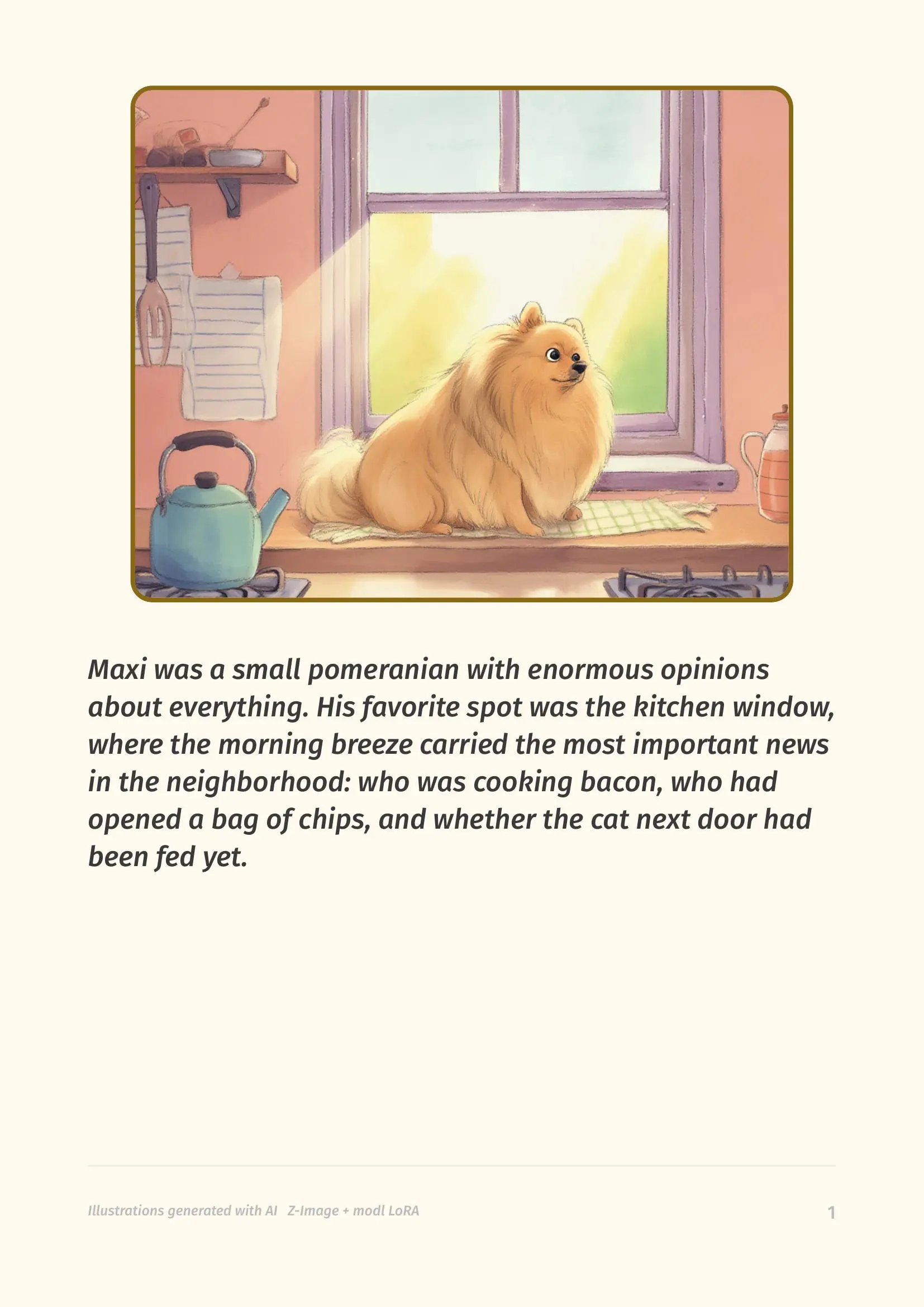
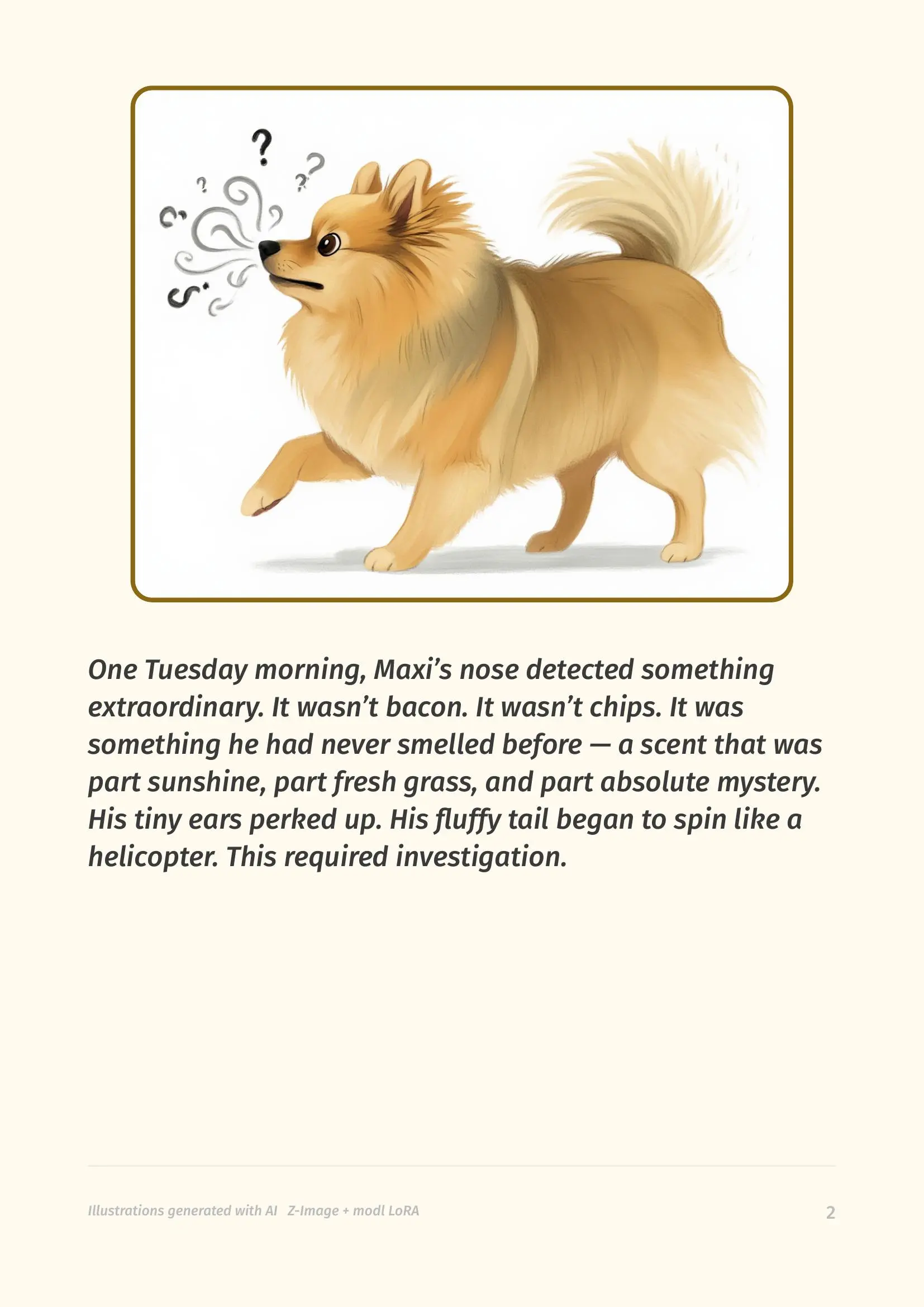
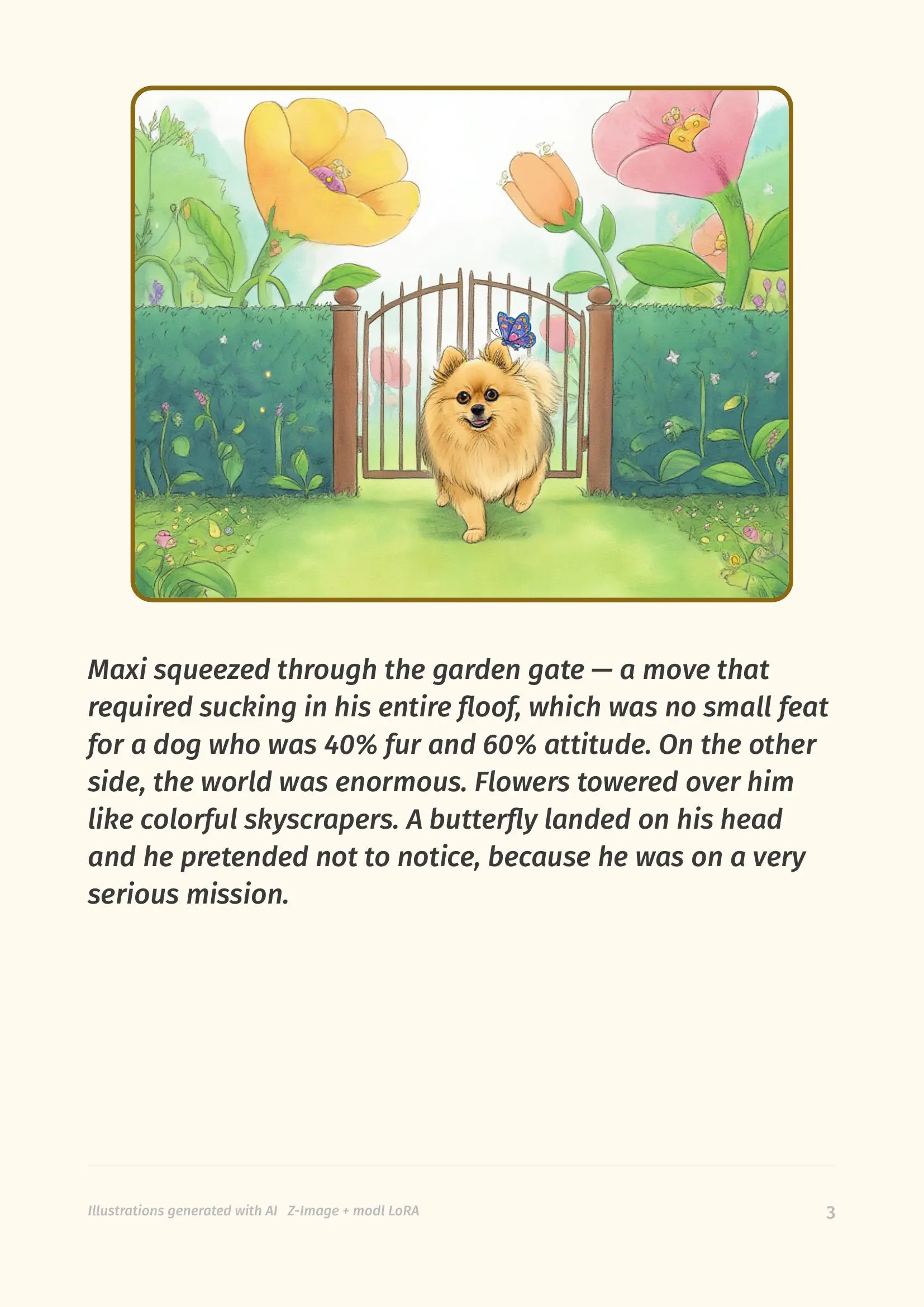
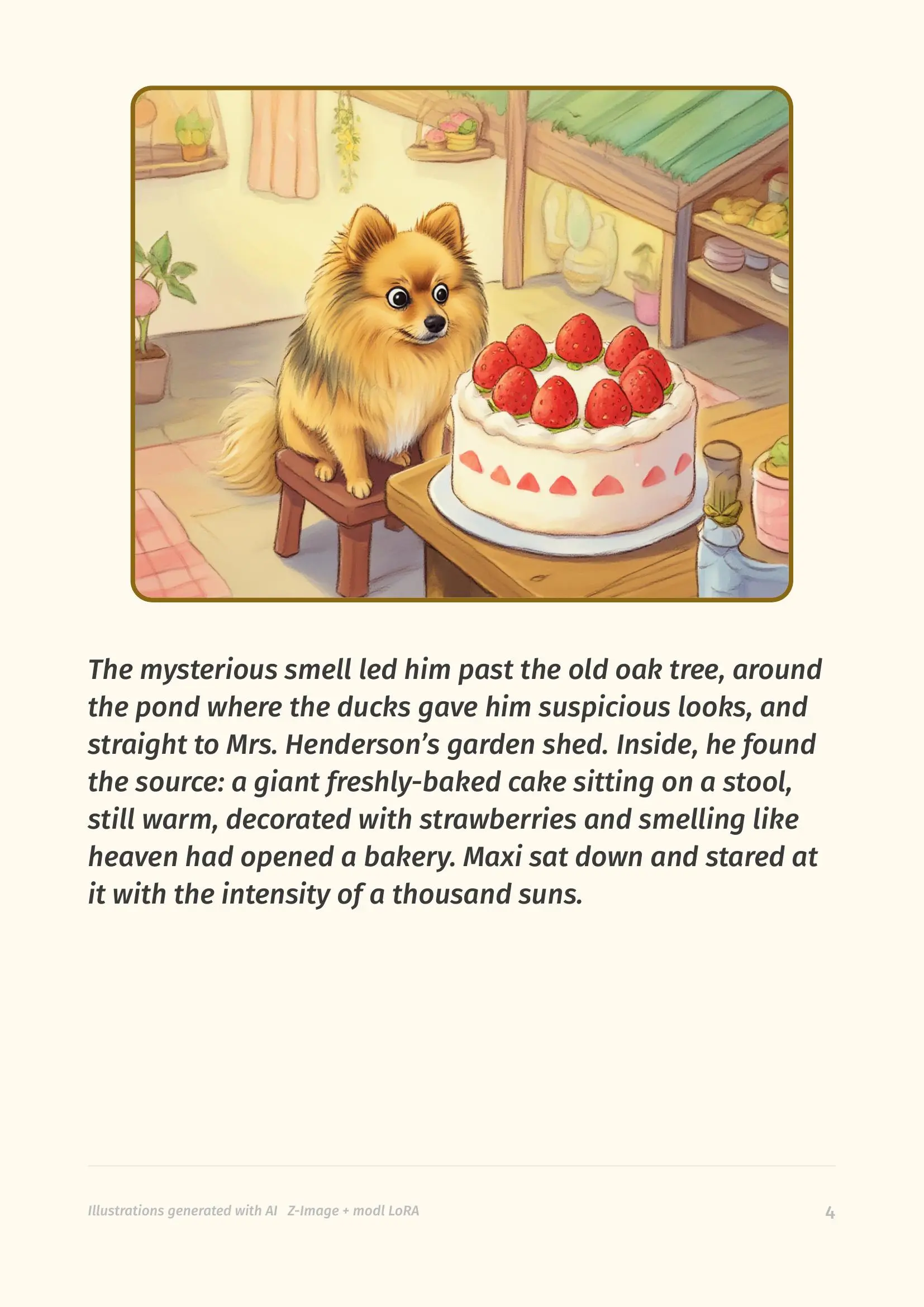
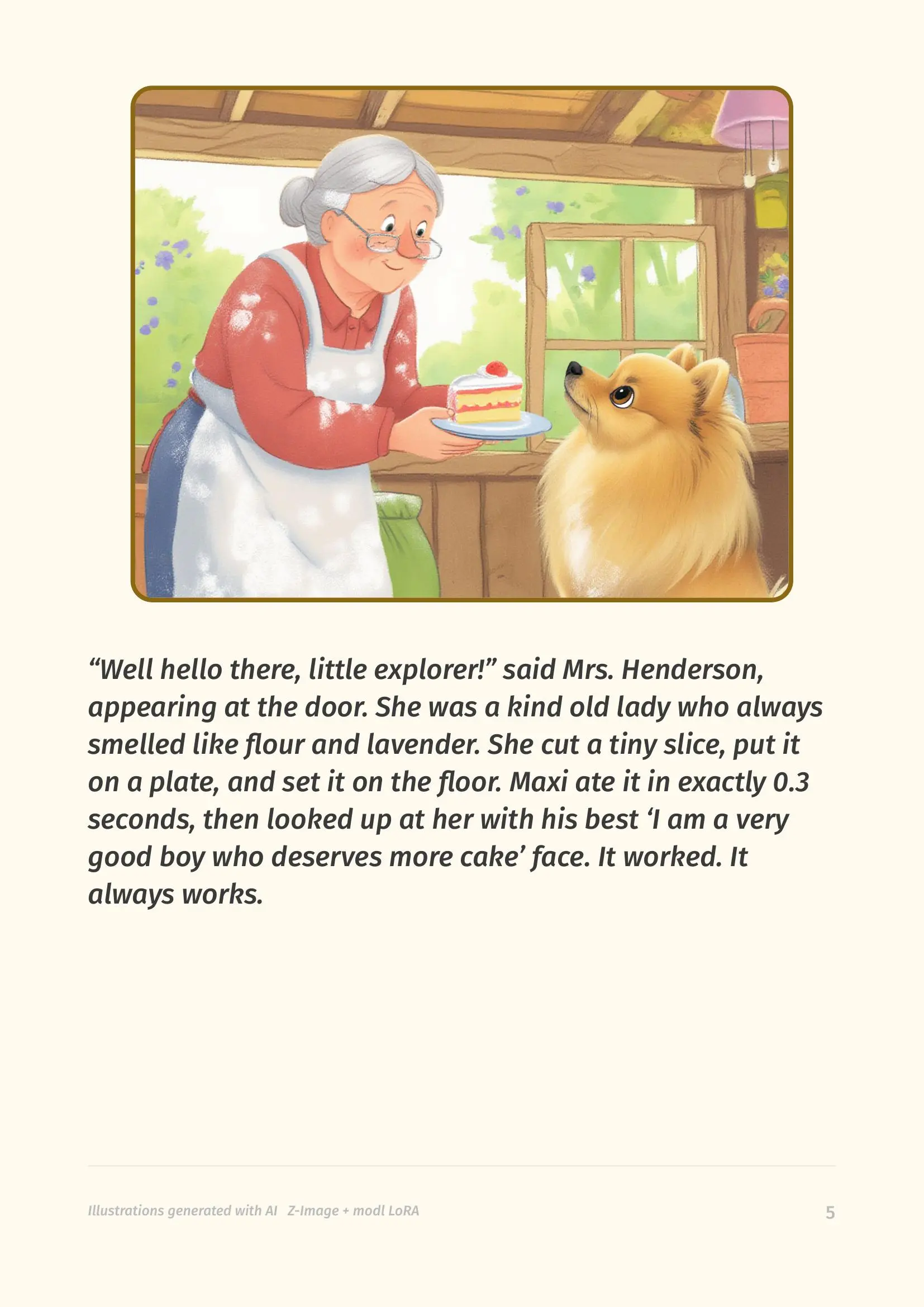
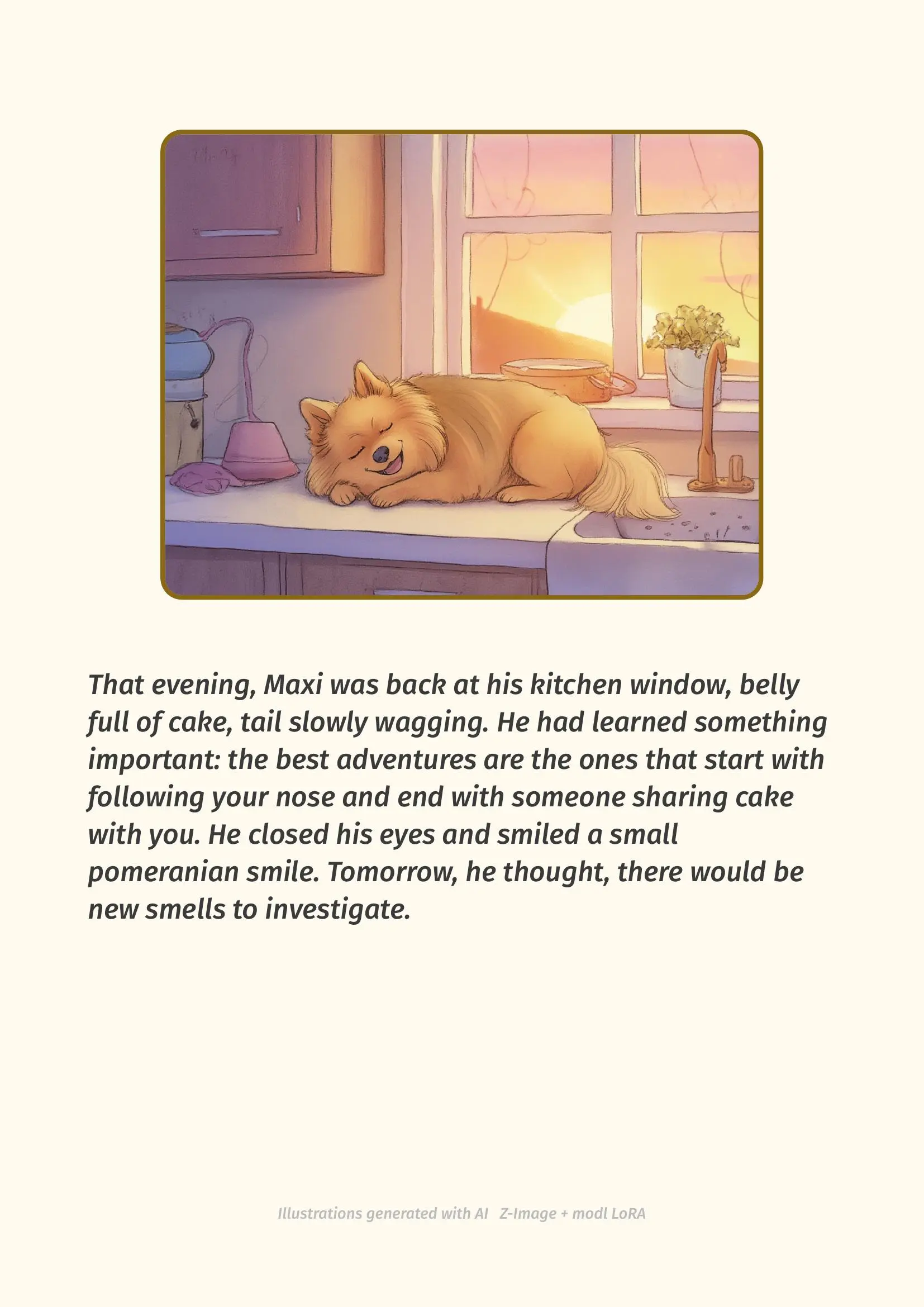
Every illustration generated with Z-Image + a custom Maxi LoRA trained on ~20 photos. Upscaled, quality-checked, and compiled to PDF automatically.
The workflow chains five modl commands into a pipeline: generate illustrations from prompts, score them for aesthetic quality, compare them for style consistency, upscale to print resolution, then compile to PDF with Typst. If a page doesn’t meet the bar, it gets regenerated automatically.
This same pipeline works for any subject you can train a LoRA on — cats, kids’ drawings, a fantasy character, your car. The pattern is the same: train a LoRA, write a story, generate + quality-check + compile.
Prerequisites
- modl installed —
curl -fsSL https://modl.run/install.sh | sh - A base model — we used Z-Image:
modl pull z-image - GPU with 12+ GB VRAM — for both LoRA training and generation
- ~20 photos of your subject — clear, varied angles and lighting
- Typst — for PDF compilation (free, single binary)
- A story — write one, or ask an LLM to write it for you
1. Train a LoRA of your subject
Before you can generate illustrations of your pet, the model needs to know what they look like. That’s what the LoRA does — it teaches a base model to render a specific subject on command.
Collect around 20 photos. Variety matters: different angles, lighting, backgrounds, poses. Avoid blurry photos or ones where the subject is mostly obscured.
The trigger word (MXDOG in our case) is what you’ll include in every image prompt to activate the LoRA.
modl picks one automatically, or you can choose your own with --trigger.
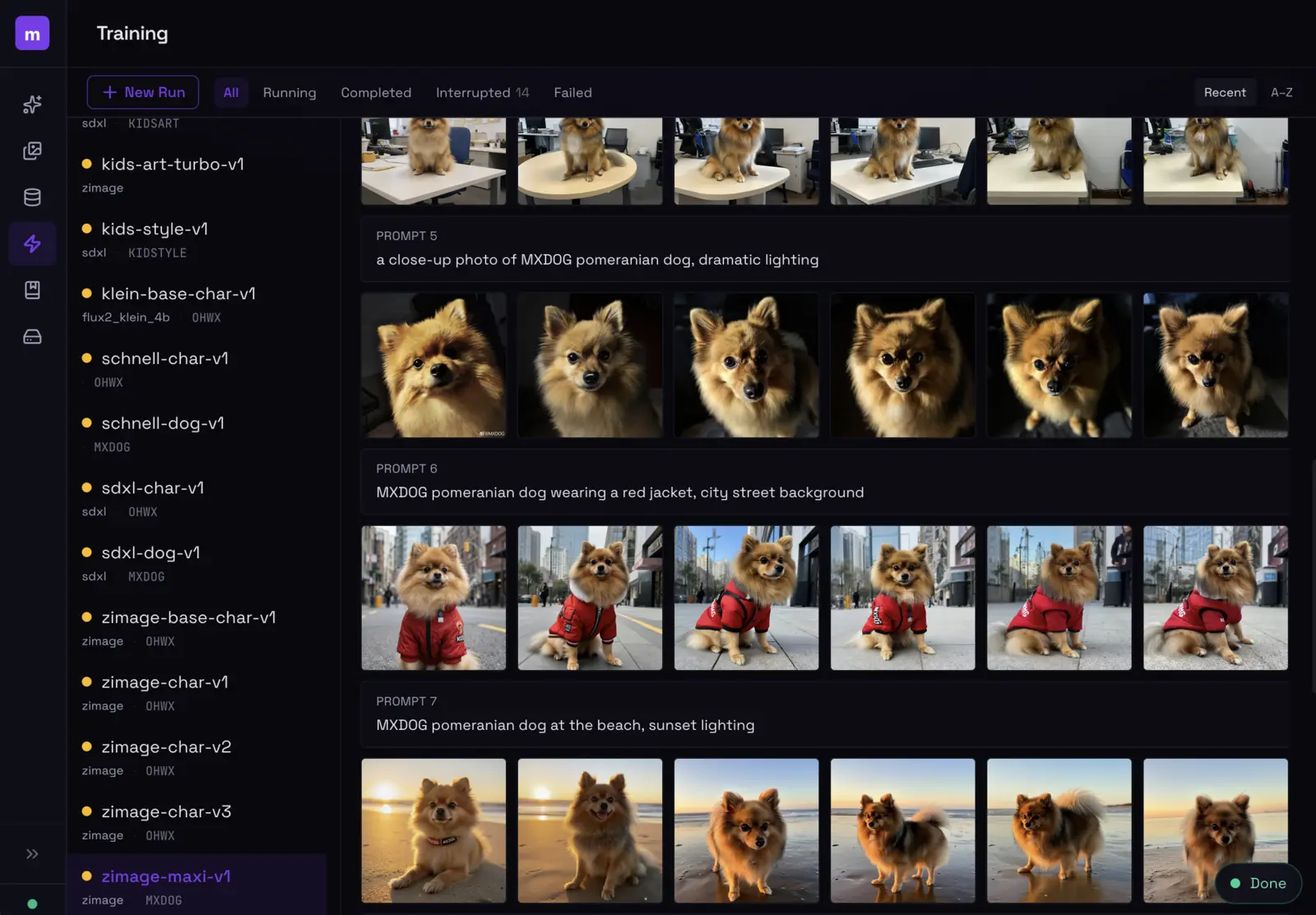
The modl training UI. We trained Maxi LoRAs across multiple base models (Flux, Z-Image, SDXL) before settling on Z-Image for the storybook's watercolor style.
For storybooks, Z-Image is a great base model — it handles illustrated/painterly styles well and converges fast during LoRA training. Flux works too but takes longer to train. See the Style LoRA guide for more on training parameters.
2. Generate illustrations
Each page of your story needs an illustration. Write a prompt for each one that includes your trigger word, describes the scene, and specifies the visual style you want.
Anatomy of a good storybook prompt
A storybook prompt has three parts:
- Trigger word — activates your LoRA (
MXDOG) - Scene description — what’s happening in this page
- Style suffix — keeps the visual style consistent across pages
The style suffix is the same across all pages — that’s what gives the book a consistent look.
A few things to get right:
- LoRA strength 0.8–0.9 — enough to get your subject’s likeness without overwhelming the scene composition
- 4:3 aspect ratio — fits well on A4 portrait pages with text below
- Fixed seed per page — makes it reproducible if you need to regenerate
- 30 steps — Z-Image doesn’t need many; diminishing returns past 30
Run this for each page of your story. Six pages, six commands, six illustrations.
3. The quality loop
Not every generation will be good enough. Some will have weird anatomy, poor composition, or just look off compared to other pages. Instead of eyeballing each one, you can use modl’s analysis commands to check quality programmatically.
Aesthetic scoring
modl vision score rates images on a 1–10 aesthetic quality scale. You set a minimum bar —
anything below it gets regenerated with a different seed.
Style consistency
A storybook should look like it was illustrated by the same artist. modl vision compare measures
CLIP similarity between two images — use your best page as the reference and check each other page against it.
If a page fails scoring or comparison, it loops back to step 1 with a different seed. In practice, most pages pass on the first or second try.
Every modl command accepts --json for machine-readable output.
This means you can script the entire generate → score → compare loop, automatically regenerating
any page that doesn’t meet your quality bar. That’s what makes this a pipeline, not a manual process.
4. Upscale & layout
Upscale to print resolution
Generated images are typically 1024×768 — fine for screens, but not for print. modl process upscale
takes them to 4x resolution, which makes them sharp at A4 size.
Compile to PDF with Typst
Typst is a modern typesetting system (think LaTeX but simpler). It’s perfect for storybooks because you can define a layout template once — image on top, text below, page number in the corner — and it compiles to PDF in milliseconds.
A minimal Typst template for a storybook page looks like this:
The full template handles a cover page, page numbers, footers, and rounded image frames. Typst’s layout model is flexible enough to get a polished result without fighting CSS.
Putting it together
The real power here is that every step is a CLI command with JSON output. This means you can wire the whole thing into a Python script (or any language) that:
- Loops through your story pages
- Generates an illustration for each
- Scores it — regenerates if it’s below your quality bar
- Compares it to page 1 for style consistency — regenerates if it drifts
- Upscales all final images
- Writes a Typst file and compiles the PDF
The whole thing runs unattended. Start the script, go make coffee, come back to a finished storybook. For the Maxi book, the full pipeline — 6 pages with quality checking — took about 15 minutes on a single RTX 4090.
All modl commands support --json for structured output. Parse the JSON, check the quality
metrics, decide whether to retry — a 50-line Python script can orchestrate the entire pipeline.