Why modl Works with AI Agents
Every modl command outputs JSON, accepts deterministic seeds, and composes into pipelines. Here's what happens when an AI agent chains them together — and catches a missing kitten.
How this guide was made
Every image in the illustrated storybook guide was generated this way — Claude Code called modl, checked the output, and retried when characters were missing. That guide has a 6-page children’s story with 3 characters, and the hardest pages required the agent to detect a missing kitten, switch from modl generate to modl edit with reference images, and verify the fix worked. None of that was scripted in advance. The agent composed modl’s CLI primitives on the fly.
This guide documents how that works and what we learned.
This guide assumes you’ve trained a character LoRA (see Train a Character LoRA) and have reference images for your characters. The examples use the storybook project from Illustrated Storybook with Multiple Characters.
The primitives
Six modl commands make up the agent’s toolkit:
Every command returns structured JSON. Every generation accepts a --seed for reproducibility. That’s all an agent needs to build a feedback loop — no SDK, no API wrapper, just shell commands and JSON output.
Experiment 1: Automated seed selection
The task: Generate 4 variants of a scene, score them, pick the best.

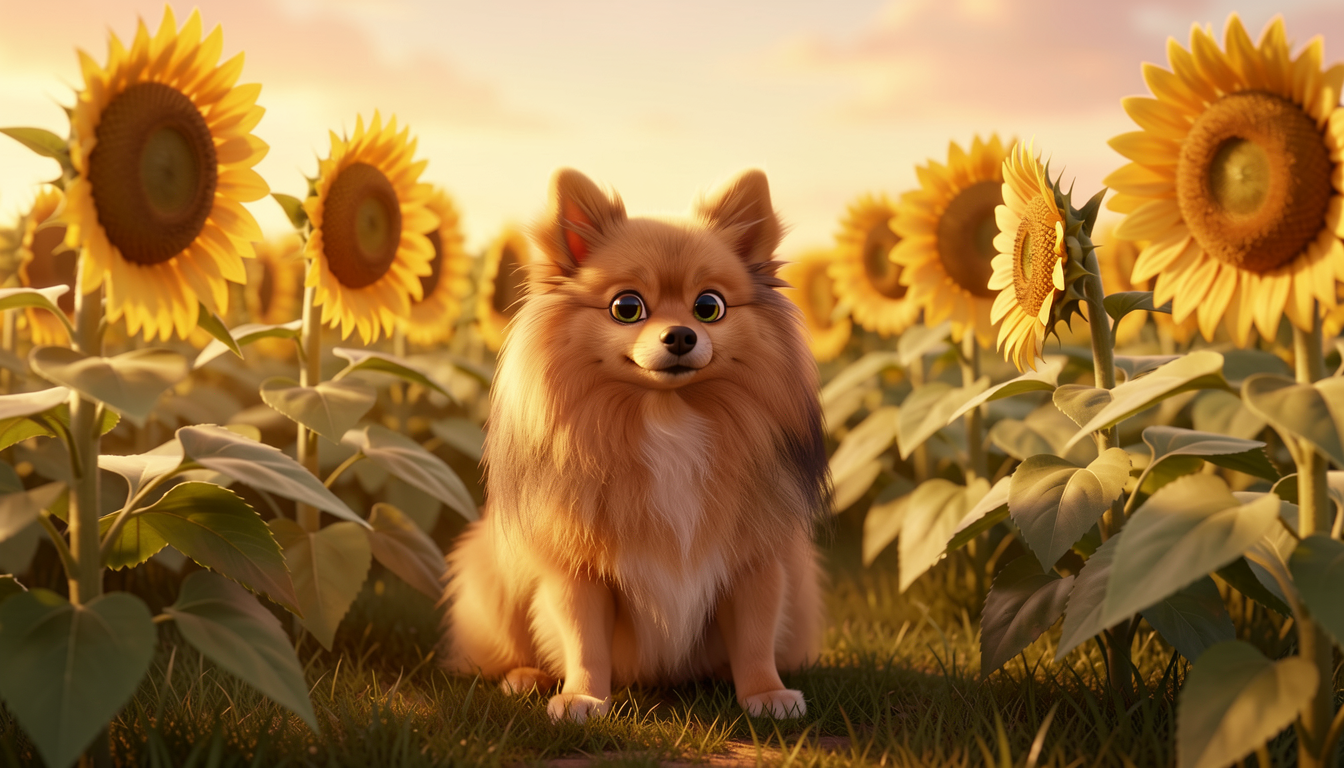
Left: seed 77 (score 6.59). Right: seed 111 (score 6.44). The scoring preferred the image with the path leading through the sunflowers — better depth and composition.
The honest result
The score spread is narrow: 6.44 – 6.59. All four images are good. Klein 9B at 4 steps rarely produces garbage — the distilled model is optimized for consistent quality.
That makes scoring less useful for picking between good images, and more useful for:
- Batch runs at scale. Generate 20 variants unattended, auto-reject anything below 6.0, pick the top 3.
- Quality gates in pipelines. When chaining generation with upscaling and PDF compilation, a score threshold prevents bad images from propagating through the pipeline.
- Comparing across different prompts. Two prompts for the same scene might produce different quality levels. Scoring helps pick the better prompt, not just the better seed.
On a 4090, generating 4 images with Klein 9B takes ~30 seconds total. Scoring all 4 takes ~5 seconds. The scoring overhead is negligible compared to generation.
Experiment 2: Character verification
The task: Generate a multi-character scene, verify all characters are present, and retry if something is missing.
This is where an agent earns its keep. The illustrated storybook guide documented how the kitten vanishes in 3-character scenes — a problem that’s invisible unless you inspect every image. Here’s what the actual agent interaction looked like:
The real conversation
This is a trimmed excerpt from the Claude Code session that generated the storybook. The agent generated a 3-character scene, described it to check for the kitten, detected it was missing, and switched strategy.
Left: generate-only attempt (kitten missing — caught by describe). Right: ref+LoRA retry (all three characters verified). Same seed, same scene, different approach.
The critical behavior isn’t the retry — it’s the strategy switch. The agent didn’t just try a different seed. It recognized that generate-only was the wrong approach for this scene and switched to modl edit with reference images. That’s the kind of escalation that makes agent workflows more capable than simple retry loops.
Why describe works and ground doesn’t
We also tested modl vision ground "orange tabby kitten" on the failure image. The grounding model drew a box at [130, 485, 438, 900] and labeled it “orange tabby kitten” with confidence 1.0. When we queried the same image for “pomeranian dog,” it drew a box at [130, 483, 439, 897] — essentially the same box, also confidence 1.0. The detector can’t distinguish a small fluffy dog from a small fluffy cat. Both queries found the Pomeranian; neither noticed the kitten was absent.
vision describe was more reliable: it correctly said “Pomeranian dog” in the failure image and “small orange kitten” + “Pomeranian dog” in the success image. For character verification, natural-language descriptions catch semantic differences that bounding-box detection misses.
Use vision describe --detail brief for verification — it returns a 1-2 sentence caption that’s easy to parse. When something fails and you need to understand why, switch to --detail verbose for a full breakdown:
Experiment 3: Style consistency
The task: Check if all pages of the storybook share a consistent visual style.
Pages 2-4 and 6 cluster at 0.74–0.78. Page 5 drops to 0.62 — it was the only page generated via modl edit instead of modl generate. The different pipeline caused a style shift.
What we did about it: We accepted the page. The style drift was subtle enough that the page still looks like it belongs in the book — the characters and setting are right, just the rendering has slightly different lighting and texture. Regenerating via modl generate with prompt-order tricks would have risked losing the kitten again. The trade-off (slightly inconsistent style vs. missing character) was clear: keep the kitten.
In a more polished production, you’d address this by generating via modl edit for all pages to keep the pipeline consistent, or by post-processing the outlier page to match the style. For our storybook, it was good enough.
What CLIP actually measures
We tested a photorealistic DSLR shot of the same dog in the same kitchen. CLIP similarity: 0.73 — only 0.03 lower than Pixar-style pages.
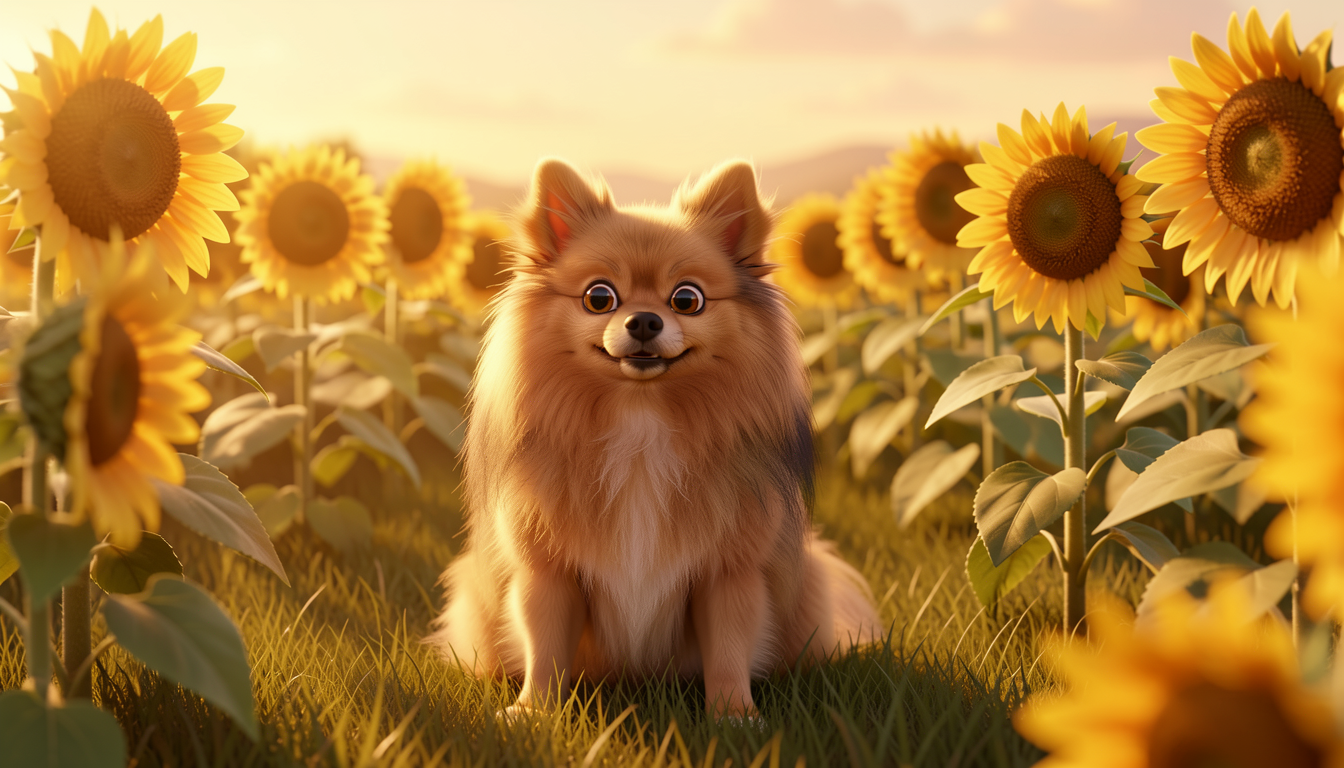

Left: Pixar 3D animated (0.76 vs page 1). Right: photorealistic DSLR (0.73 vs page 1). CLIP barely noticed the art style change because the subject and setting are the same.
CLIP similarity catches missing characters and wrong scenes reliably. It catches major style changes sometimes. It won’t catch subtle aesthetic differences between similar styles. We use it as a first-pass filter, not a final judge.
Results: the full storybook pipeline
Here’s what the agent loop produced across all 6 pages of the storybook:
4 of 6 pages passed on the first attempt. Page 5 required one retry with a strategy switch (generate to edit+refs). Page 6 was the hardest — the agent tried ref+LoRA first (the approach that fixed page 5), but the overlapping sleeping pose caused LoRA bleed regardless. It fell back to generate-only with prompt-order tricks and ground through seeds until one worked. That decision — knowing which scenes benefit from ref+LoRA and which need seed luck — came from the storybook guide’s findings about physical overlap.
The verification step (vision describe) added ~3 seconds per image. Total time for all 6 pages including retries and verification: under 2 minutes on a 4090.
Why this works better than manually checking
Two behaviors make the agent workflow genuinely different from a human doing the same thing:
Exhaustive verification. A human generates an image, glances at it, moves on. The agent describes every image and checks for every required element. It caught a missing kitten in a scene where the Pomeranian and girl looked fine at first glance — the kind of error you’d only notice when the storybook is already compiled.
Automatic escalation. When modl generate failed (kitten missing), the agent didn’t just retry the same command with a different seed. It switched from generate-only to ref+LoRA via modl edit — a fundamentally different approach. A human would get there too, but only after generating several more seeds, inspecting each one, and deciding the approach itself was wrong. The agent makes that decision after one failed verification.
Reliability of describe
Across all the storybook experiments, vision describe never gave a false pass — it never claimed a kitten was present when one wasn’t. It did occasionally give false fails on very small or partially occluded characters (a kitten mostly hidden behind the dog was sometimes described as just “a small animal” without specifying species). For the storybook workflow, a false fail just triggers a retry, which is cheap. A false pass would have been worse — a missing character making it into the final book unnoticed.
Tips
Set thresholds, not rules. “Score must be above 6.0” works better than “the image must be high quality.” CLIP similarity above 0.70 works better than “the style must match.” Numbers let the agent make decisions without ambiguity.
Let the agent switch strategies. The most valuable agent behavior isn’t retrying with a different seed — it’s recognizing when the approach itself needs to change. Design your workflows to have fallback strategies, not just fallback seeds.