Compose + Edit: Controlled Image Placement
Layer subjects onto backgrounds with modl compose, then use an edit model to integrate lighting and shadows. Klein 9B vs Qwen-Edit-2511 comparison, edit prompt ablation, and honest results across 3 scenarios.
Prompting “a bunny in a forest” gives you a bunny in a forest. You don’t control which bunny, where it sits, or how big it is. Composition separates the spatial decision from the photographic one — you place subjects exactly where you want them, then let an edit model handle lighting, shadows, and integration.
We tested this pipeline with two edit models (Klein 9B and Qwen-Image-Edit-2511), three scenarios, three seeds each, and an edit prompt ablation. This is what we found.
How it works
- Compose — layer images onto a canvas. Pure PIL, no GPU, sub-second. Produces a raw composite that looks like bad Photoshop.
- Edit — feed the composite to an edit model with an integration prompt. The model keeps your layout but fixes lighting, shadows, edges, and color.
Test setup
- GPU: RTX 4090 (24GB)
- Edit models: Klein 9B (fp8, 4 steps, ~5s/image) and Qwen-Image-Edit-2511 (gguf-q5, 40 steps, ~4min/image)
- Seeds: 42, 77, 99 per scenario per model
- Cutouts: BiRefNet segmentation (not threshold — see learnings)
- Baselines: Edit-only (subject as reference image, prompt describes scene) and prompt-only generation
Scenario 1: Rabbit in a forest
Source and composite
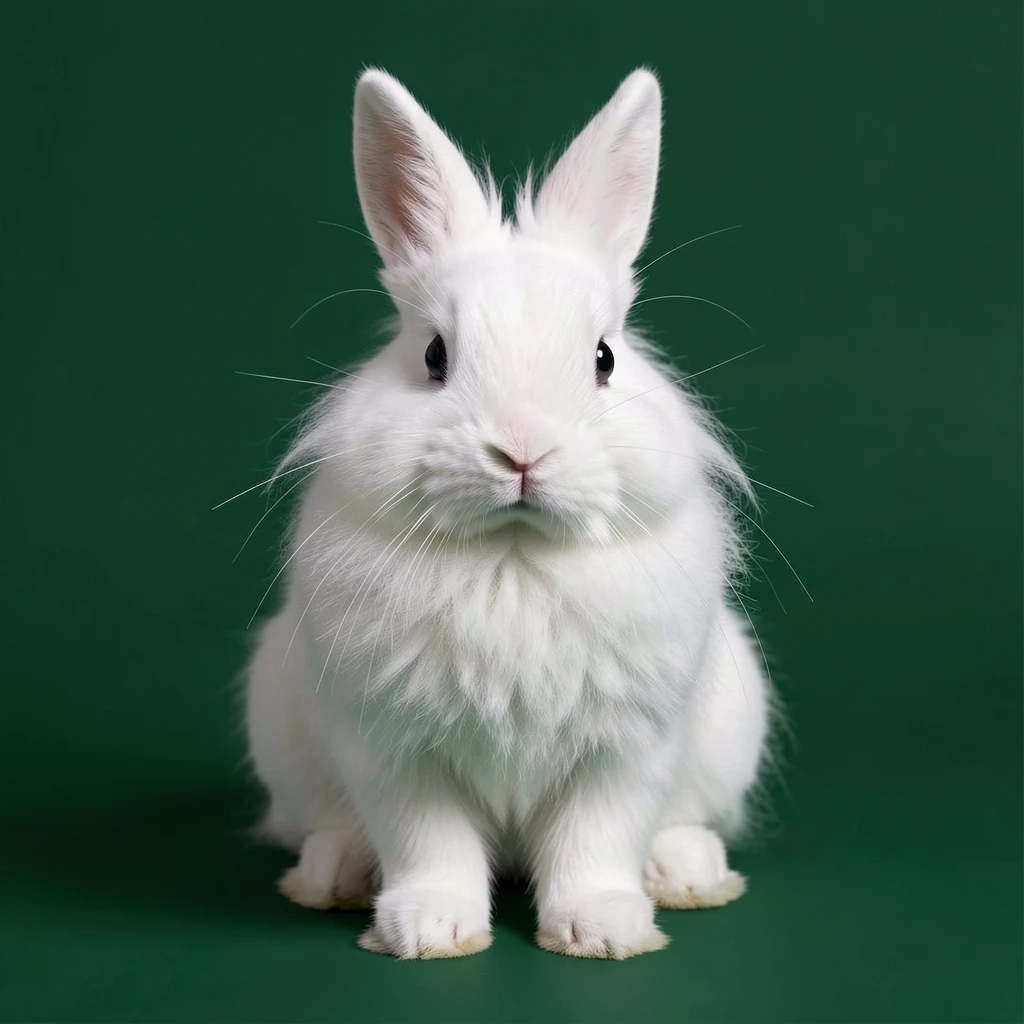
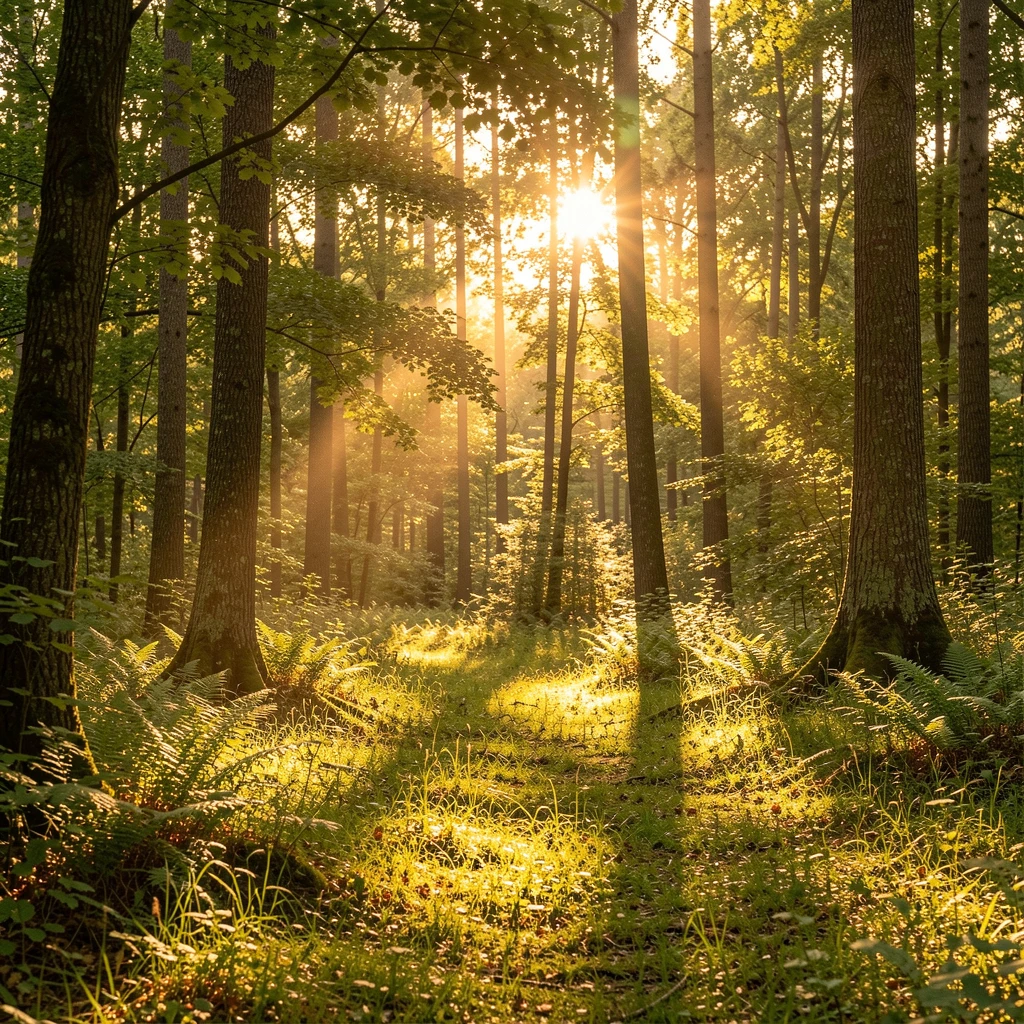
Subject generated on a contrasting dark green background for clean BiRefNet segmentation.
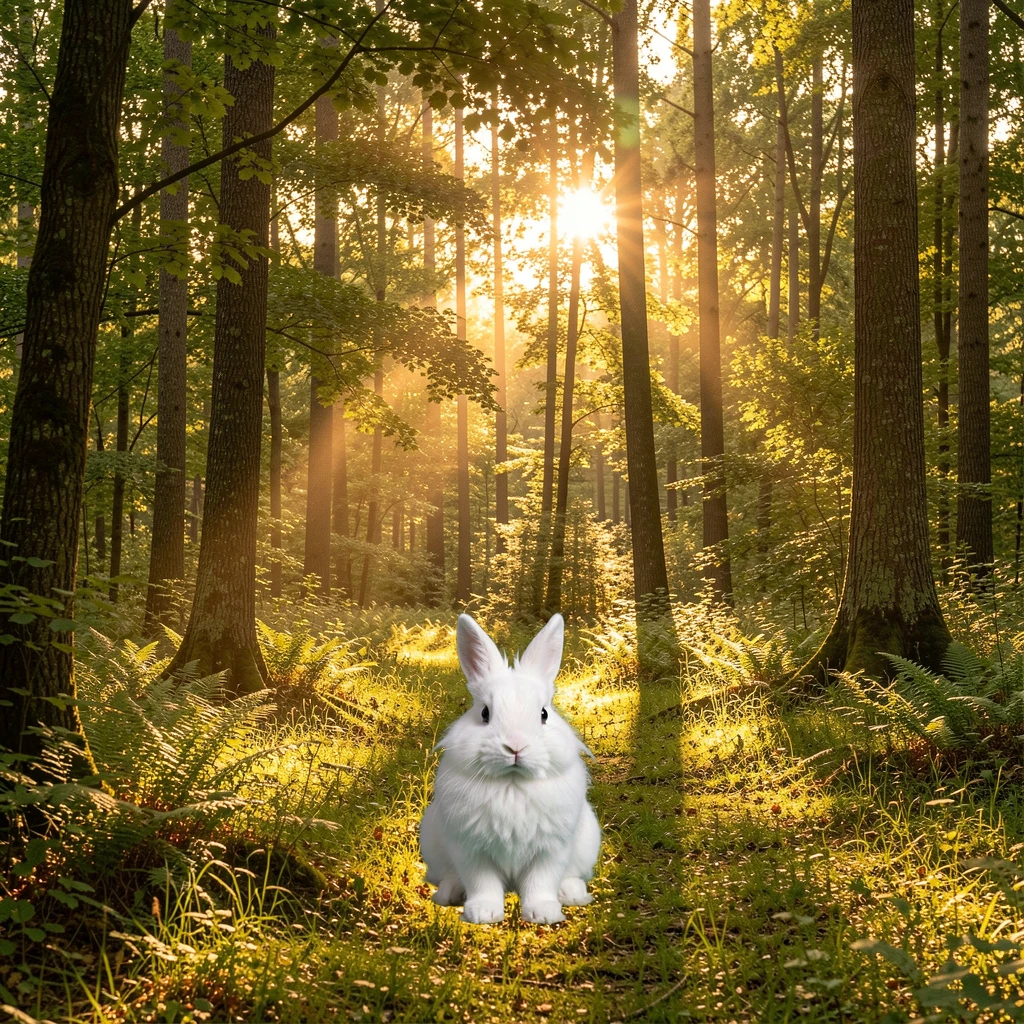
Raw composite (position 0.5,0.75, scale 0.35). Placement is correct but it's a sticker — no shadow, studio lighting on forest background.
Klein 9B vs Qwen-Edit-2511
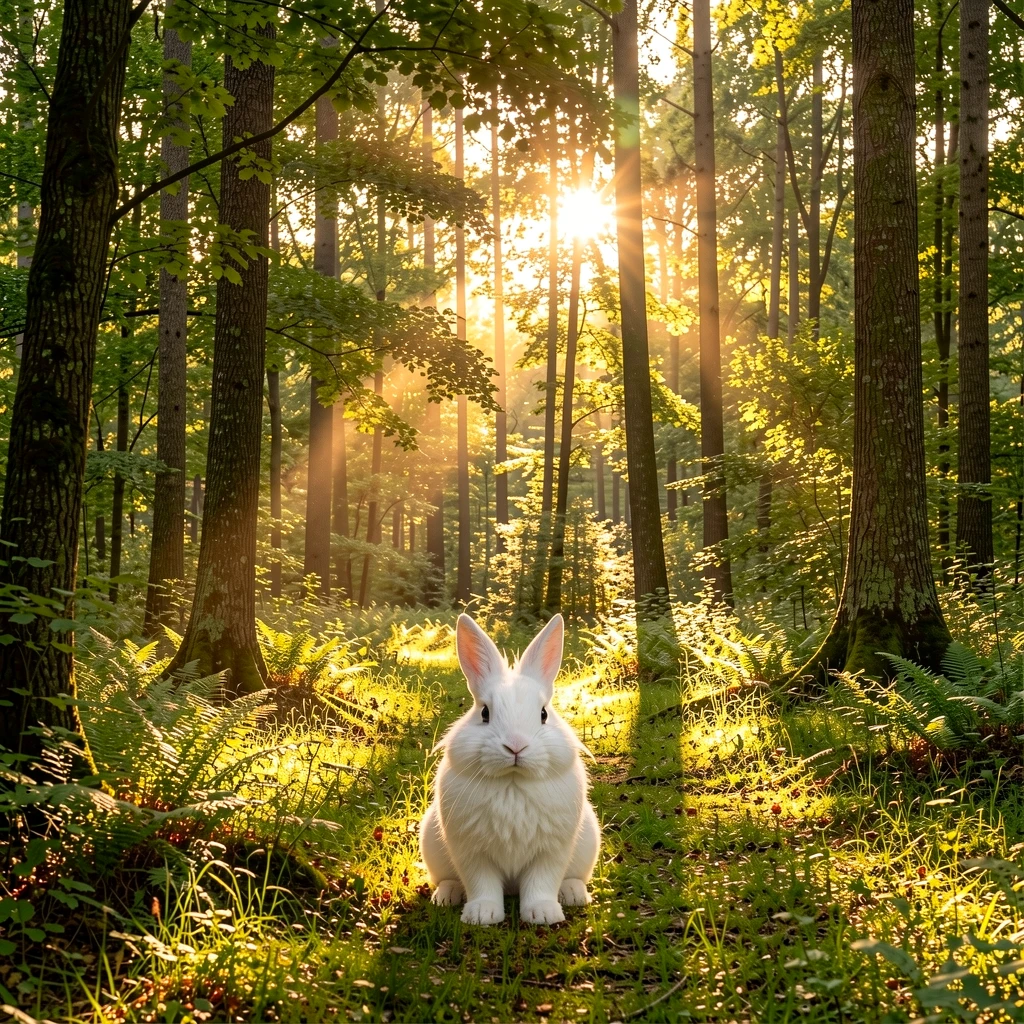
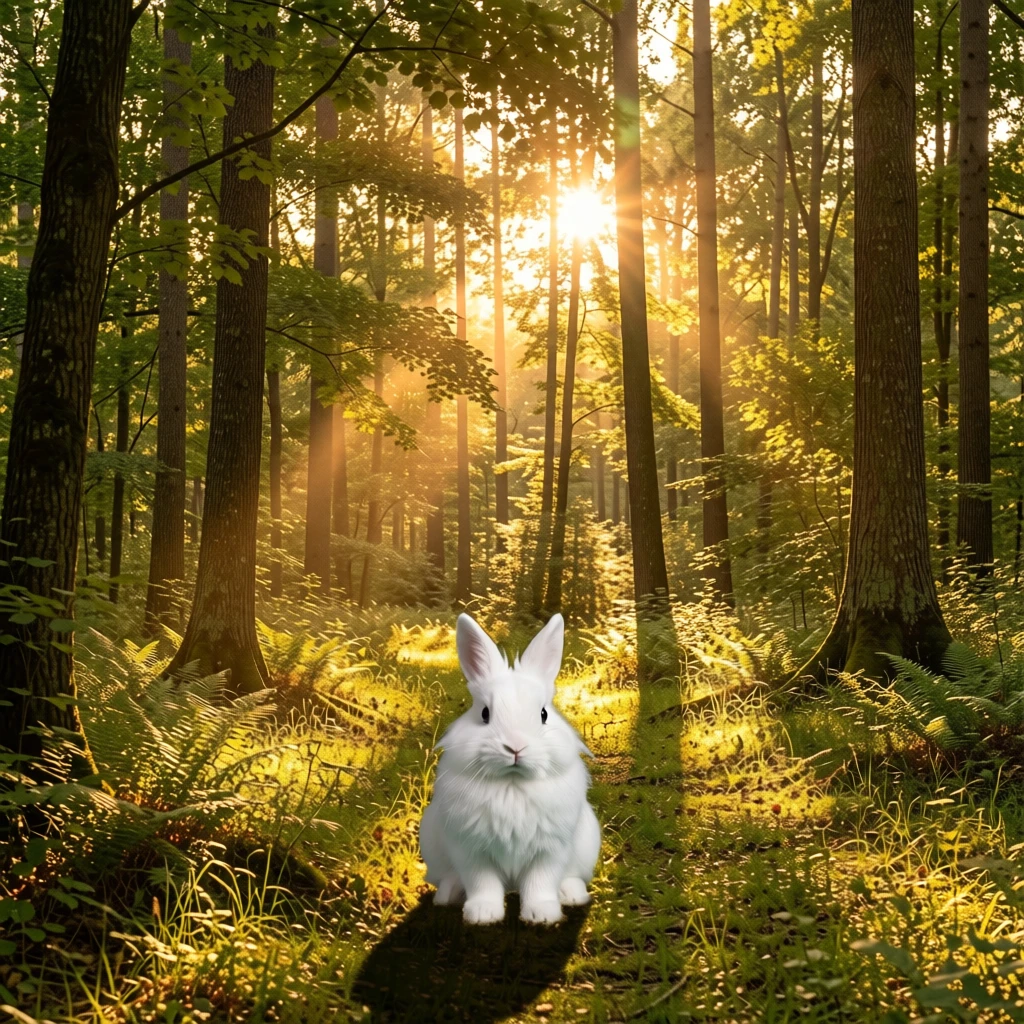
Same composite, same seed, different models. Klein softens edges and adjusts color. Qwen adds a visible ground shadow and does more aggressive color grading to match the forest light.
Qwen does noticeably more integration work — the shadow under the rabbit is more pronounced and the ground contact looks more natural. But it’s also more aggressive: it changes the rabbit’s appearance slightly between seeds.
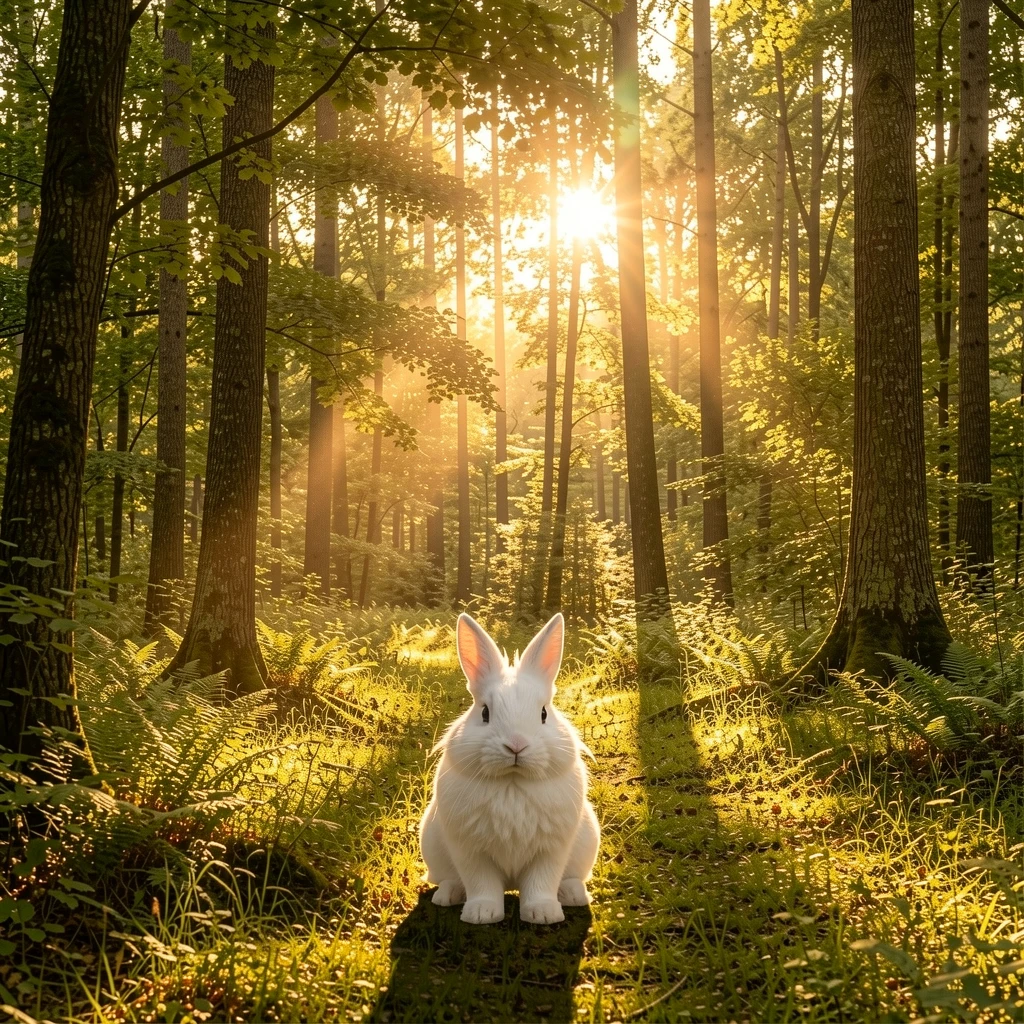
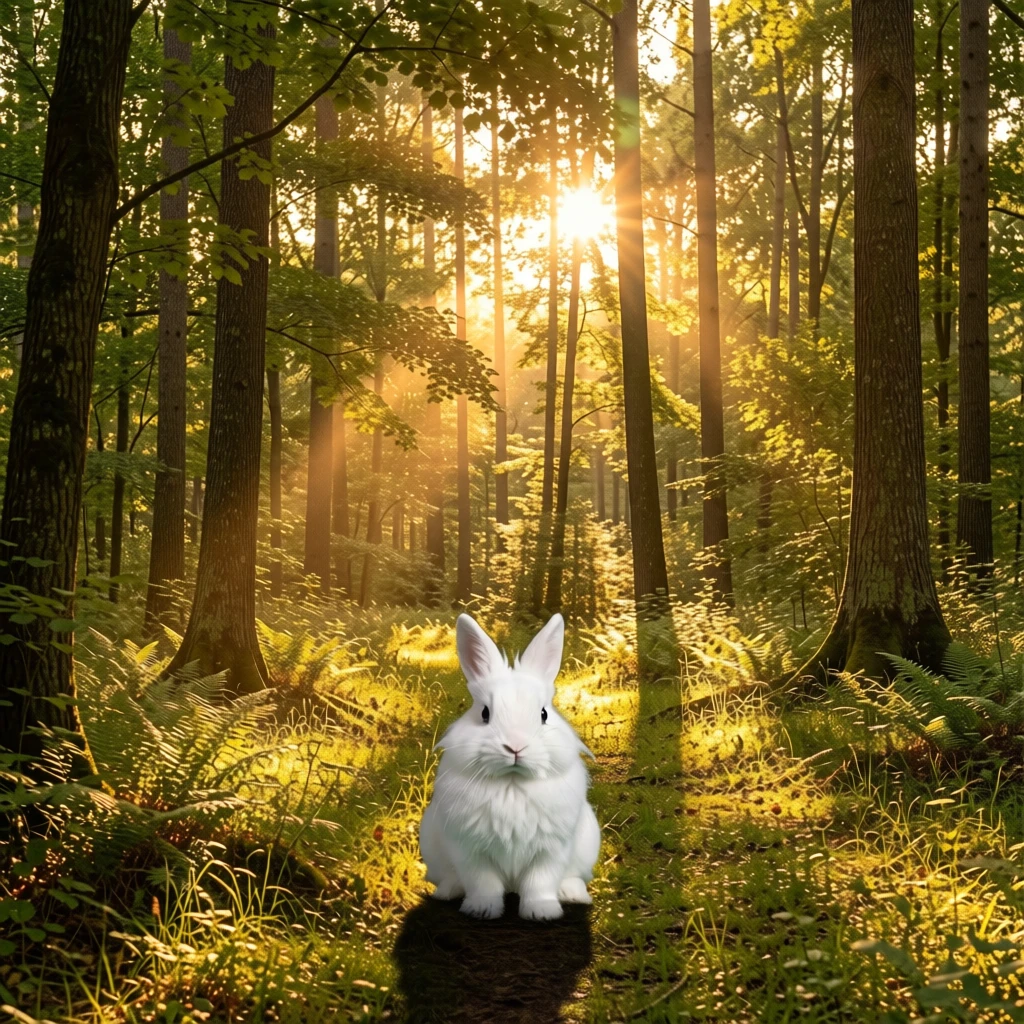
Seed 77. Klein is nearly identical to seed 42 — the distilled model produces very consistent output. Qwen varies more between seeds.
vs Edit-only (subject as reference image)
A fairer baseline than prompt-only: feed the original rabbit image to the edit model and prompt “place this rabbit in a sunlit forest clearing.” The model gets the subject directly — no compose step.
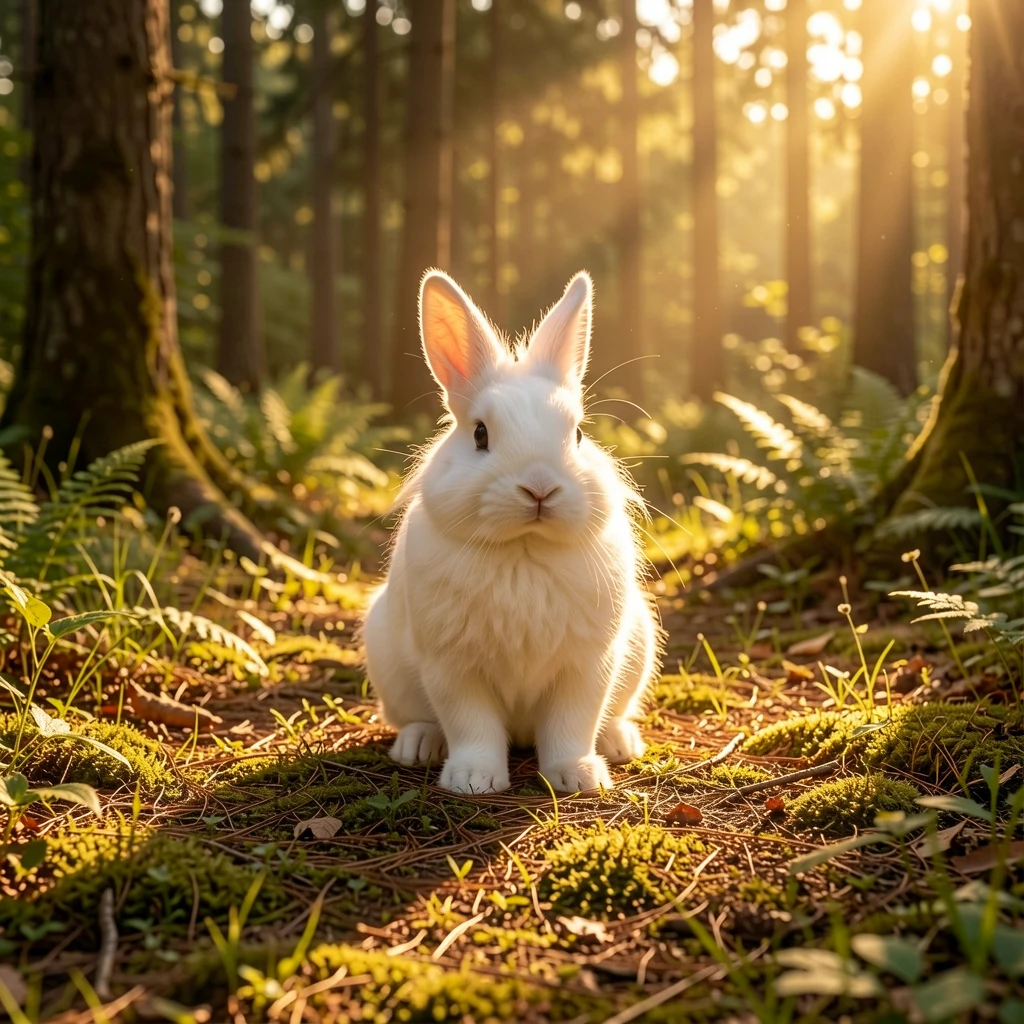
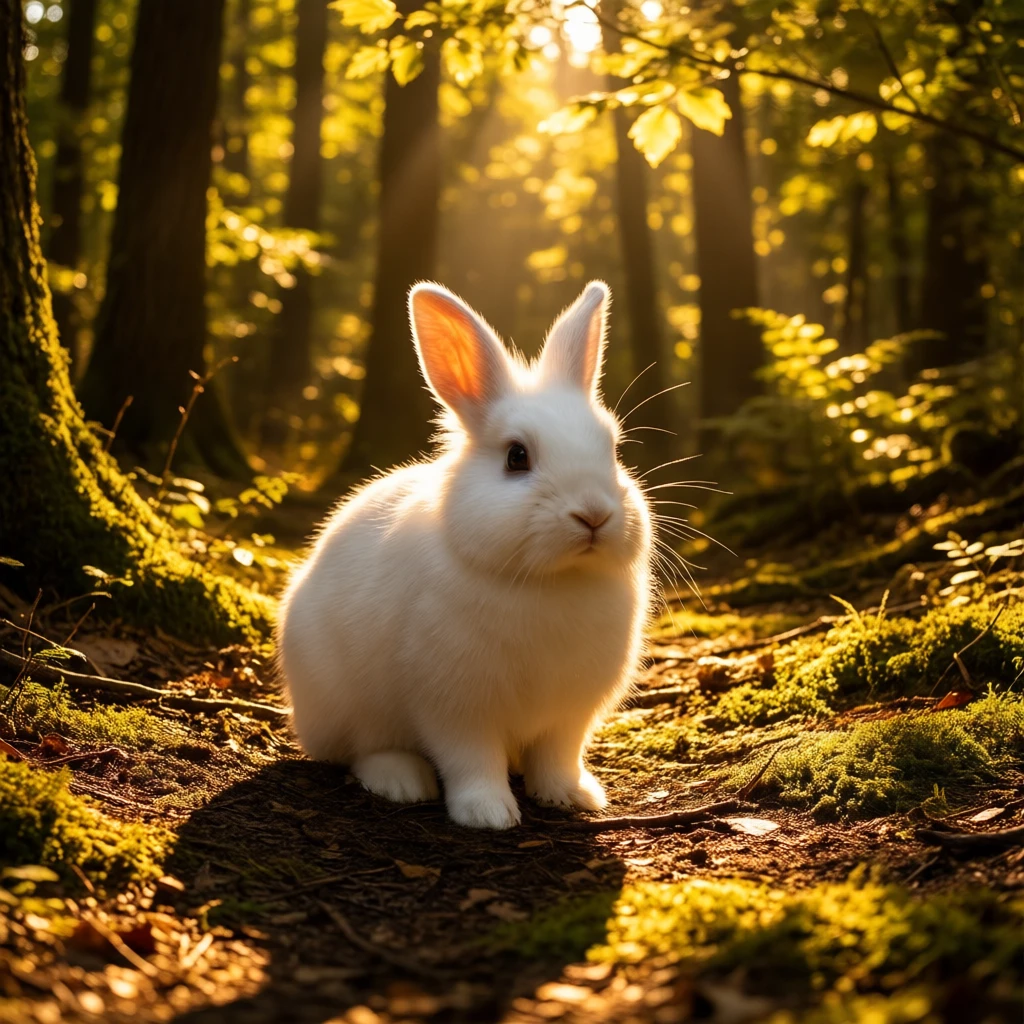
Edit-only: the model placed the rabbit in a forest scene itself. Both look great, but the rabbit's pose and angle shifted — Klein rotated the face slightly, Qwen added dramatic backlighting that changed the fur appearance. Compose+edit preserves the exact source pose.
The edit-only results are good photographs. But you lose precise control: the model chose where to place the rabbit, at what scale, and it modified the rabbit’s appearance (different face angle in Klein, different lighting on fur in Qwen). Compose+edit keeps the exact source pose and lets you specify position.
vs Prompt-only
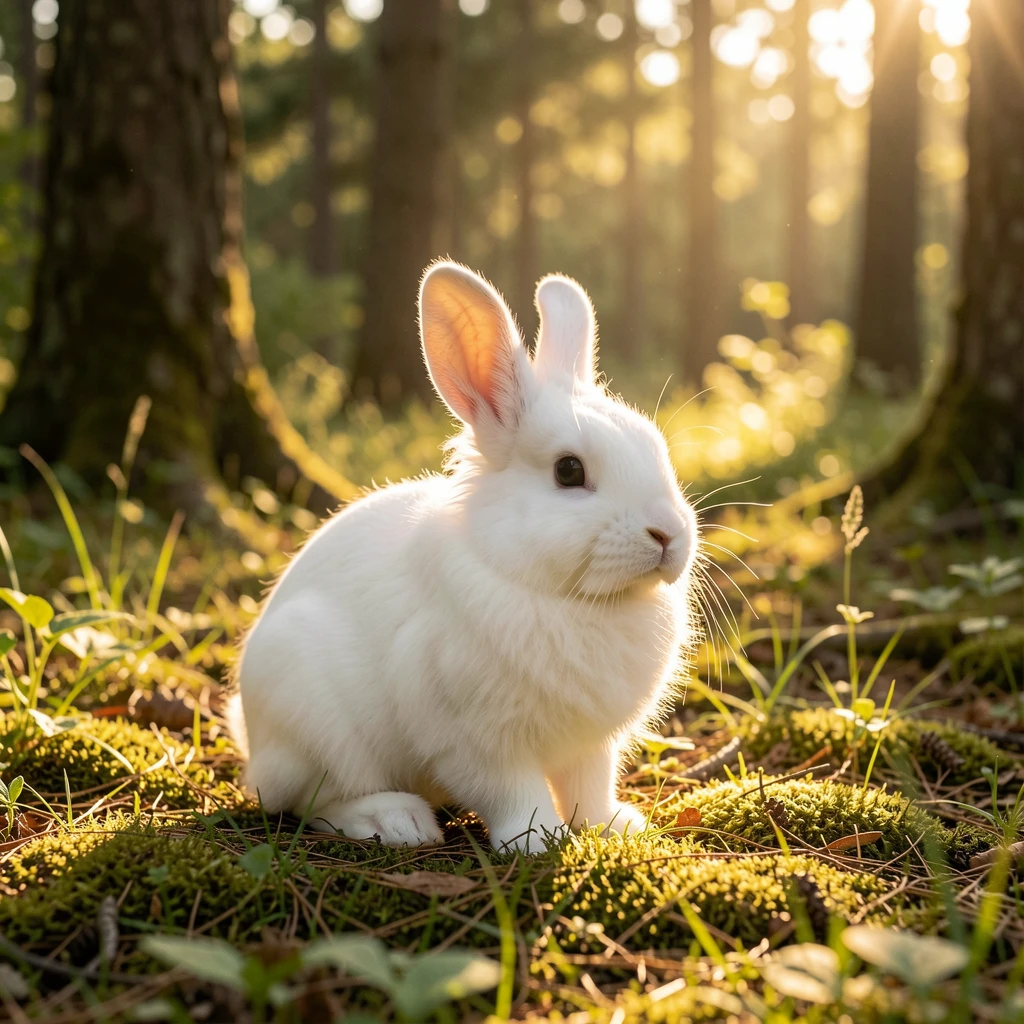
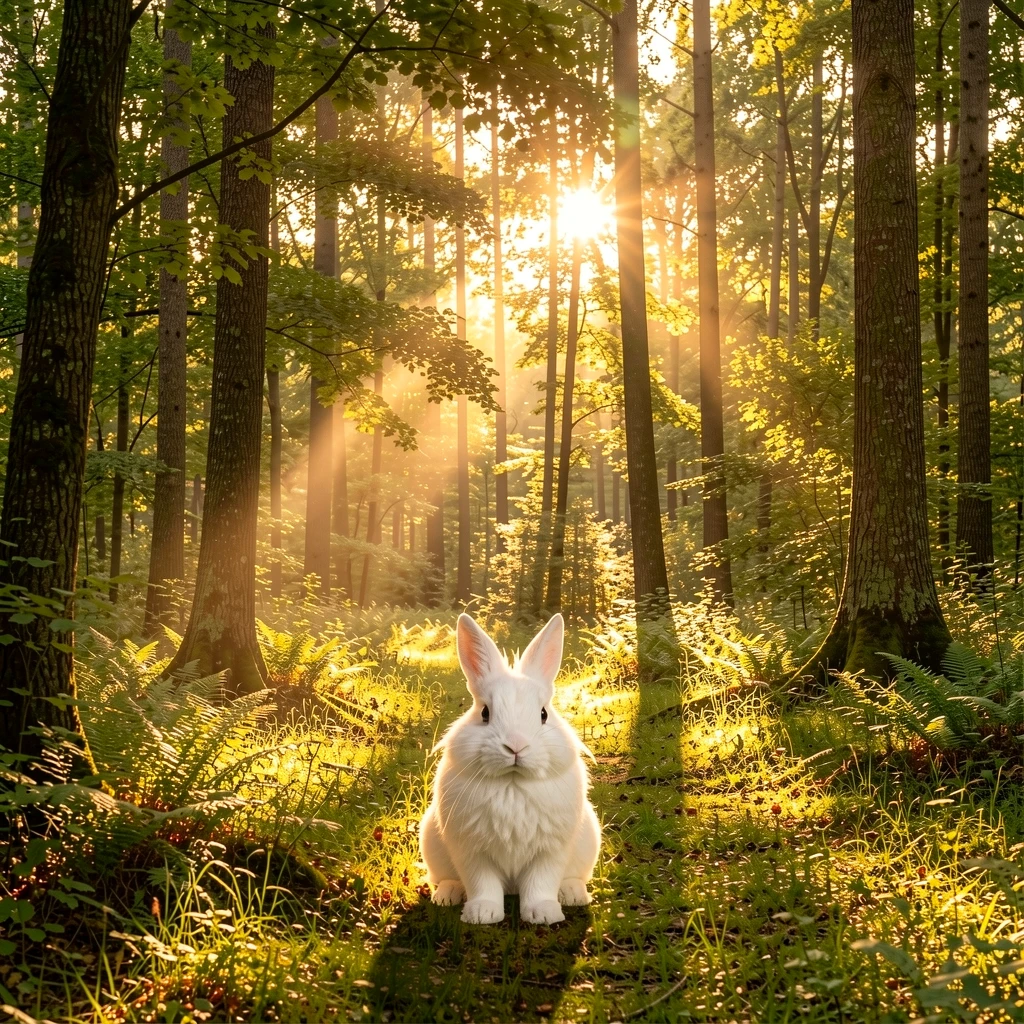
Prompt-only produces a better photograph (sharper, more detail, bokeh). But it's a completely different rabbit at a different scale and position.
Prompt-only wins on raw image quality — single-pass generation is more coherent than compose+edit. But it generates a different rabbit. For consistency-critical workflows (product placement, character continuity), that defeats the purpose.
Scenario 2: Product photography (sneaker on marble)
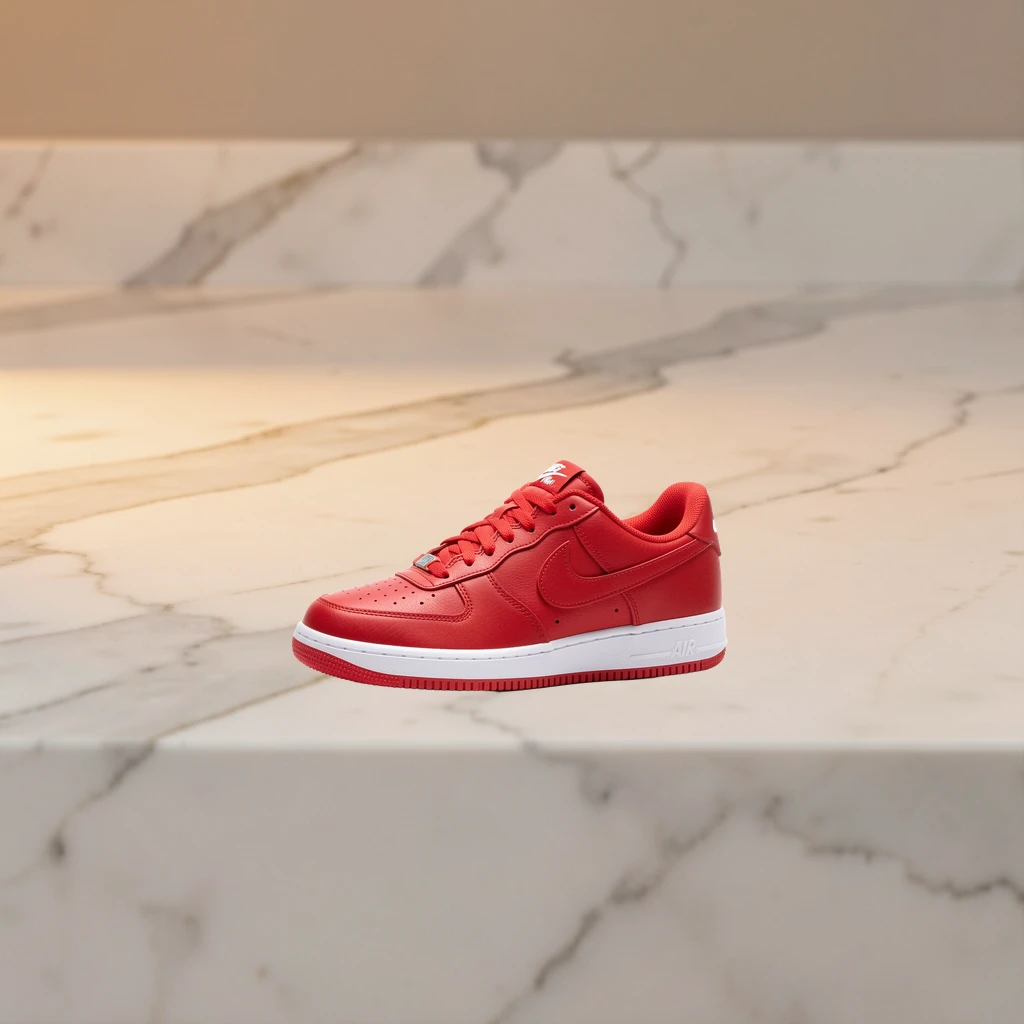
Raw composite. The sneaker floats — no contact shadow, no surface interaction.
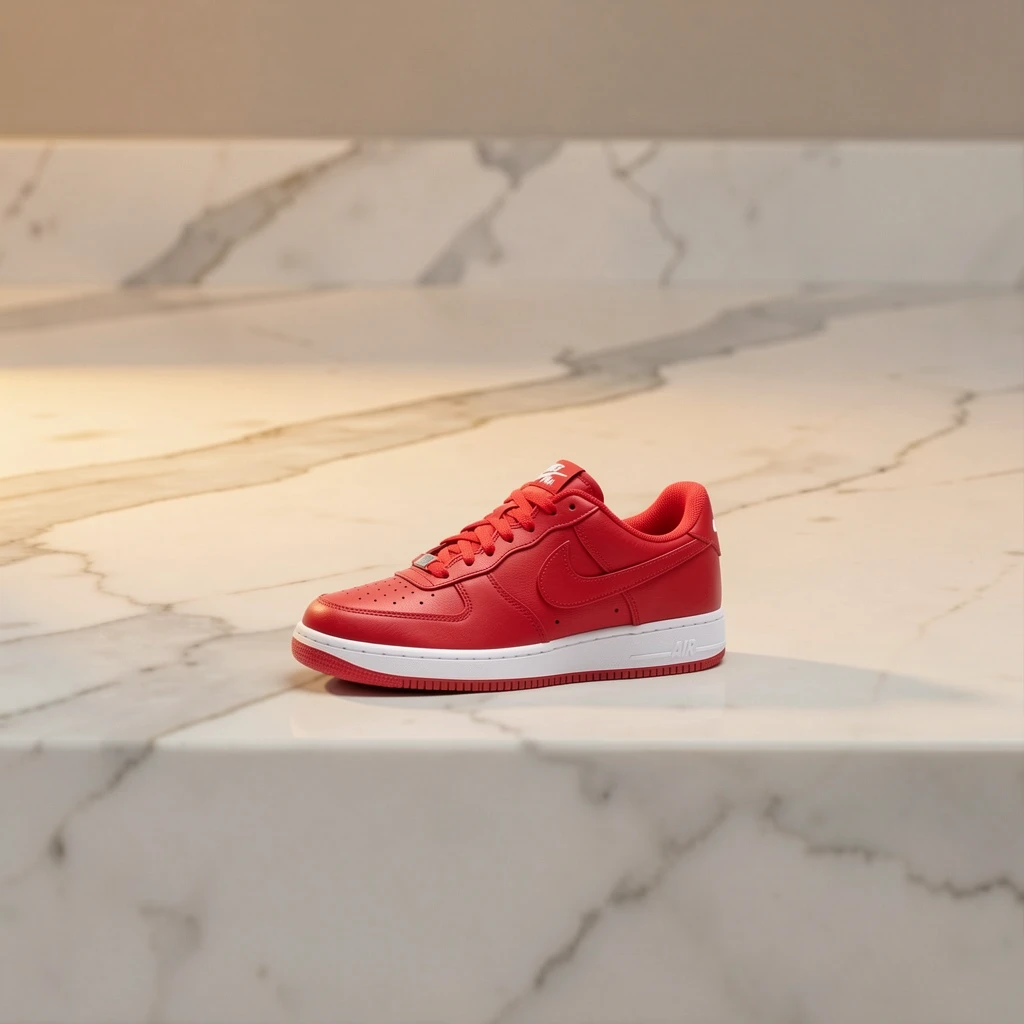
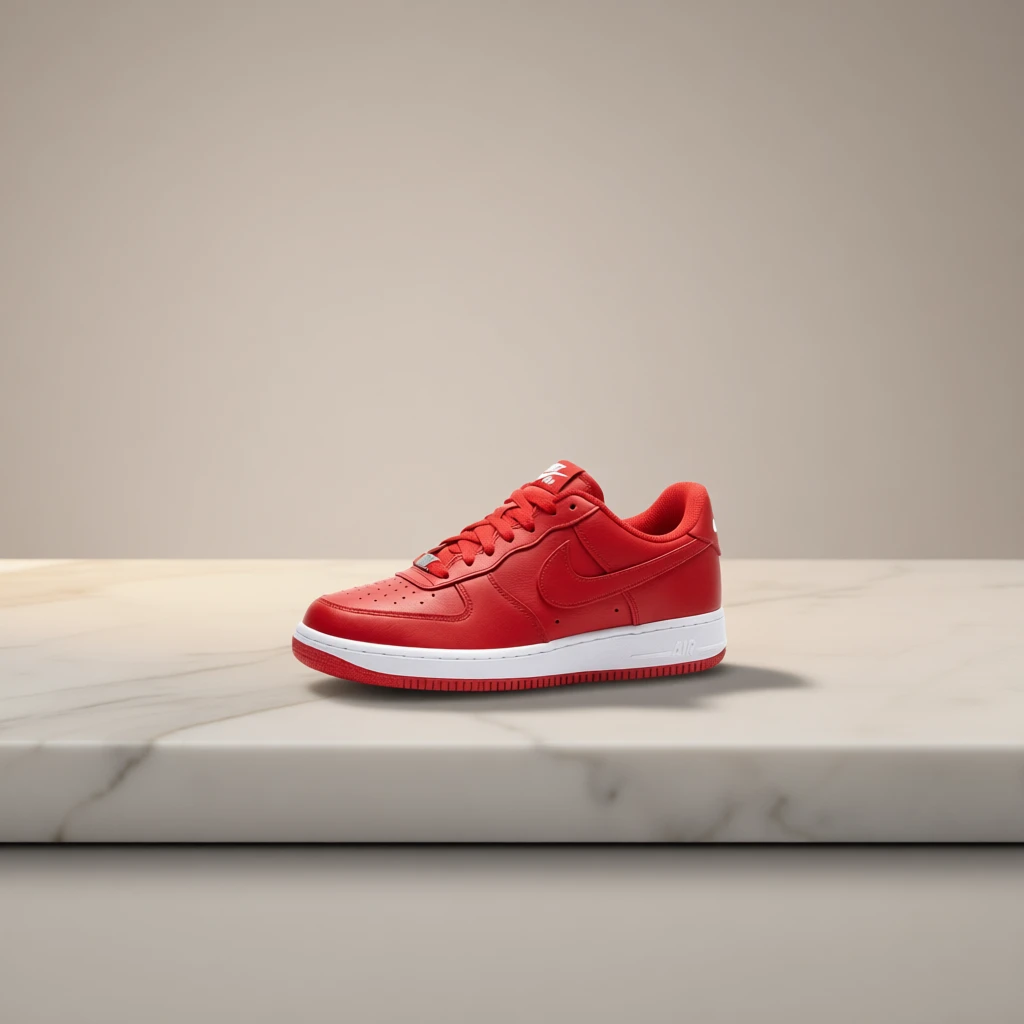
Klein kept the sneaker at the exact same scale and position — conservative edit, mostly edge cleanup. Qwen shrank the sneaker significantly and zoomed out. For product photography where exact framing matters, Klein is more predictable.
Qwen-Edit-2511 sometimes rescales subjects in compose+edit workflows. The sneaker shrank to about 60% of its composed size across all 3 seeds. Klein preserved the exact scale every time. If precise sizing matters (product photography, e-commerce), Klein is the safer choice for the edit pass.
vs Edit-only baseline
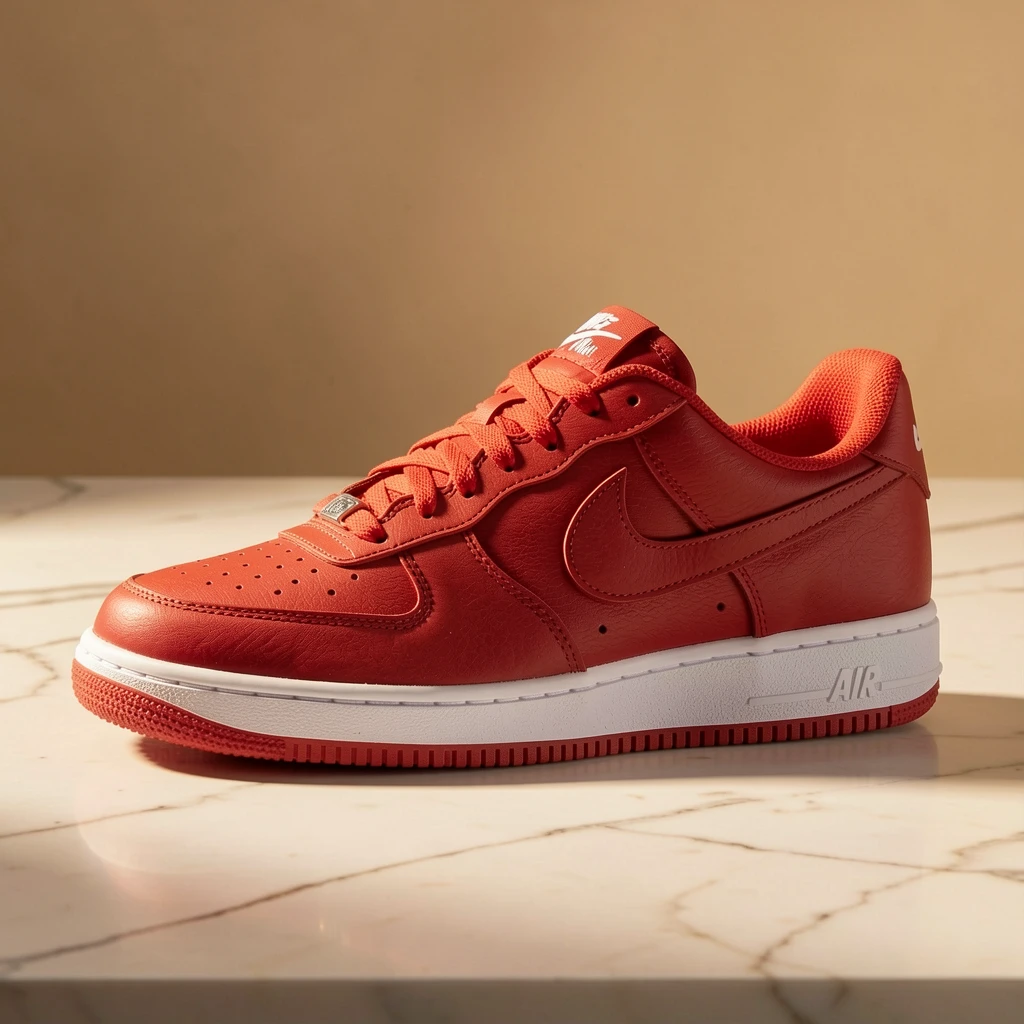
Compose+edit preserved the exact angle from the source image. Edit-only (ref image) kept the shoe recognizable but changed the viewing angle and scale. Prompt-only generated a completely different shoe.
Three tiers of control: compose+edit gives exact position/angle, edit-only gives same subject but model chooses framing, prompt-only gives same category but different product entirely.
Scenario 3: Multi-object arrangement (coffee + book)

Two-layer composite: coffee at position 0.3,0.5 (left), book at 0.7,0.55 (right).


Both models correctly inferred shadow direction from the background's window light. The coffee cup shadow falls right, exactly where morning light would cast it. This was the best scenario for both models — strong directional light in the background gives a clear integration signal.
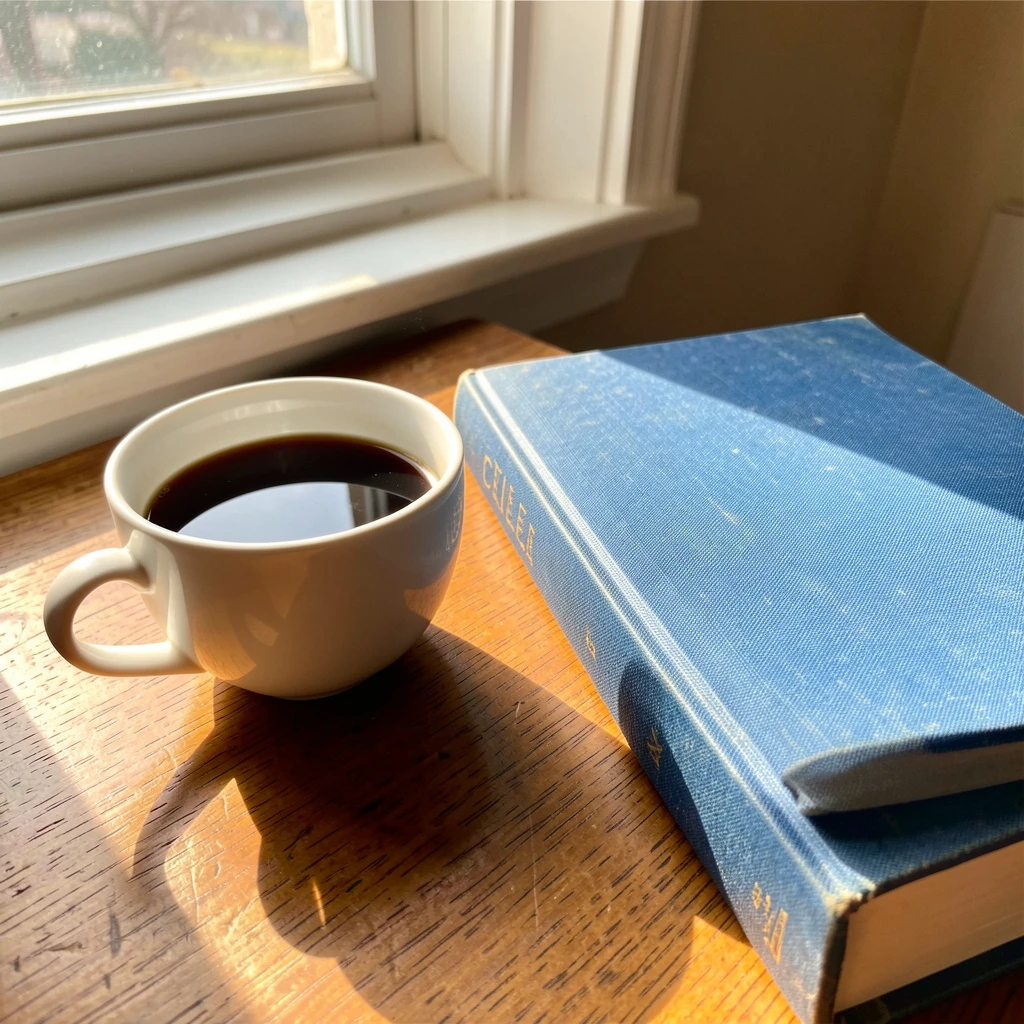
Compose+edit: cup left, book right, exactly as specified. Prompt-only: model crammed both objects together in a close-up with a different book (aged, spine text visible). Zero control over arrangement.
Edit prompt ablation
Does the prompt matter? We tested 5 prompts on the same rabbit composite, same seed (42), both models.
| # | Prompt | Klein 9B | Qwen 2511 |
|---|---|---|---|
| 1 | ”make it look real” | Baseline | Baseline |
| 2 | ”photorealistic” | ~identical to 1 | ~identical to 1 |
| 3 | ”photorealistic integration, unified lighting, natural shadows” | ~identical to 1 | Slightly different color grading |
| 4 | ”…unified forest lighting, natural ground shadow, preserve rabbit identity” | ~identical to 1 | More pronounced shadow |
| 5 | ”professional wildlife photograph…atmospheric haze, preserve the rabbit exactly” | ~identical to 1 | Added haze/mist, changed mood |
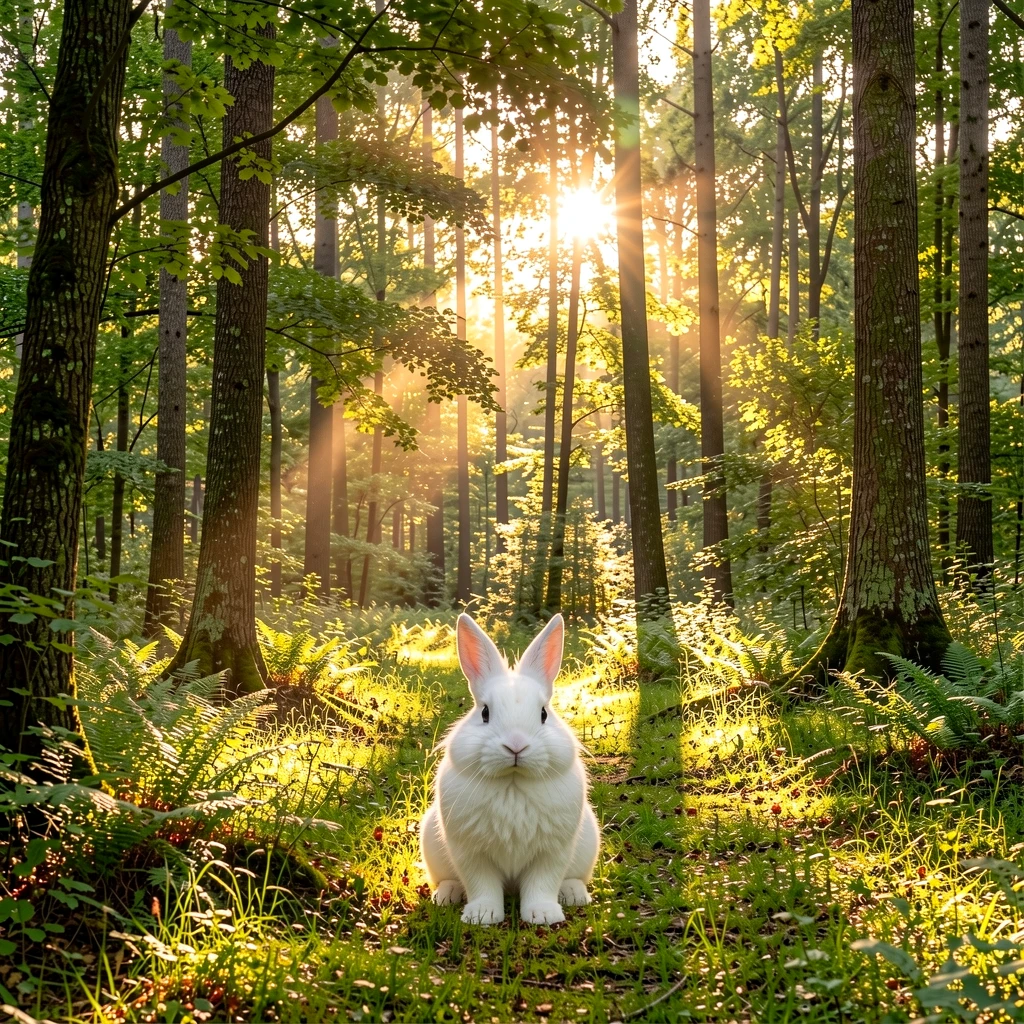
Klein 9B: prompt 1 ('make it look real') vs prompt 5 (detailed wildlife description). Nearly identical output. The distilled model ignores prompt nuance.


Qwen 2511: same comparison. Prompt 5 added atmospheric haze, changed the entire mood of the scene. Qwen responds to prompt detail — Klein does not.
Klein 9B (distilled, 4 steps) produces nearly identical output regardless of prompt complexity. It relies on visual context, not text. Qwen-Edit-2511 (non-distilled, 40 steps, true CFG) responds to prompt detail — you can direct shadow placement, atmospheric effects, and mood. Use Klein for fast iteration with predictable results, Qwen for fine-tuned control when speed doesn’t matter.
How this compares to alternatives
Compose+edit isn’t the only way to control placement. Here’s how it stacks up:
ControlNet (depth/pose/canny maps) gives structural control over generation — you define edges or depth, and the model fills in. Good for matching a pose or layout, but you’re generating a new subject, not placing an existing one. Compose+edit preserves your exact source subject.
Inpainting (modl generate —mask) lets you regenerate a region of an existing image. Good for replacing parts of a scene, but you don’t control what the model puts there — you just define where. Compose lets you specify both where and what.
IP-Adapter / style-ref transfers style or identity from a reference image into a generation. Closest to the “edit-only” baseline we tested above — you get the same subject but the model chooses framing and position.
Photoshop Generative Fill is the closest commercial equivalent. The difference: modl’s pipeline is CLI-scriptable, batch-friendly, and uses your own GPU. You can loop compose→edit→score without leaving the terminal.
| Approach | Controls position? | Preserves exact subject? | Scriptable? | Speed |
|---|---|---|---|---|
| Compose + Edit | Yes | Yes | Yes | ~5s (Klein), ~4min (Qwen) |
| ControlNet | Structure only | No (generates new) | Yes | Varies |
| Inpainting | Where, not what | No | Yes | Varies |
| IP-Adapter / style-ref | No | Approximate | Yes | Varies |
| Photoshop Gen Fill | Yes (GUI) | No | No | Cloud-dependent |
What we learned
Generate subjects on colored backgrounds
Our first attempt used a white rabbit on a white background. BiRefNet couldn’t segment it — half the rabbit became transparent. The fix: generate on a contrasting solid color (“studio photo on dark green background”). BiRefNet then produces clean masks with soft alpha edges on fur and whiskers.
Klein 9B: fast, predictable, prompt-blind
Klein is the workhorse for iteration. 4 steps, ~5s on a 4090, highly consistent between seeds and prompts. The tradeoff: it does minimal integration work — mostly edge cleanup and subtle color adjustment. It won’t add shadows the background doesn’t strongly imply.
Qwen 2511: slow, powerful, prompt-responsive
Qwen does real integration: ground shadows, atmospheric effects, color grading. But it’s ~48x slower (~4 min vs ~5s), sometimes rescales subjects, and varies more between seeds. At that speed, Qwen isn’t viable for batch exploration — four seeds takes 16 minutes. It’s a final-render tool: explore layouts with Klein, then run Qwen once on the winner with a carefully crafted prompt.
The compose step earns its keep
Comparing compose+edit vs edit-only (subject as ref image): both produce good results, but edit-only changes the subject’s pose, angle, and scale. Compose locks those down. The compose step is free (sub-second CPU) and gives you deterministic positioning that the edit model can’t override.
The compose→edit→score loop
Quick reference
The full pipeline, copy-paste ready:
Klein for iteration, Qwen for hero shots. Compose once, reroll edits.