Free & Open Source CLI · Local-First · Rust + Python

modl

Train a LoRA from photos, generate images of yourself.
Two commands, no setup.

terminal
$ modl train --dataset ./photos --base flux-dev --name my-style
▸ Training ████████████████ 1500/1500 steps
LoRA saved: my-style
 
$ modl generate "me on a rooftop at sunset" --lora my-style
▸ Generating ████████████████ 20/20 steps
~/.modl/outputs/2026-03-23/001.png

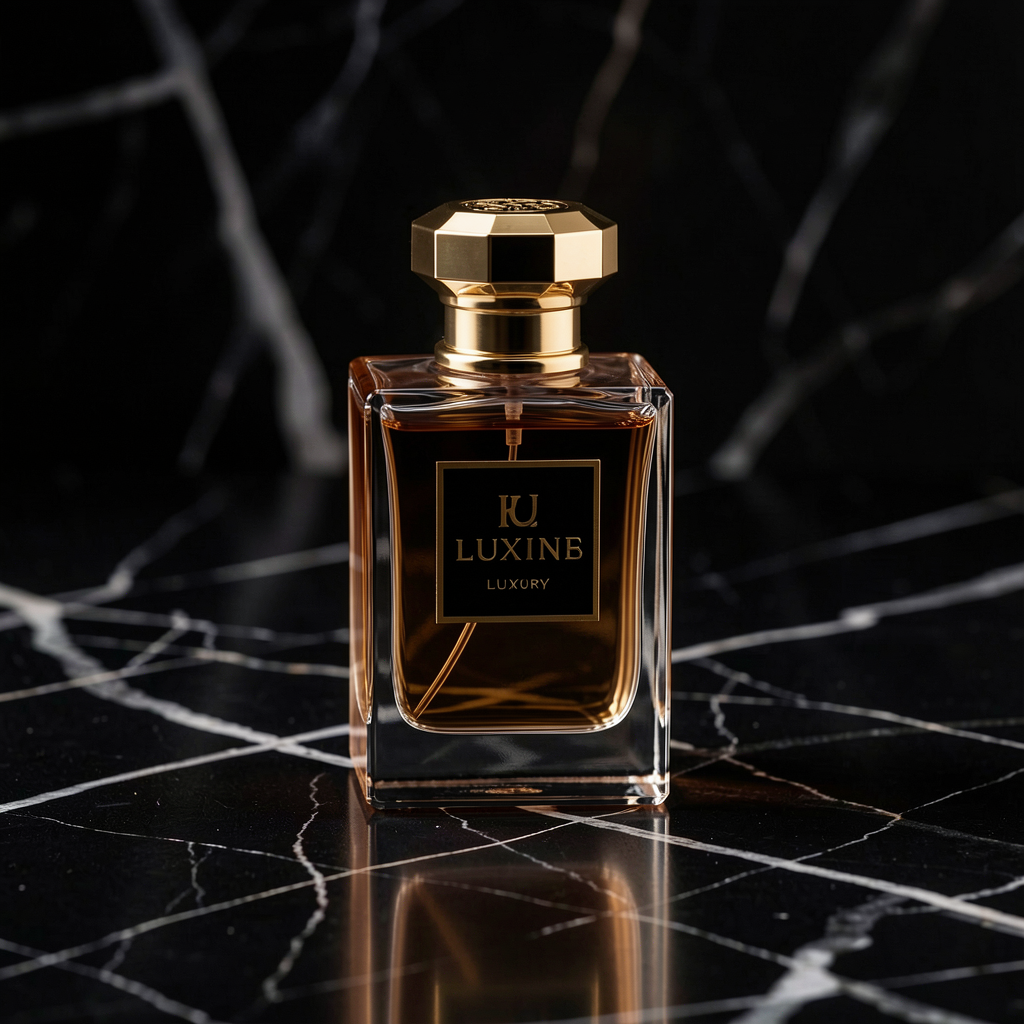
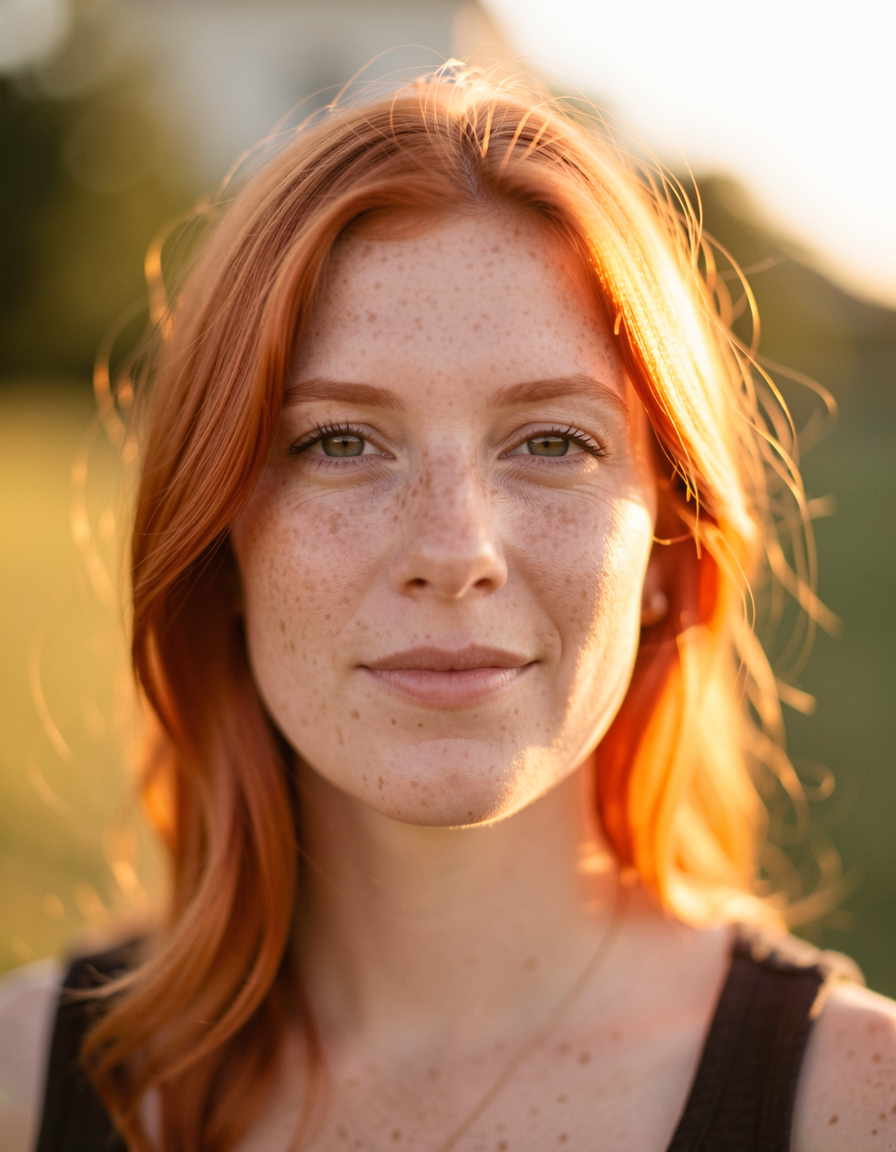
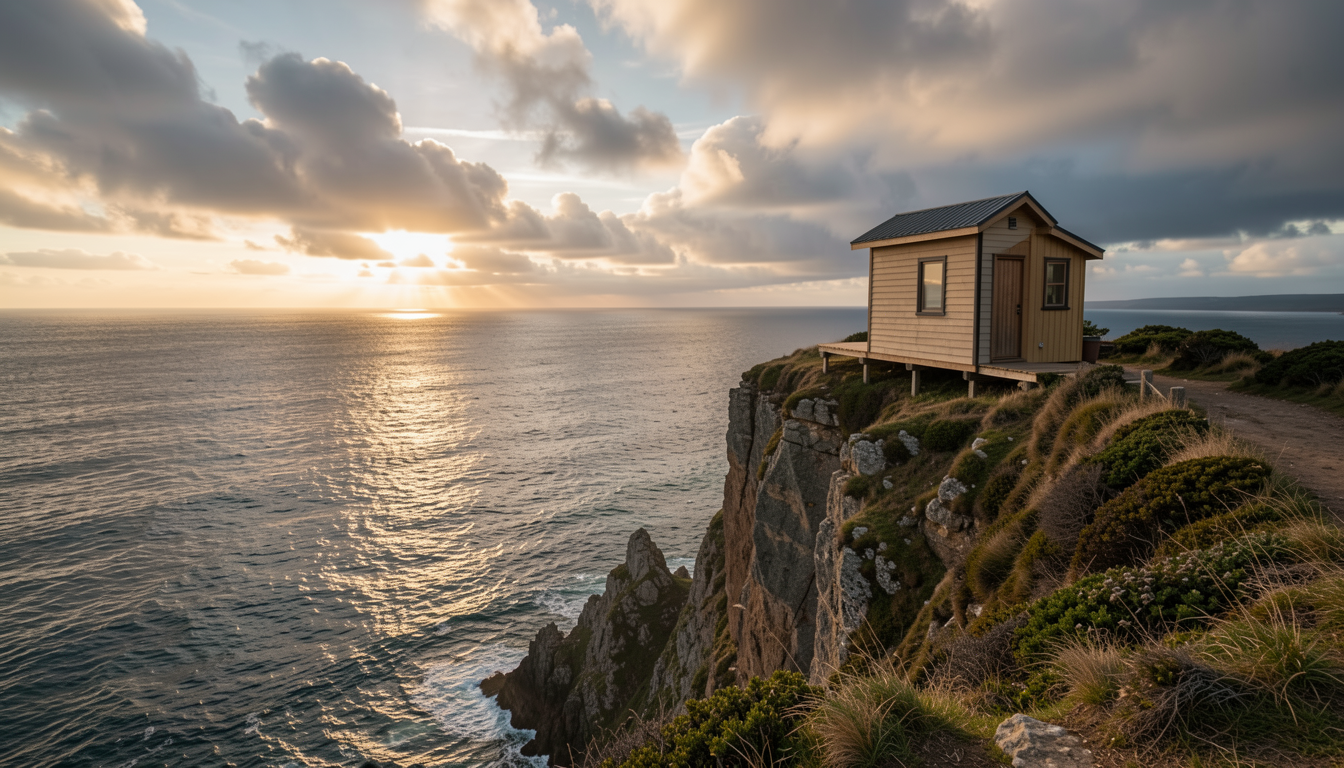
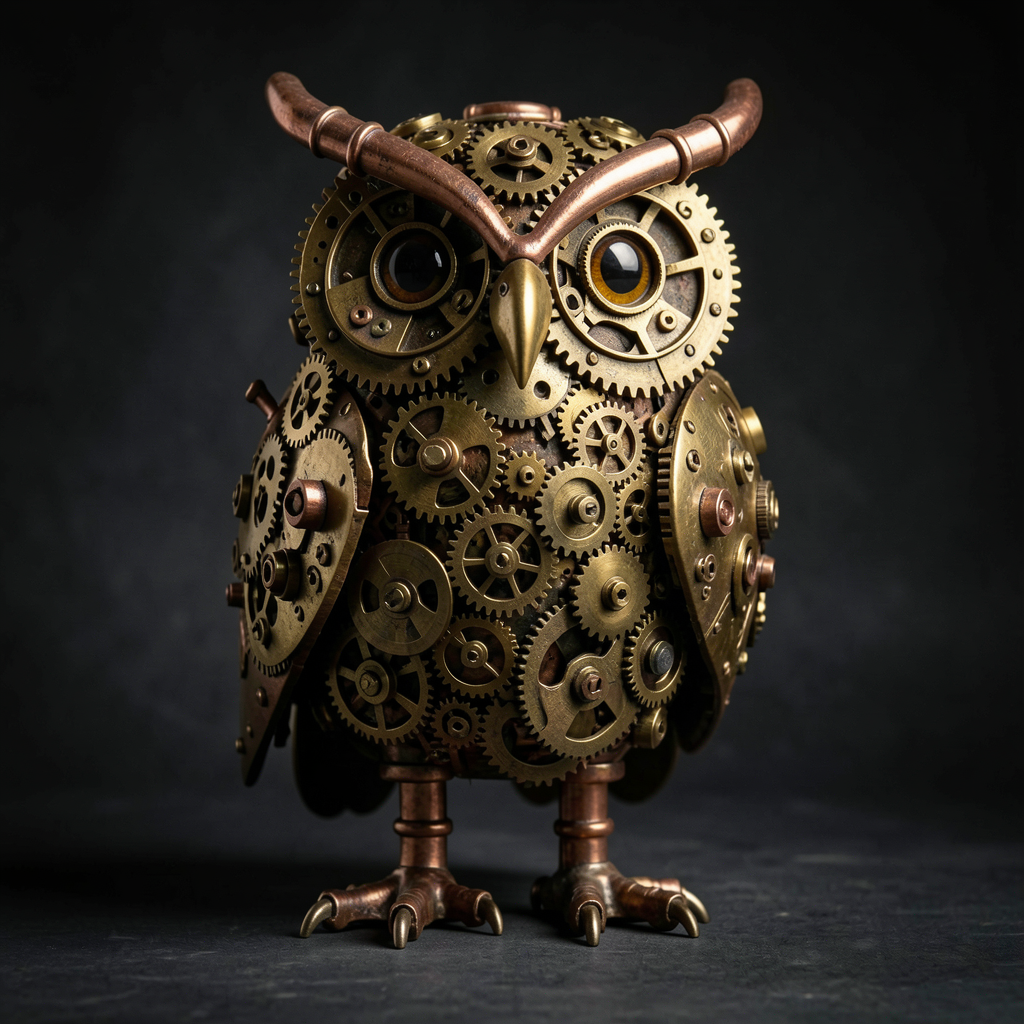
Product photography — perfume bottle on marble Portrait — red hair, golden hour Landscape — house on a cliff Steampunk owl — creative generation LoRA result — trained Pomeranian in space

Generated with modl — products, portraits, landscapes, art, and your own trained subjects

curl -fsSL https://modl.run/install.sh | sh
Star on GitHub 13

No GPU? No Problem

Train LoRAs on cloud A100s. Same CLI, same results. Your photos never leave the pipeline.

$ modl train --dataset ./photos --base flux-dev --name my-style --cloud
▸ Uploading dataset (24 images)...
▸ Training on A100 ████████████████ 1500/1500 steps
LoRA saved: my-style (synced locally)
Coming soon

Get notified when cloud training launches.

Let Your AI Agent Generate Images

Every command outputs structured JSON with --json. Pipe it to a script or let Claude Code orchestrate entire workflows.

Script it

Every command has a --json flag. Parse output, chain steps, build pipelines.

$ modl generate "a castle at sunset" --json
{"status":"complete","path":"~/.modl/outputs/001.png","seed":42,...}
 
$ modl vision score ~/.modl/outputs/001.png --json
{"aesthetic":6.8,"artifact":0.02}
 
$ modl vision detect photo.jpg --json | modl process segment --stdin
{"masks":["mask_001.png","mask_002.png"]}

AI agent workflows

Claude Code, Cursor, or any tool-use LLM can call modl directly — generate, check quality, retry until satisfied.

# An LLM agent can run modl like any CLI tool
$ modl generate "a cat reading a book" --json
$ modl vision score output.png --json # check quality
$ modl vision detect output.png --json # find faces
$ modl generate "..." --seed 43 --json # retry if low score
 
# The agent loops until it's happy with the result

Supported Models

The best open models, one command away. Models auto-download on first use.

FLUX.1 Dev

The workhorse — 12B params, huge LoRA ecosystem

generate, train
$ modl pull flux-dev

FLUX.2 Klein

Next-gen from BFL — 4B/9B, native editing + training

generate, edit, train
$ modl pull flux2-klein-4b

Qwen Image

20B multimodal — best text rendering, instruction-based editing

generate, edit, train
$ modl pull qwen-image

Z-Image

6B from Alibaba — strong quality/size ratio, fast turbo variant

generate, train
$ modl pull z-image-turbo

SDXL

Stable Diffusion classic — massive community, proven LoRA library

generate, train
$ modl pull sdxl

Also includes vision tools (captioning, scoring, detection), image processing (upscale, remove-bg, segmentation), and ControlNet preprocessing. Plus 70+ supporting models — VAEs, text encoders, ControlNets, upscalers.

The Studio

Generate, train LoRAs, edit images, and browse outputs. Use the built-in web UI or the terminal — same engine underneath.

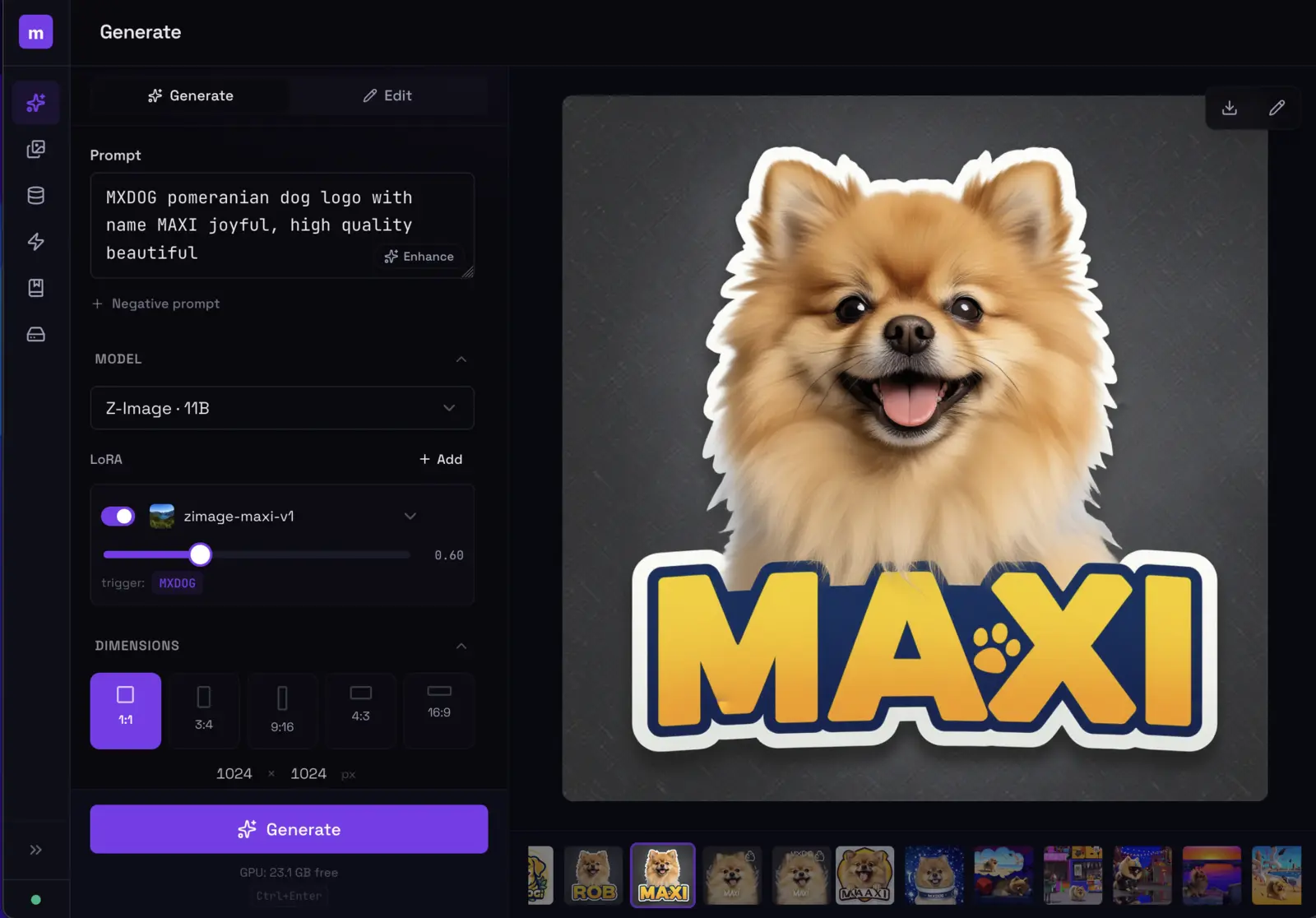
modl generate view with LoRA loaded showing a generated image
Generate with LoRAs
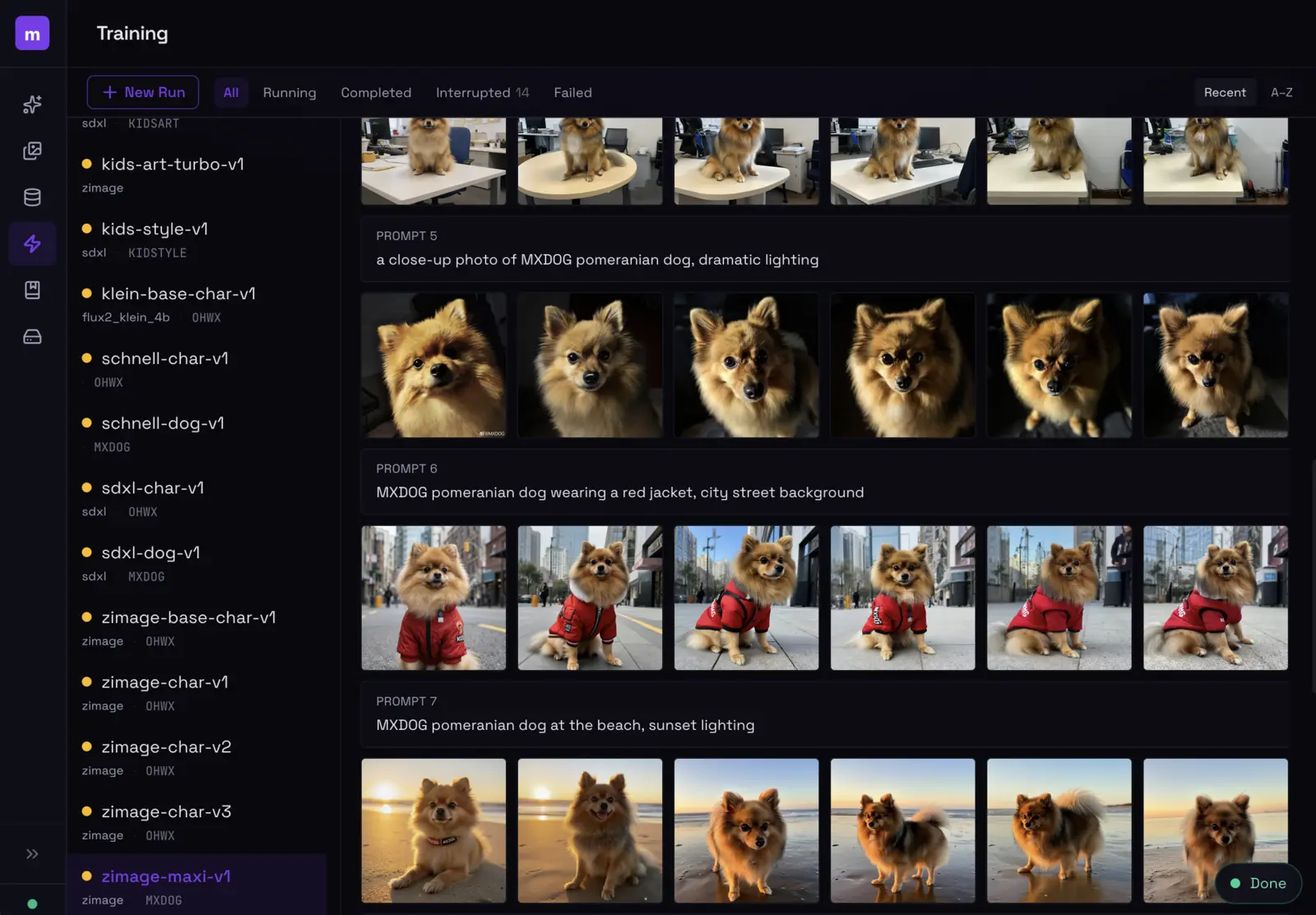
modl training dashboard showing LoRA training progress and sample evolution
Train LoRAs from photos
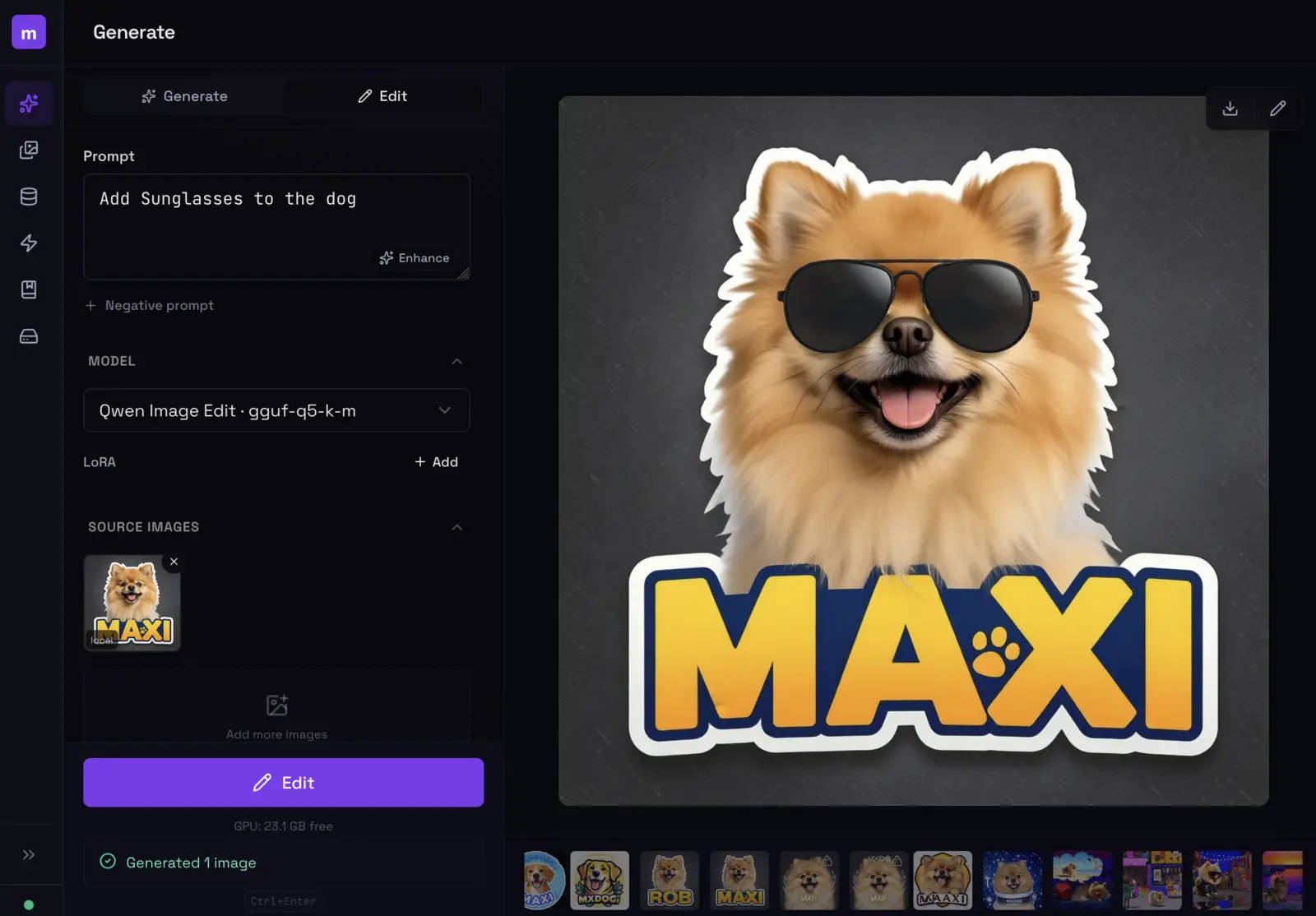
modl edit view using natural language to edit an image
Edit with natural language
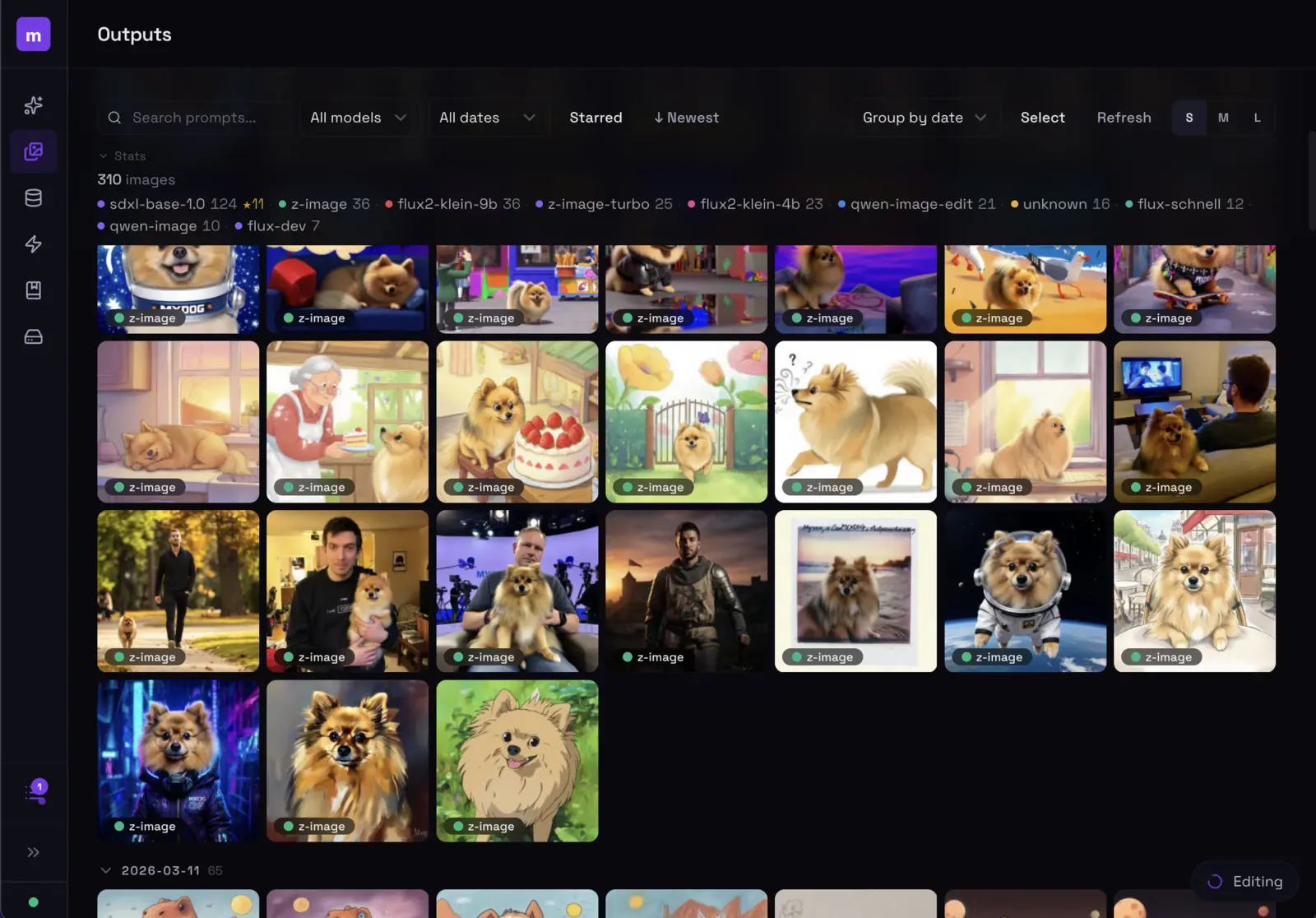
modl outputs gallery showing generated images grid
Browse & manage outputs

Launch with modl serve

Get Started

1

Install modl

curl -fsSL https://modl.run/install.sh | sh
or cargo install --git https://github.com/modl-org/modl

2

Train a LoRA

modl train --dataset ./photos --base flux2-klein-4b --name my-v1

Models download automatically on first use

3

Generate

modl generate "a photo of OHWX on a rooftop" --lora my-v1

or launch the web UI with modl serve